

John Deere 7×30 Series v 1.2

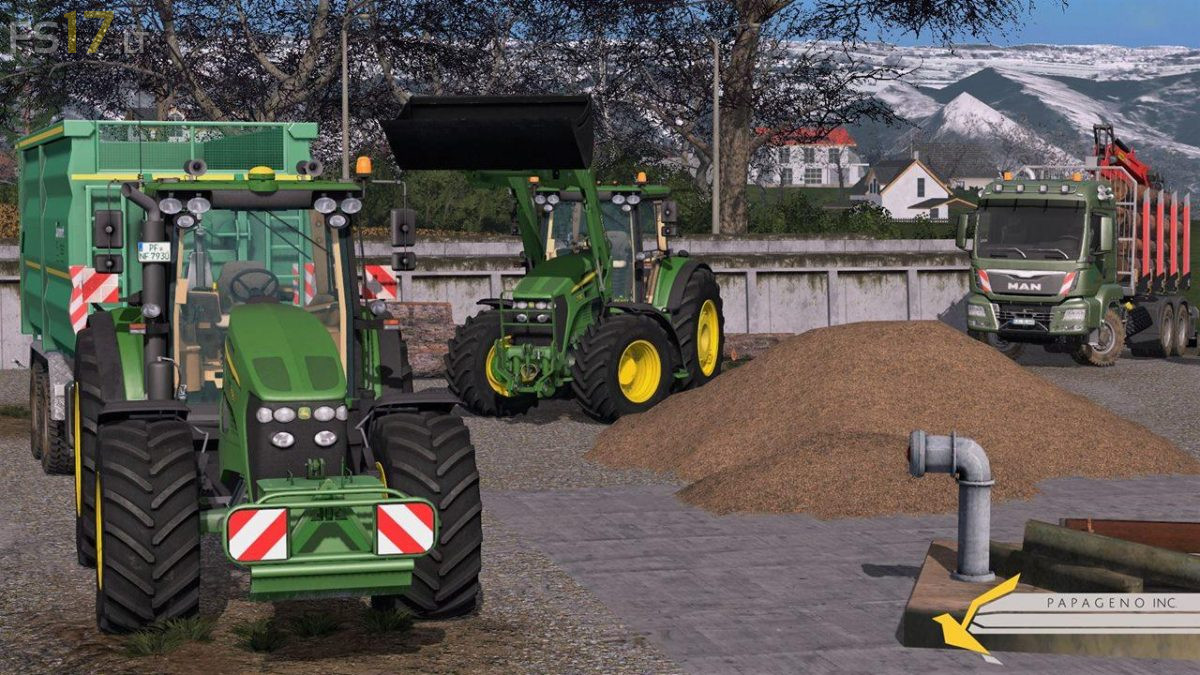
John Deere 7×30 Series v 1.2
This Tractor, offers three different types of motortypes. Additionally you can choose by buying the model you want, ist to add several configurations, like a frontloader, 10 different wheel types, warning signs, seed pipes, GPS or Terminals(or both), or little changes like horns on the roof or additional lights. After purchasing the vehicle the user is able to configurate his tractor in the cabine. He can decide wheter he wants to have front mudguards or not, or a additional RUL. Functions like wipers, change between toplights and normal lights, daytime light, opening door and window or the moving oft he steering wheel, are self evident.
Tipps:
For having the functional light, you have to change lights in the cabine only one time after purchasing the vehicle. Otherwise both lights (Top and Normal) will be activated by switching lights on.