

Timber Runner Wide Trailers Pack with Autoload v 1.0

Timber Runner Wide Trailers Pack with Autoload v 1.0
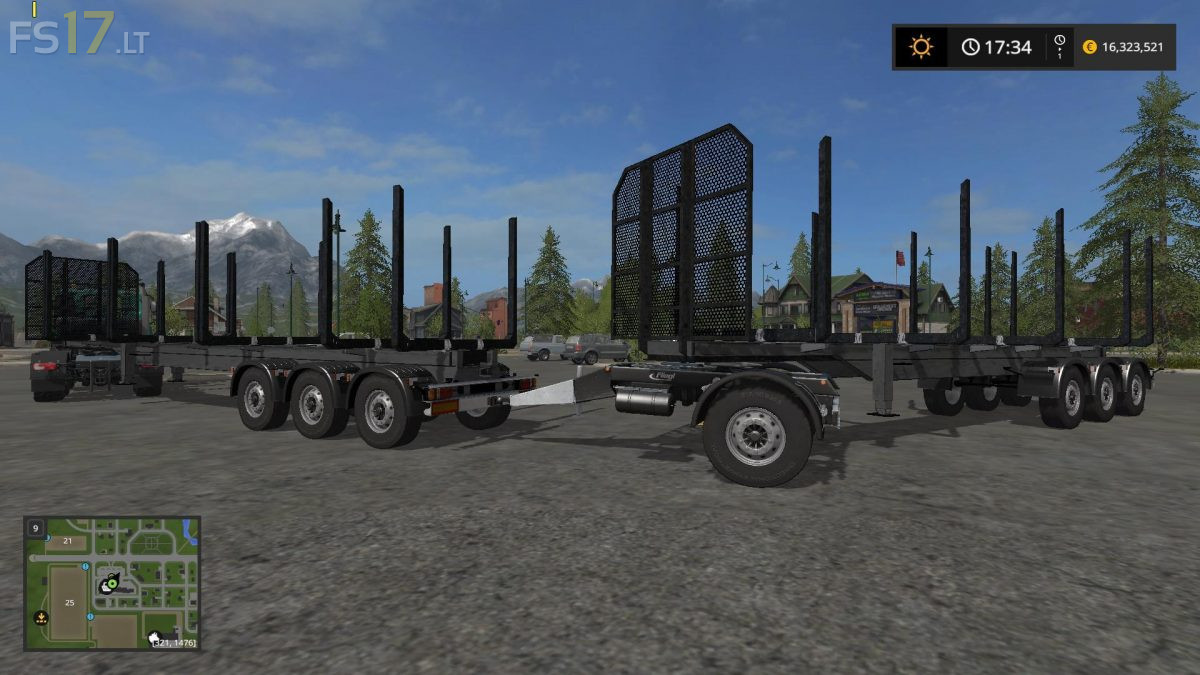
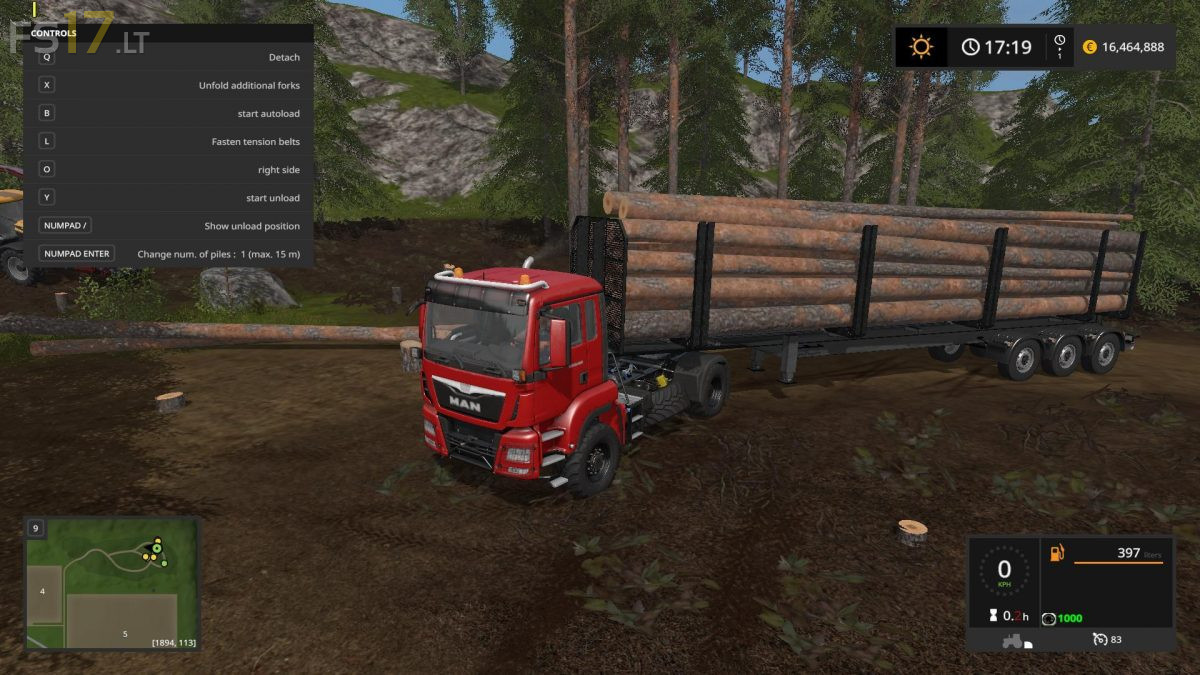
This is set of three timber trailers, which have larger space between forks, so you can load / unload them with front loader or big arm loaders. Autoload script was edited, so logs are now sorted to the piles.
12 m Trailer – 1 pile up to 12 m, 2 piles up to 6 m
15 m Trailer – 1 piles up to 15 m, 2 piles up to 7.5 m or 3 piles up to 5 m
20 m Trailer – 1 pile up to 20 m, 2 piles up to 10 m, 3 piles up to 6.5 m or 4 piles up to 5 m
– Added autoload script (thanks to Marhu)
– You can change number of logs piles on your trailer from 1 to 4
– You can show unload area to see where logs will be unloaded
– You can move, resize and rotate unload area
– Tension belts
– Added additional forks which can be folded / unfolded when you loading short logs to 3 or 4 piles (15m and 20m trailers)
– Added back attacher for trailer and trailerLow to all trailers
Controls:
KEY_X – fold / unfold additional forks (15m and 20m trailers)
KEY_B – start autoload
KEY_Z / Y – start unload
KEY_O – change side (left / right)
KEY_KP_enter – change number of piles
KEY_KP_minus – shift unload position
KEY_KP_plus – resize unload position
KEY_KP_multiply – rotate unload position
KEY_KP_divide – show / hide unload position
video review of this mod (link in video is identical with this one):
https://www.youtube.com/watch?v=tTrXTWDePhc