

Midtown USA Map v 1.0

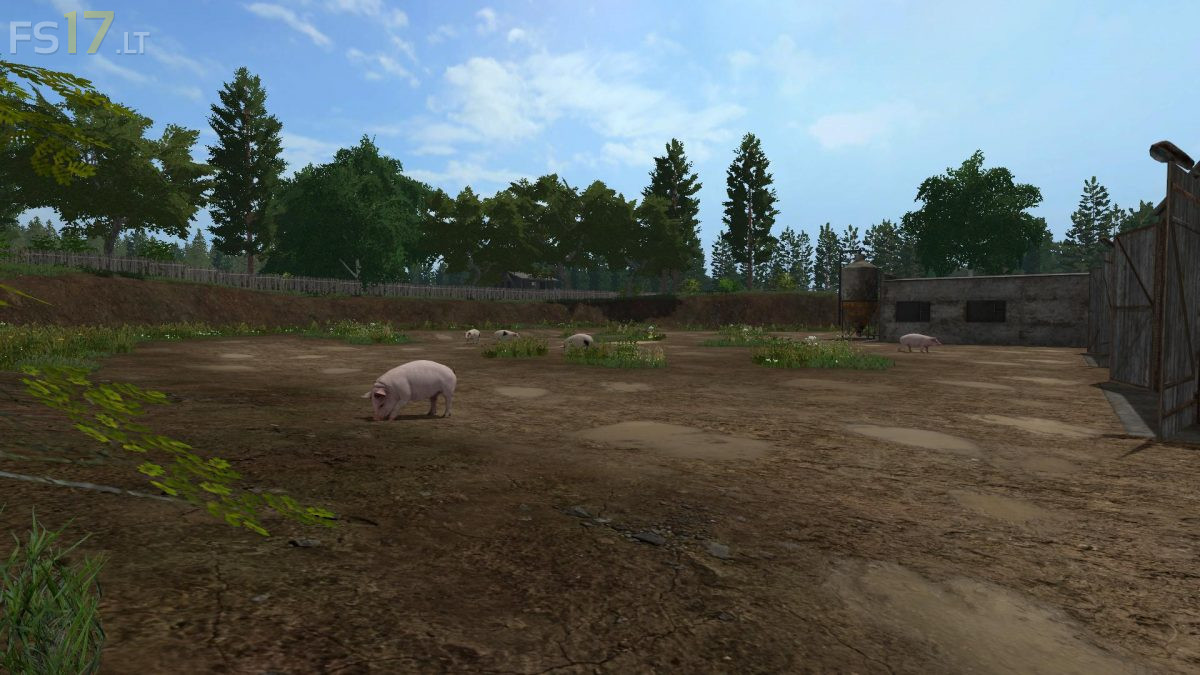
Midtown USA Map v 1.0
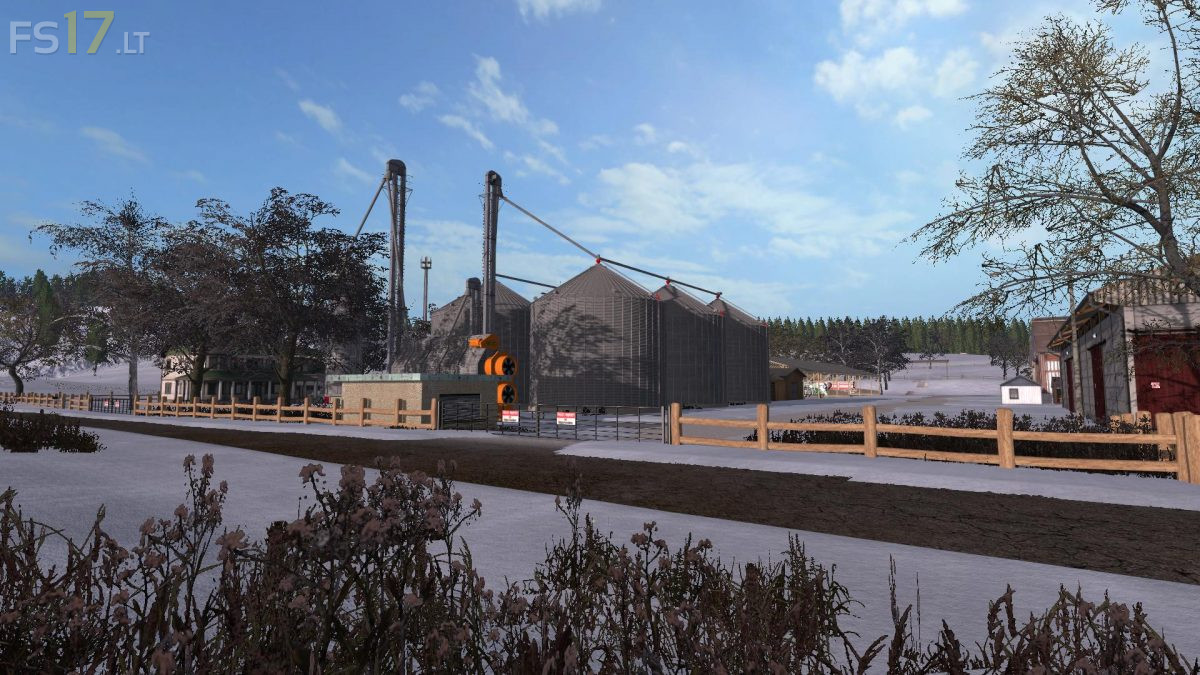
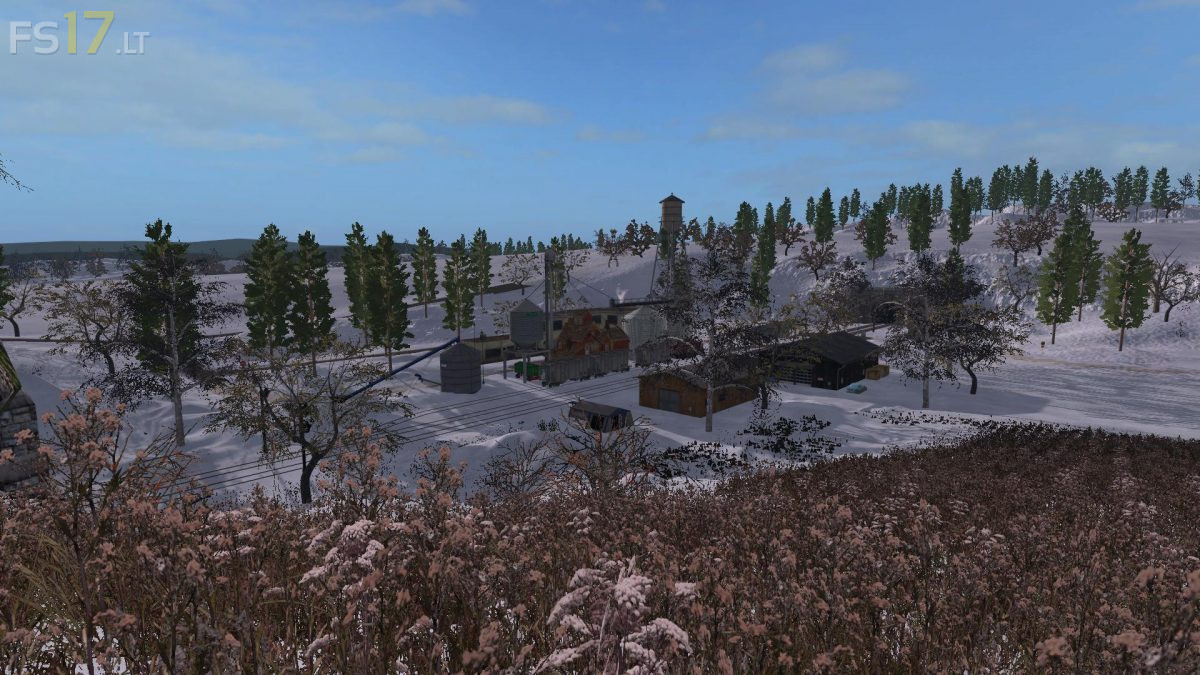
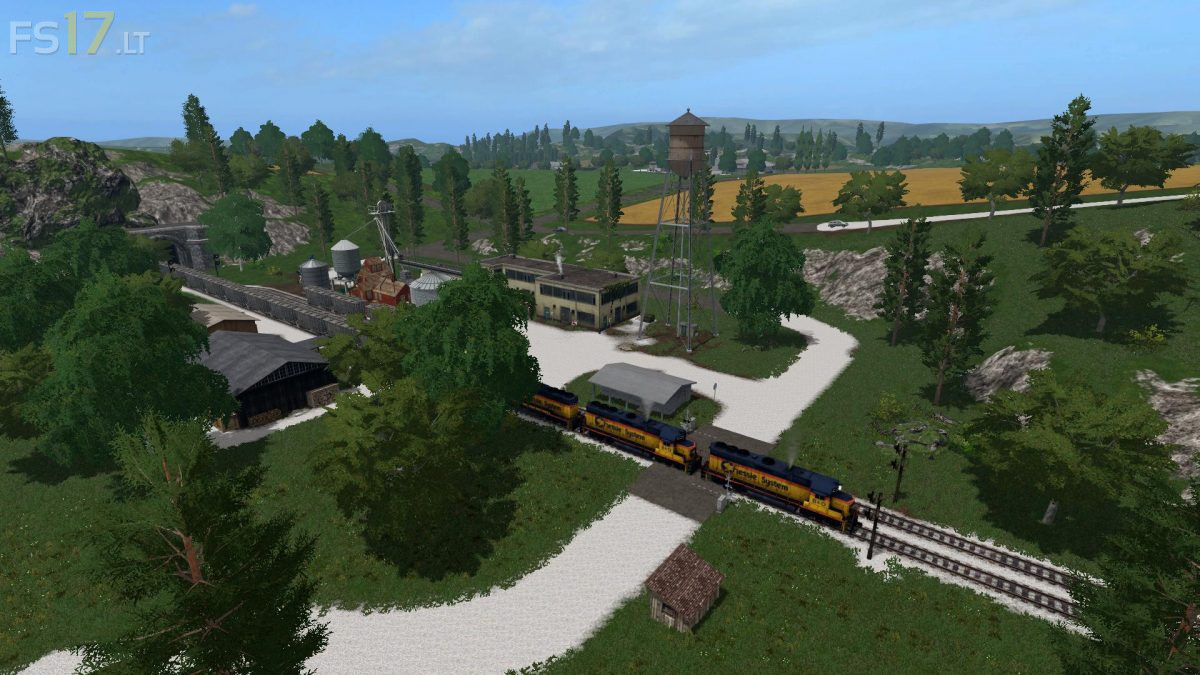
A small town surrounded by lush, fertile farmland located in the heartland of the United States. Based on the field layout of the stock 2015 map, the scenery and layout depicts a typical midwestern slice of American farming with realistic sellpoints, farm silo storage and even limestone gravel roads, and a long, fast moving train.
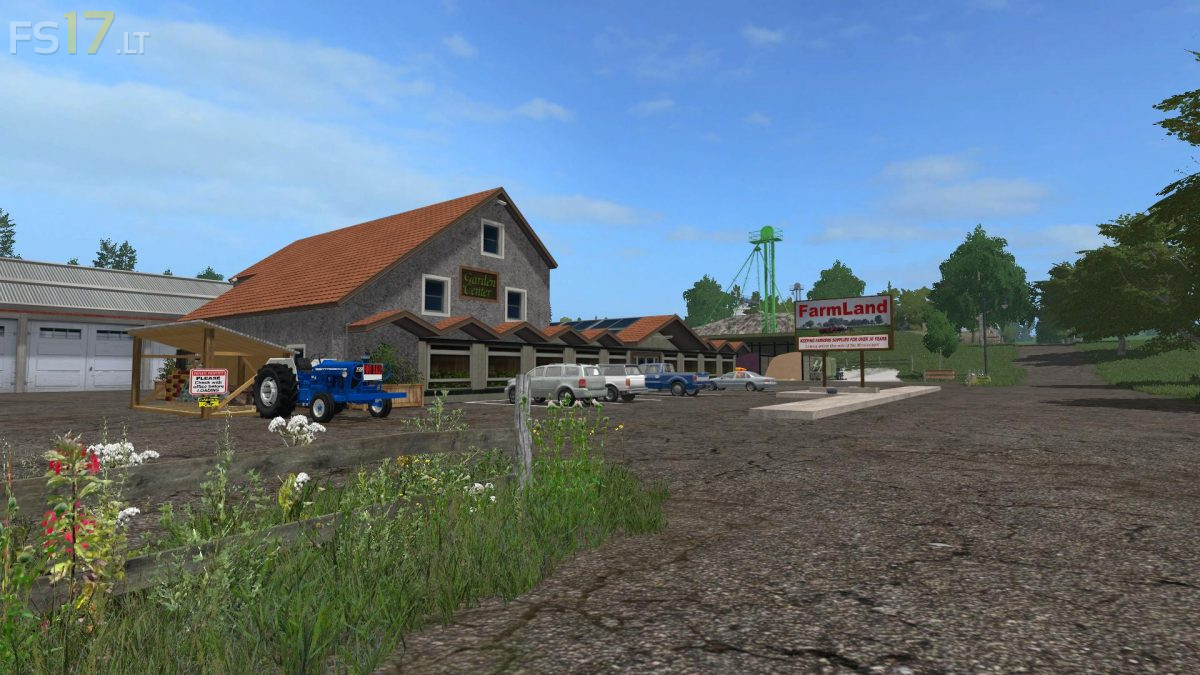
Large equipment will be needed to fully benefit from the spacious fields… the farm is large, with plenty of storage and everything close at hand. The large BGA depends on you to keep it going and the village depends on it for their power needs. You have full use of a compost plant, but must supply your own fuel and run the unit. The Garden Center pays a premium price for as much compost as you can bring to them. There is plenty to do in here. This map has all the default crops, including a field of spruces for forestry and 2 fields set up with grass which can be fertilized for greater yields. Season Mod ready.