

Show Me The Money v 2.0

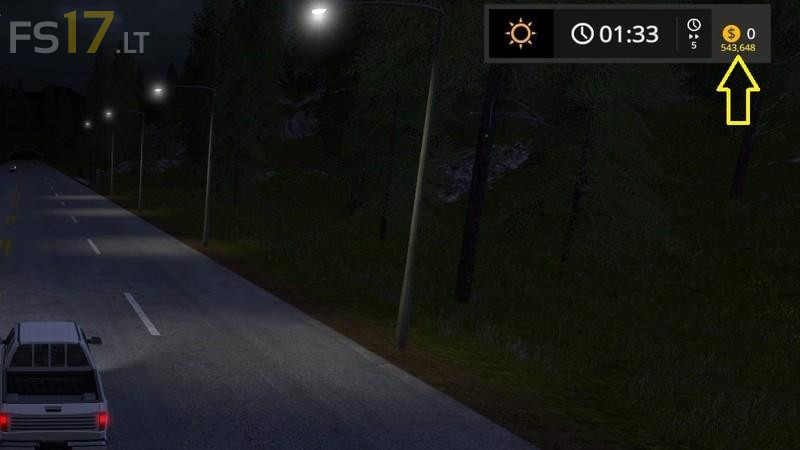
Show Me The Money v 2.0
Automatically save multiplayer separate account money and return saved money back to the players at the start of the next game session.
Display total money of all players as a separate amount in a multiplayer game, when separate accounts are enabled.
Automatic saving and loading is based on the player name.
Player money is still returned to the server after disconnect, so it is never lost, but ShowMeTheMoney will return the saved money to the player the next time they connect, and deduct it from the server money.
For dedicated servers, make sure the playerName value in the careerSavegame.xml file is not used by players connecting to the game, to avoid problems.
Version 2.0:
* Now supports the automatic saving and loading of individual player amounts across game sessions (when using separate accounts), without needing any manual intervention.
* Fixed bug where hosting a game would display ShowMeTheMoney to the host player when separate accounts are off.
* Refactored and optimized.