
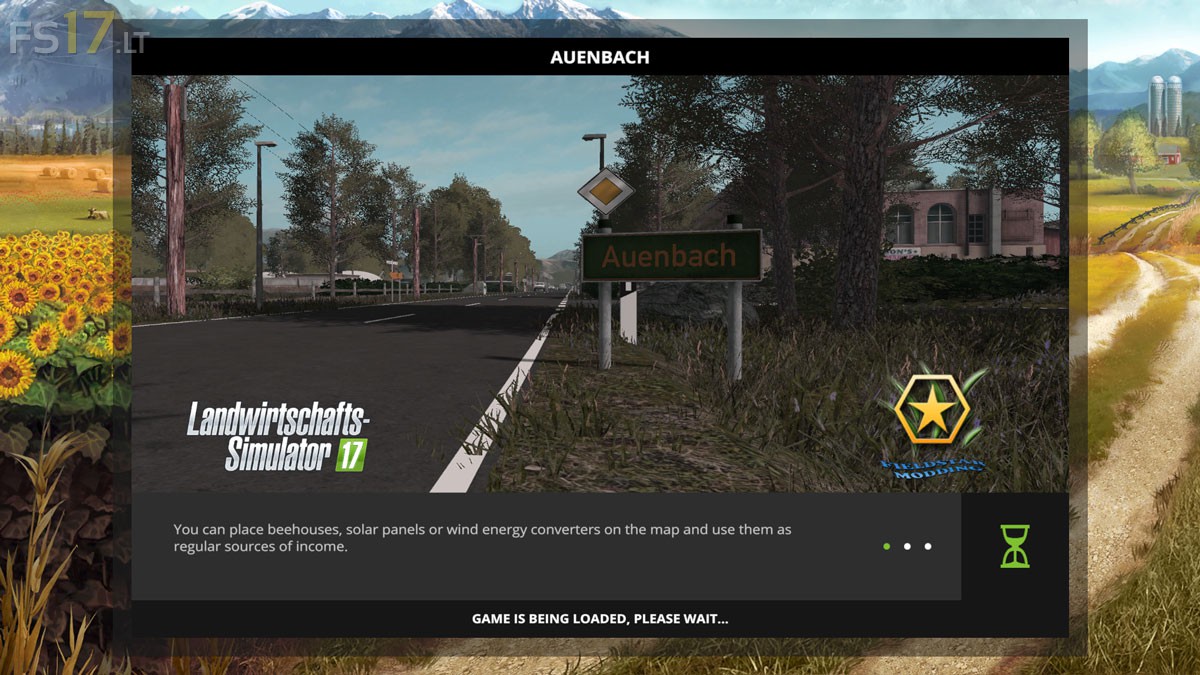
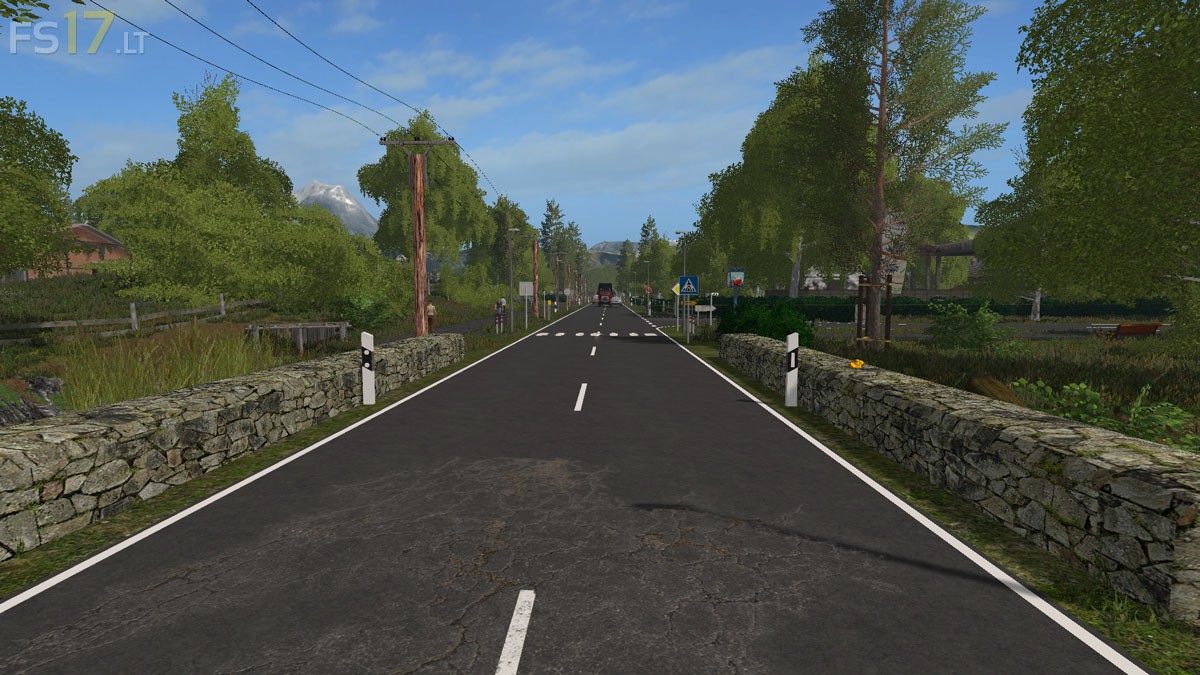
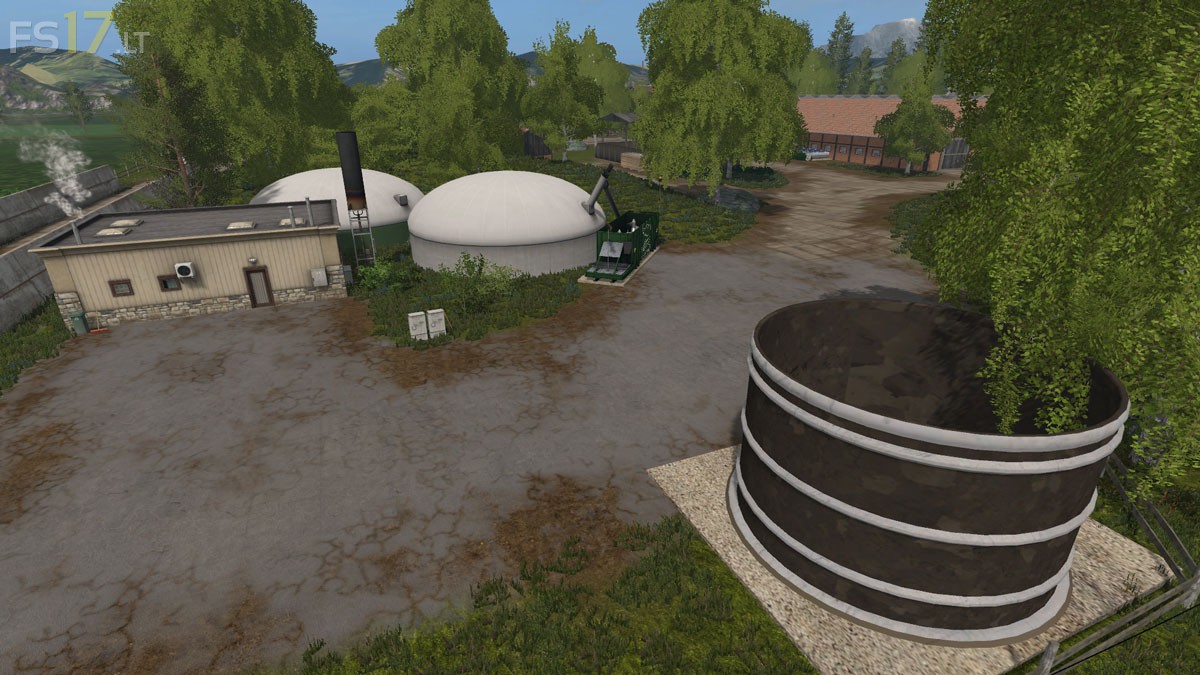
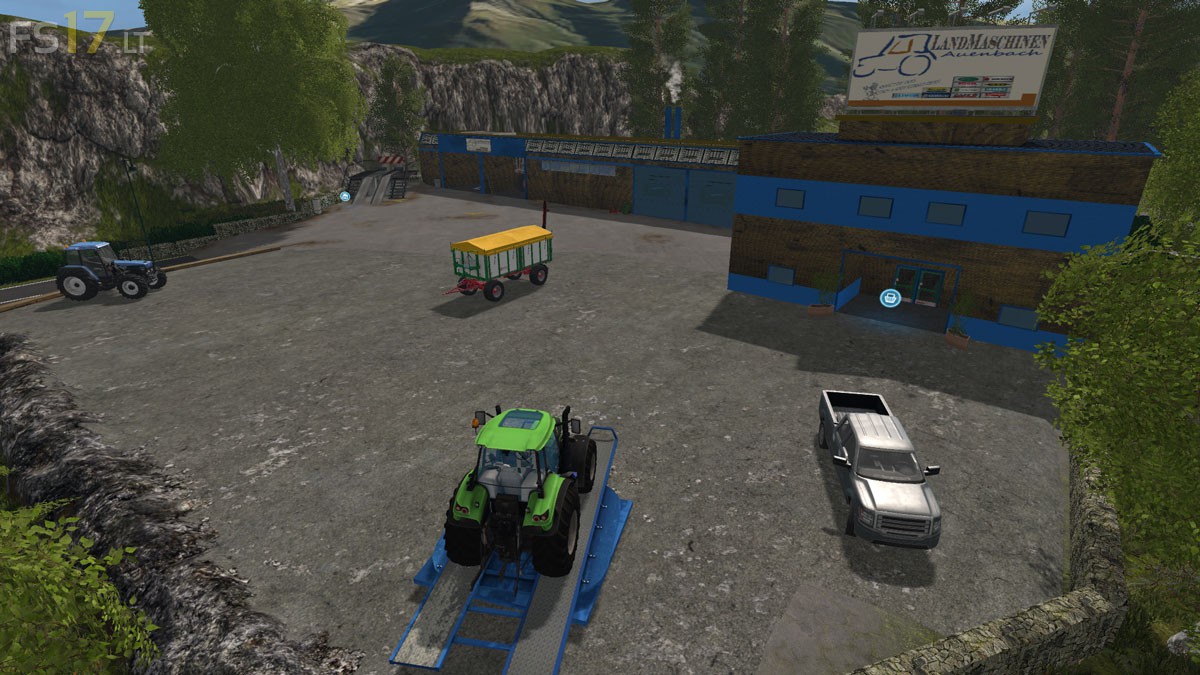
Auenbach Map v 2.1

FS19 mods

auenbach-1 auenbach-4 auenbach-5 auenbach-3 auenbach-2

About the mod:

Version 2.1:
* Trigger for liquid fertilizer is missing fixed
* Fruit goes through BGA / hall walls fixed
* Signs added to seed and Co
* Marker added to seed and Co
* Cow marker fixed
* Chopped Straw installed
* Floating trees fixed
* Sheep trigger checked (tipping with loading wagons possible if you are right in front of it)
* Gap in the water plane fixed on the brook
* Sunflower texture swapped
* Grass from the streets
* Field 5 Job Area enlarged
* Door trigger revised
* Tank trigger reworked, now only 1 tank symbol on the PDA
* Diverse things fixed, shifted, more beautifully made

Credits:
Chefkoch_LS2011

How to install FS17 mods?

Firstly find a mod which you like and want to download. Then download a mod to your PC. Mods are usually in .zip format file. But sometimes it can be in .rar. If a mod file is a .zip format no needed additional actions. If a file is in .rar, then you must unarchive mod with software like WinRar or Zip7. Windows 10 users no need to use software for archives, Win10 itself has a feature to unarchive files.

The next step is to find mods folder in your PC. Usually, it is in Documents/My Games/Farming Simulator 17/2017. Open the "mods" folder and put downloaded .zip archive or unarchived .rar file to this folder.

Last step. Enjoy of FS17 mods!

2 thoughts on “Auenbach Map v 2.1

  • john says:
    2016-11-17 at 09:38

    wow! awesome map you must have spent sometime putting this together its exactly what I been looking for .
    well done:)

  • houston62 says:
    2016-11-17 at 16:50

    merci pour cette carte superbement réalisé merci pour le partage

Leave a Reply

Your email address will not be published. Required fields are marked *