

Scania S Series v 2.0

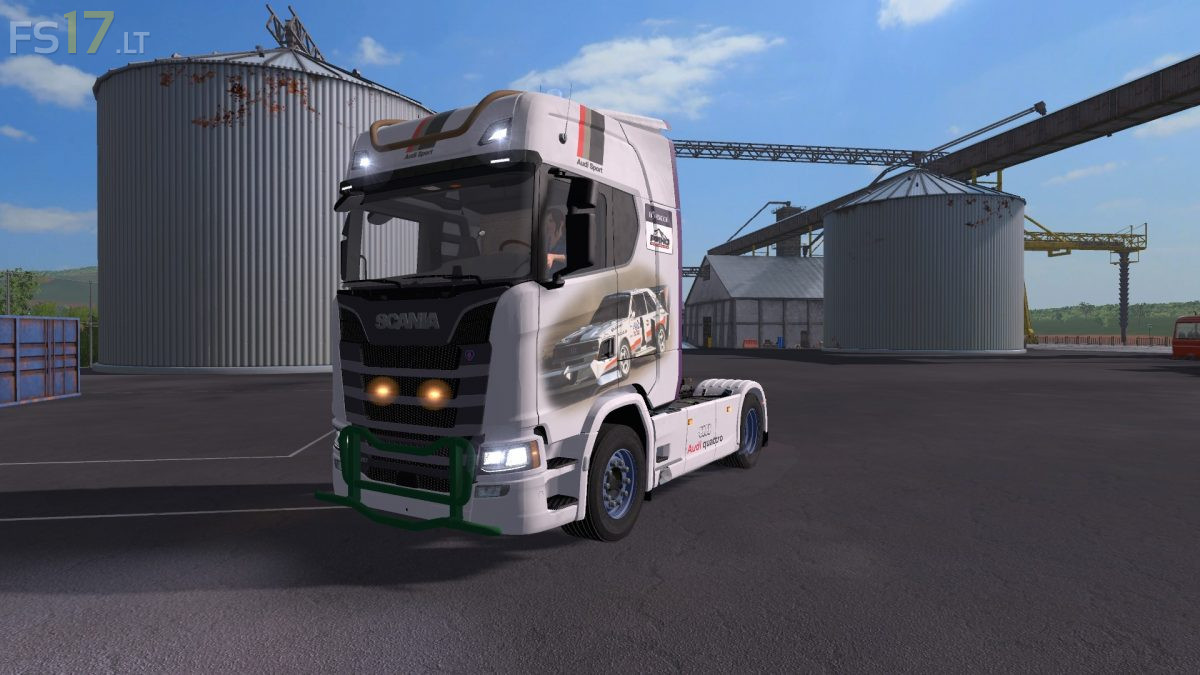
Scania S Series v 2.0
About the mod:
– Engine Setup: 420 hp, 480 hp, 520 hp, 580 hp, 620 hp, 680 hp, 730 hp
– Choice of Color
– Selectable Design
– Selectable Skin
– Selectable Lightbar
– Selectable Rims
– Selectable Rim Color
– Selectable Mirror
– Selectable Mirror Color
– Selectable Sun Visors Glass
– Selectable Accent
– Selectable Accent Color
– Selectable Antenna
– Selectable Antenna Color
– Selectable Roofbar
– Selectable Roofbar Color
– Selectable Bullbar
– Selectable Bullbar Color
– Selectable Bottombar
– Selectable Bottombar Color
– Front Axis lift / lower
– Dirt / washable
Credits:
FF_DBG, John Deere 5615F(TschiZack Gamieng)
to bad they always forget to credit SCS for those truck models 😉