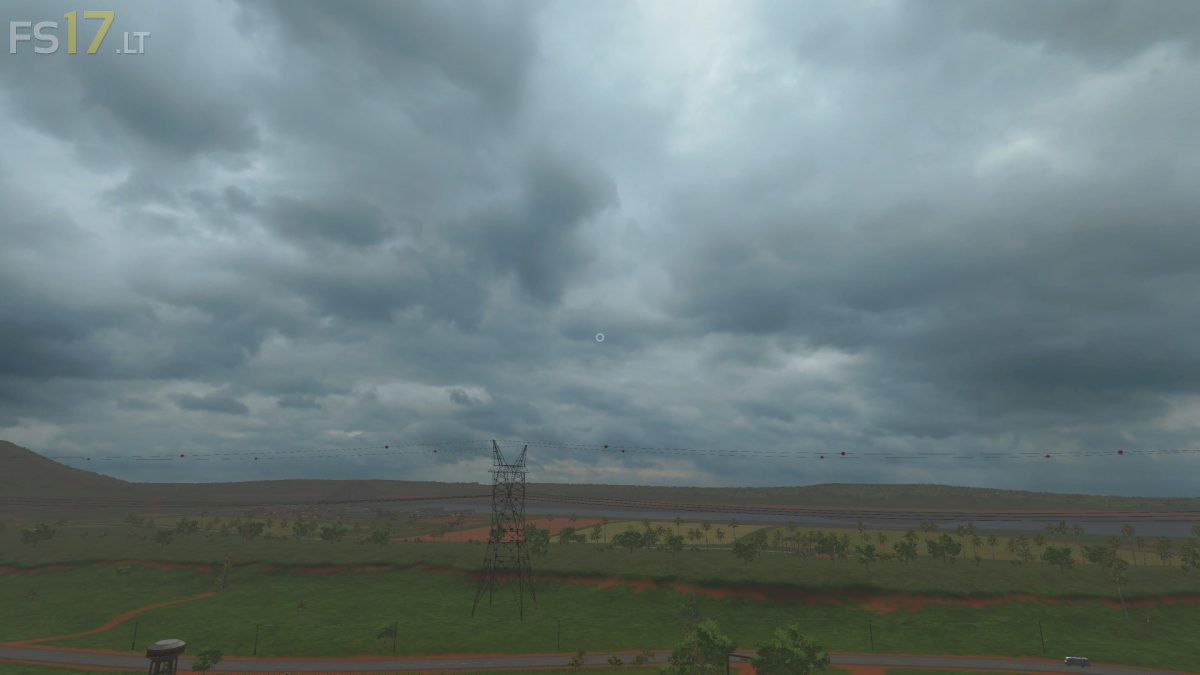
Dynamic Sky v 1.4.4
About the mod:
Now a moving sky is enabled as it is partly already visible on some maps, he acts so dynamic and it changes a little the game atmosphere for the better.
Credits:
Black Panther Group
How to install FS17 mods?
Firstly find a mod which you like and want to download. Then download a mod to your PC. Mods are usually in .zip format file. But sometimes it can be in .rar. If a mod file is a .zip format no needed additional actions. If a file is in .rar, then you must unarchive mod with software like WinRar or Zip7. Windows 10 users no need to use software for archives, Win10 itself has a feature to unarchive files.
The next step is to find mods folder in your PC. Usually, it is in Documents/My Games/Farming Simulator 17/2017. Open the "mods" folder and put downloaded .zip archive or unarchived .rar file to this folder.
Last step. Enjoy of FS17 mods!



how to:
https://youtu.be/gezDRs2WJWo
This is interesting, and a great addition to a map. However, one question: How does one get the sky to QUIT rotating around when it is either morning or sunset? It is perplexing to watch the sunrise/sunset move around from the east/west position.