

Claas Xerion 4000 – 5000 (3RD Generation) v 6.0 FINAL

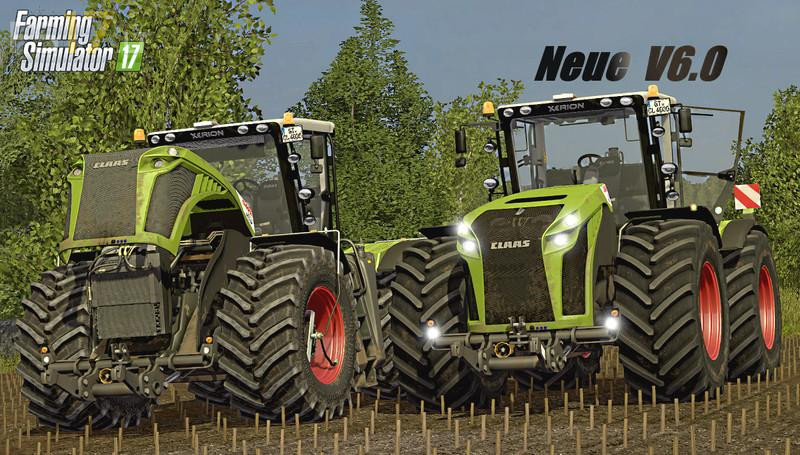
Claas Xerion 4000 – 5000 (3RD Generation) v 6.0 FINAL
About the mod:
Version 6.0 FINAL:
* Dynamic hoses added (front and back)
* New tire configuration (Michelin and Nokian)
* New Michelin and Trelleborg tire texture. Trelleborg Special has a new texture. There is also an older version
* New engine, very detailed
* Show registration tables (within IC)
* New dynamic exhaust gases
* Wiper script added (work automatically)
* Descriptions of all functions in the shop have been improved (design, front hydraulics, wheels)
* Corrects rim inner edge
* Twin wheels were repaired
* Improved connection PTO (front and rear)
* There is no DDS texture error in the log
* Changes in the rotation of the hydraulics
* Passenger New Script
* New Store Image
* Small visual changes in the textures
* Other visual changes
Credits:
Mr Fox, Marthu, Avirum3D, ExtremeBB, CMT, DerFreddy_7