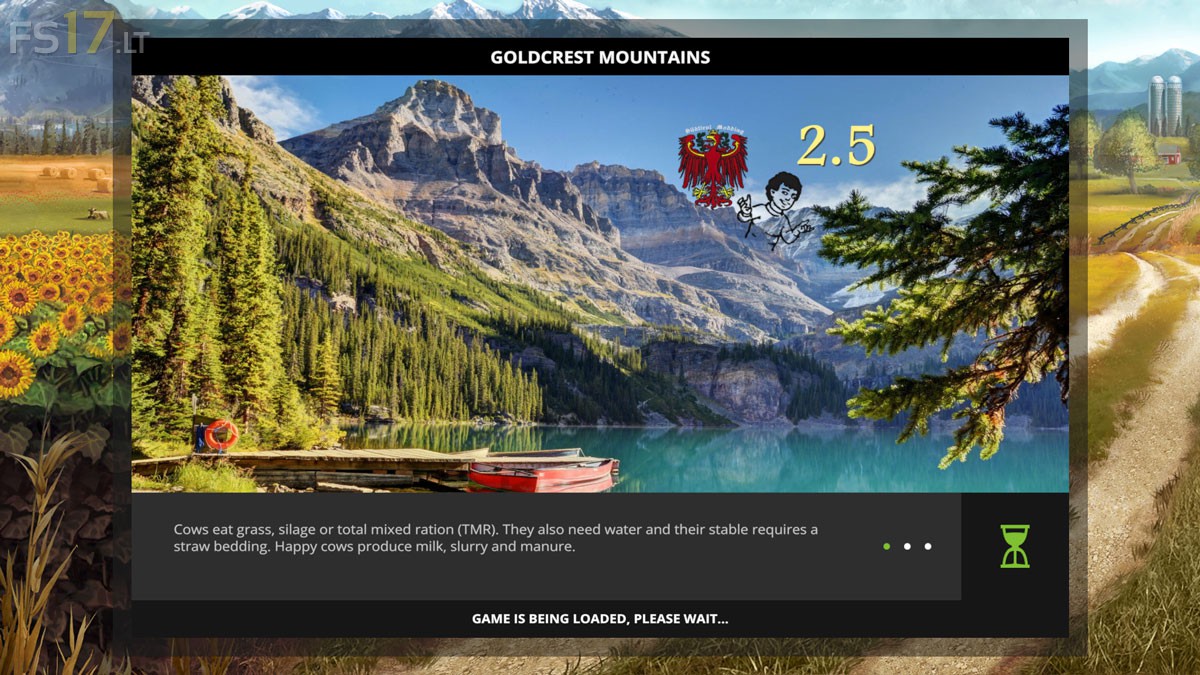
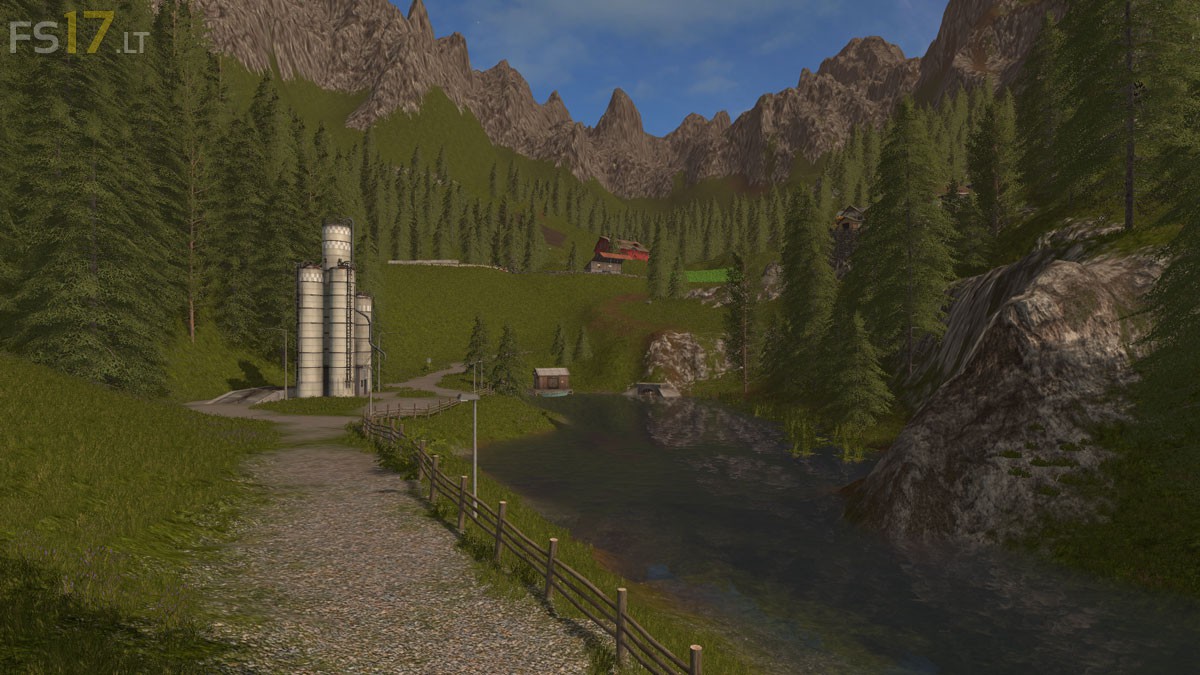
Goldcrest Mountains Map v 2.5
About the mod:
Version 2.5:
* Tipping over at Silos and subsystems revised
* Added Chopped Straw (straw spread on field with fertilizer function)
* Hidden Water Station at Cow Stall
* Hidden Pass Road between sheep and cows
* Unique cow shed with tipping place inside
* Added Sounds
* Map embellished, adapted
* Troubleshooting
Credits:
Giants, Seba_S_Tian
How to install FS17 mods?
Firstly find a mod which you like and want to download. Then download a mod to your PC. Mods are usually in .zip format file. But sometimes it can be in .rar. If a mod file is a .zip format no needed additional actions. If a file is in .rar, then you must unarchive mod with software like WinRar or Zip7. Windows 10 users no need to use software for archives, Win10 itself has a feature to unarchive files.
The next step is to find mods folder in your PC. Usually, it is in Documents/My Games/Farming Simulator 17/2017. Open the "mods" folder and put downloaded .zip archive or unarchived .rar file to this folder.
Last step. Enjoy of FS17 mods!
Video Test : https://www.youtube.com/watch?v=a7lOJsHRu7I&t=8s