

Hammer Cornking v 0.1.1

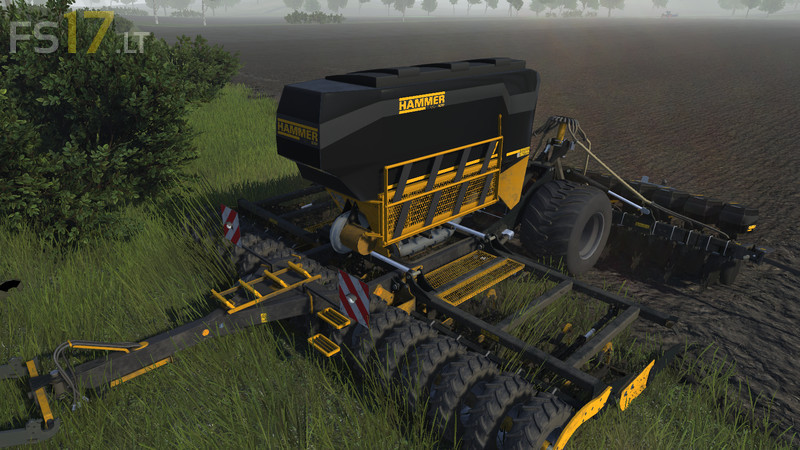
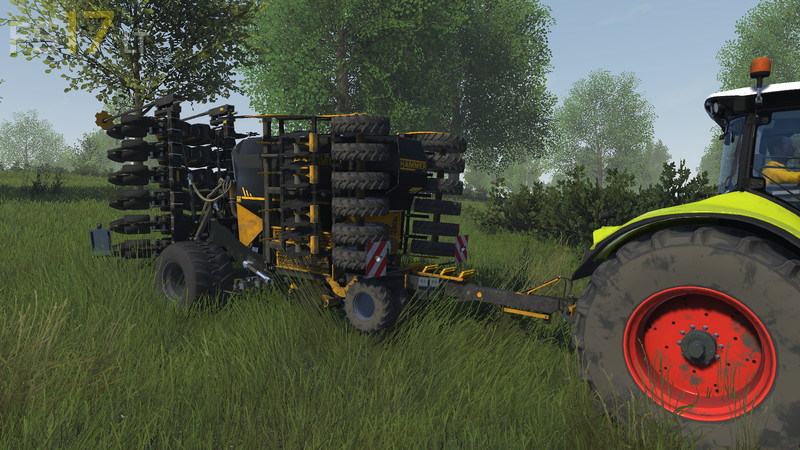
Hammer Cornking v 0.1.1
# Installation: #
1. Copy the zip file to your mod folder:
C: Users USERNAMNE Documents My Games Cattle And Crops Mods
2. Start game – you will find a new entry at the car dealer
# Modding, open in editor #
To open the fashion in the Cattle and Crops Editor, you have to extract the zip from a subfolder in your mod directory.
1. Unzip the zip in:
C: Users USERNAMNE Documents My Games Cattle And Crops Mods SUBFOLDER
2nd result:
C: Users USERNAMNE Documents My Games Cattle And Crops Mods SUBFOLDER machines (….)
3. NOT DIRECTLY unpack in the moddir:
SO NOT: C: Users USERNAMNE Documents My Games Cattle And Crops Mods machines (….)
4. Open game
5. Press CTRL + O to open the editor
6. Under location choose “Mods”
7. Navigate to the desired wld file and open it in the editor