

The Valley the Old Farm Map v 2.0.1.0

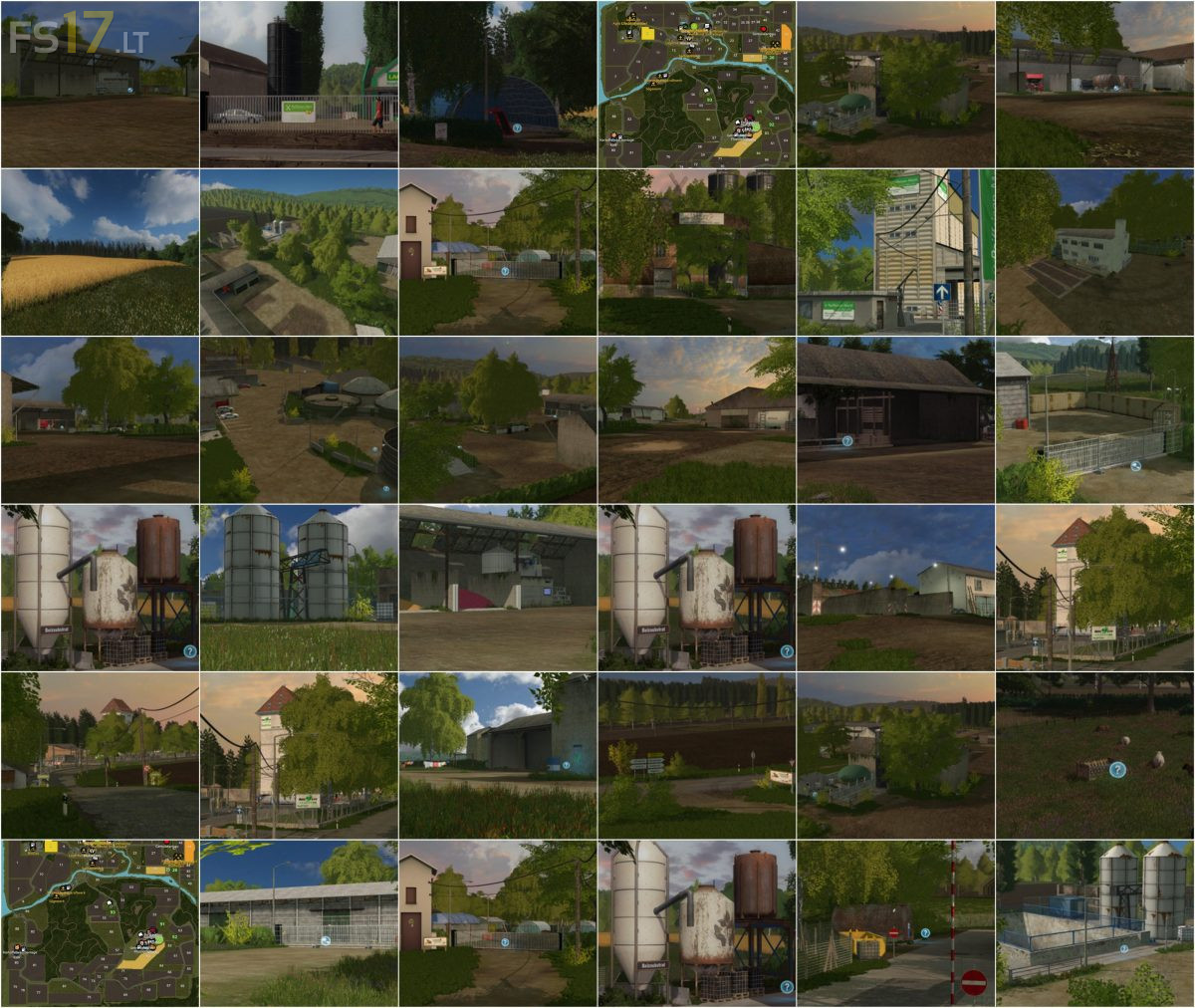
The Valley the Old Farm Map v 2.0.1.0
About the mod:
Version 2.0.1.0:
* Fruit density revised (looks more realistic, fruits are closer to each other in the field)
* Sheep corroded – again crap and feeding trough gets dirty
* Sheep extended by manure (see pictures)
* Sheep got 2 food triggers, hay (pasture) and heavy feed (feeding trough) – composition 40/60
* Passage hall at the pigs was exchanged for root fruit storage
* Grain meal Trigger PigFoodStar pushed further forward
* Pickling substrate available as bulk material from Raiffeisen (slightly more expensive)
* Increased raw material quantity in seed production
* Increased factor in the Hof BGA, since manure has been added to the sheep
Credits:
Blacksheep Modding, H4nnib4l22