

The Abandoned Forest Map v 1.0

The Abandoned Forest Map v 1.0
About the mod:
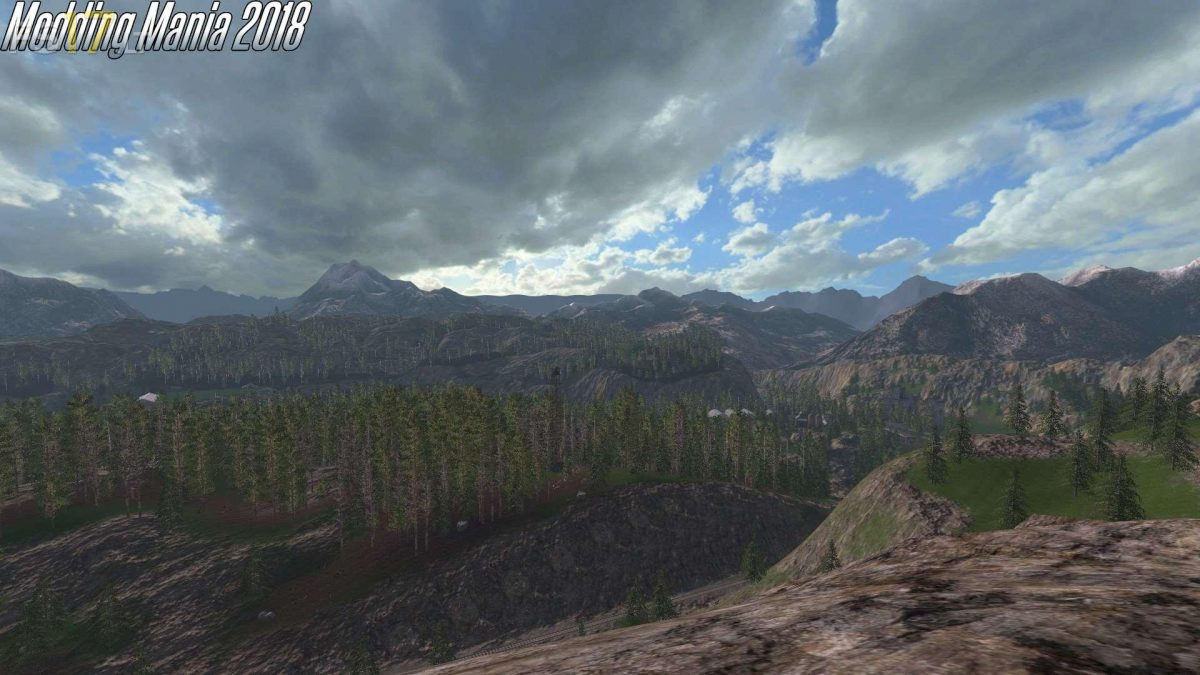
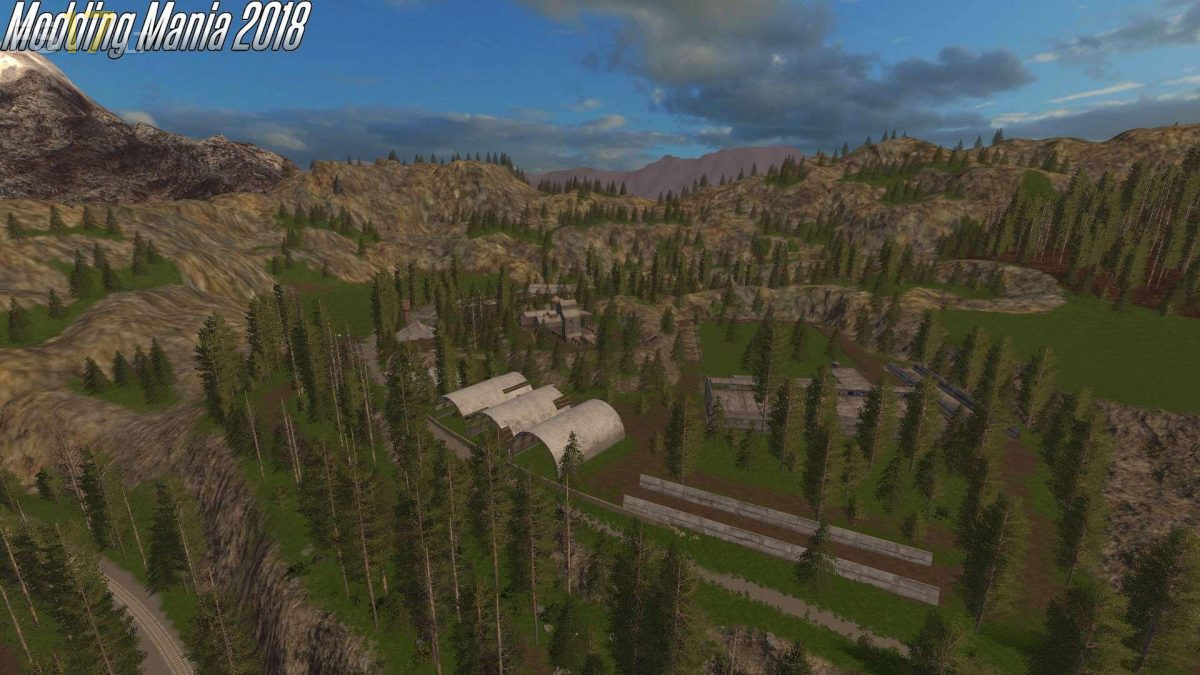
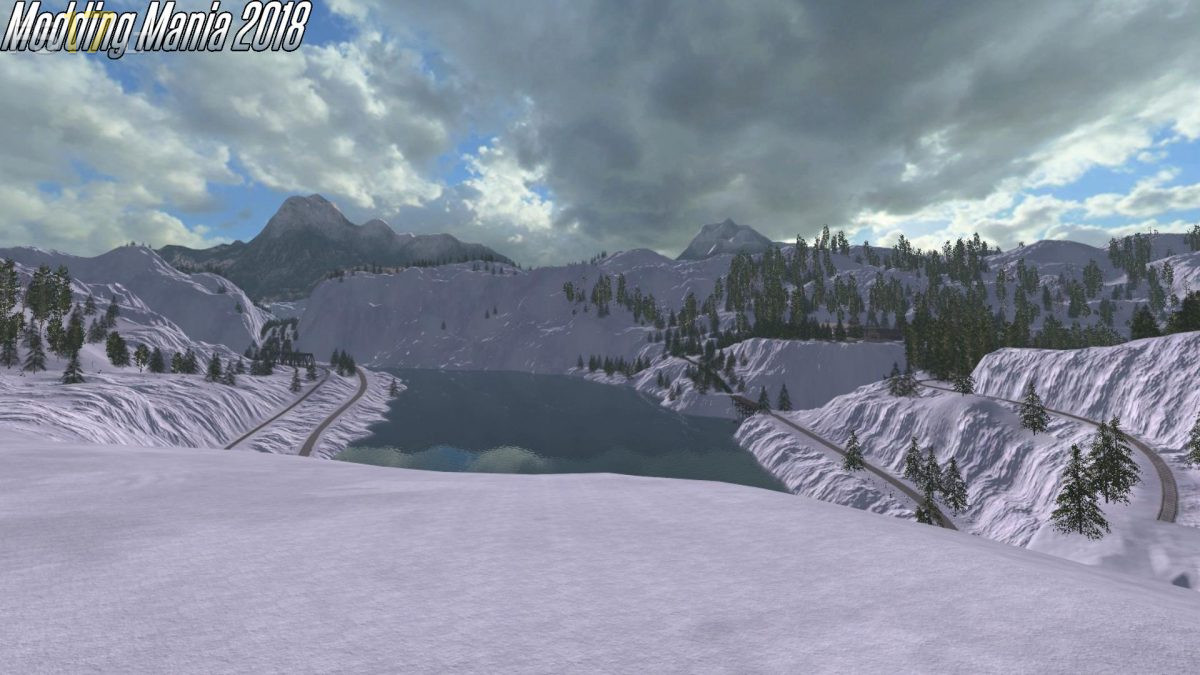
It has a built in GEO that will make the winters cold and snowy. The growing season is very short and you only have 5 buyable fields, all un-owned, and most of them need cleared. You enter the map owning nothing more than an old pickup truck and a few random implements leftover from the previous owner. While the map does have all the standard functions of FS17, it is set in a remote area far away from the main road. There is no town, rather one central train depot that acts as all your buying and sale points. Don’t get stuck, it’s a long drive back to the farm if you have to reset your vehicle. Oh, and fuel prices are 5x higher than normal and the gas station at the career start point is the only source of fuel on the map.
Credits:
Modding Mania 2018