

Cuxhavener Umland Map v 1.1

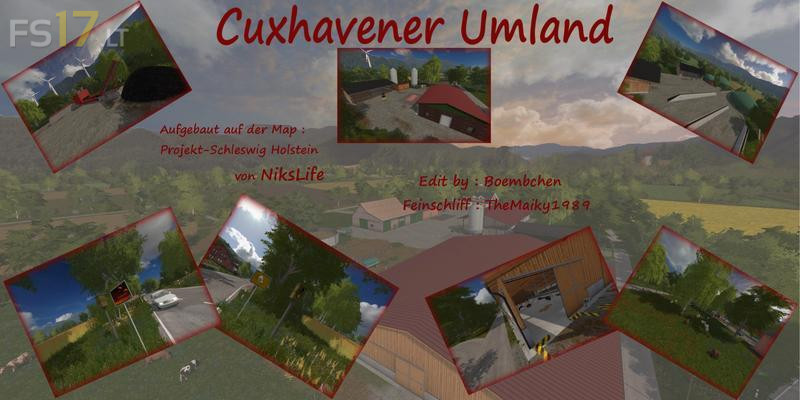
Cuxhavener Umland Map v 1.1
About the mod:
Version 1.1:
Fixed:
* Added straw bale sales to “Dutchman”
* Straw trigger of the cows moved (now at the right gate of the stable)
* Error: Render device Error: Unknown.” fixed which occurred on some systems
Changed / added:
* Farm Silo replaced by the Farm Silo System to get around the wrong crops
* Added auxiliary markers for straw trigger and bale sale
* Wassertrigger is now at “Hein Fidi” and not in the yard anymore
* Flags replaced “Hein Fidi”, because they were defective
* Complete lighting on the map overlaps and expands
* Light can be switched on in the cowshed and the large shelter
* The chickens now have more space and the eggs are spread out in the meadow
* Egg sales added (twice)
* Various little things and optical things adapted
Credits:
NiksLife, TheMaiky1989