

Oakfield Farm Map v 1.0.0.1

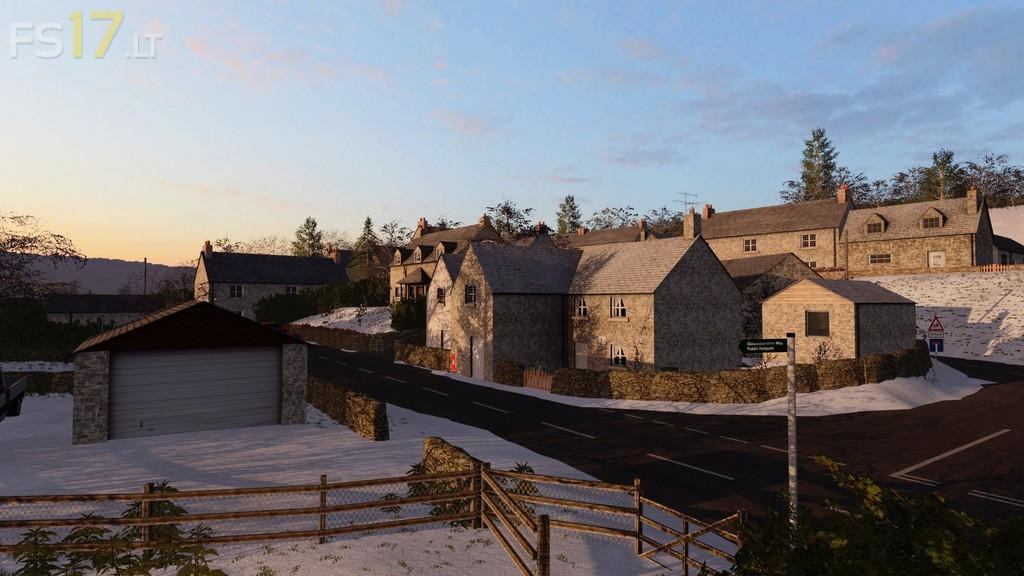

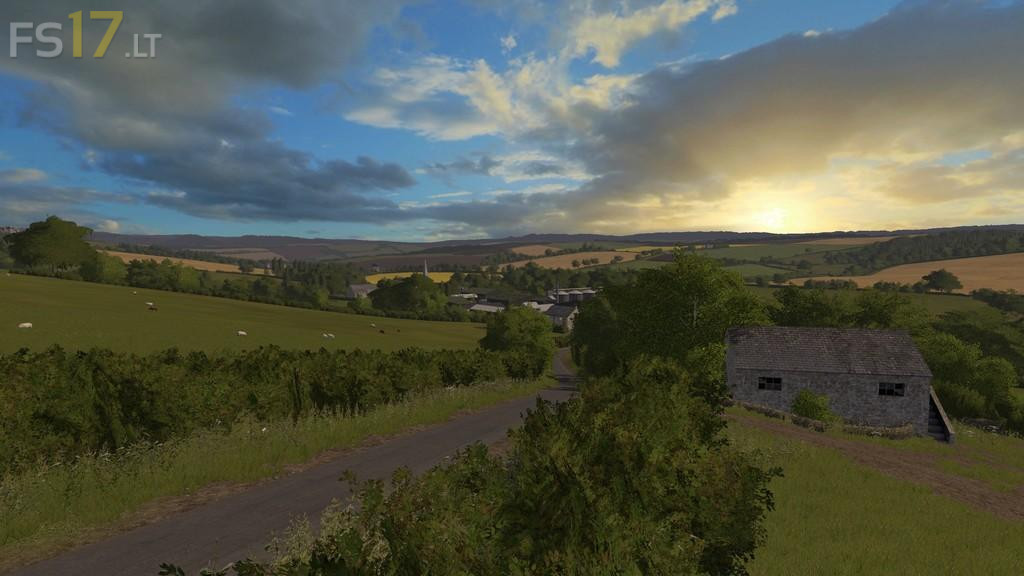
Oakfield Farm Map v 1.0.0.1
Version 1.0.0.1:
* Fields not showing up on courseplay fixed
* Floating tree at stables fixed
* Tweaks to the snow mask to show all triggers
* Black hedge at pig farm fixed
* New improved fps script
* Added animated door in the green shed next to silage clamp
* Fixed gold nugget at empire stores
* Tweaks to some building lods
* Tweaked the wool spawn point so will help with spawn issues
* Fixed grass showing on pda map when some fields were cultivated
* Fixed green bin in lavender forest
* Totally new improved unique real textures for all the multi fruit fillplanes along with new huds for lime and compost
* Realistic prices and yields for each multi fruit making them more interesting
* Changed the price of selling compost to a more realistic price
* Tyre floating near a small tin shed fixed
* Interactive zone markers can now be turned off in your game settings
* Silo capacity changed from 100.000 – 500.000 liters