

Schlueter 2500 TVL More Realistic v 1.0

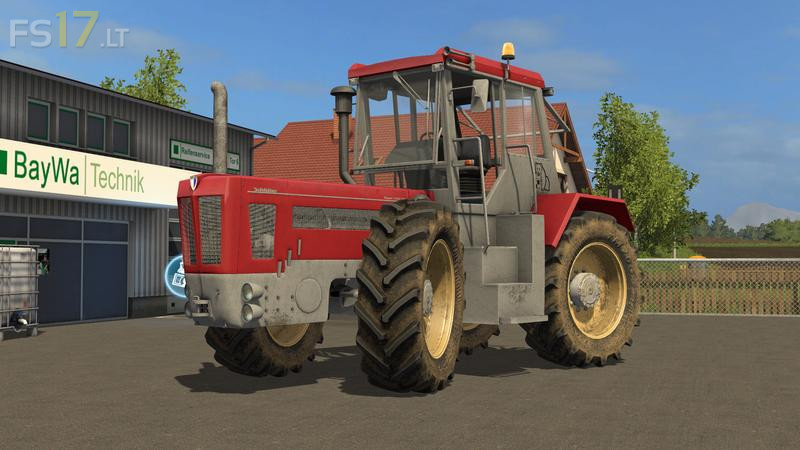
Schlueter 2500 TVL More Realistic v 1.0
About the mod:
– More Realistic
– IC for doors, windows and hood installed
– Dynamic Hose
– New Exhaust Effects
– Selection for Usedlook or repainted
– Rüfa (reversing device)
– Smaller tire selection
– 2 rim colors are available
– Various animations in the interior
– Various animations in the outdoor area
– Indicator lever animated
– Start screen
– Sound for doors, windscreen wipers etc.
– Weight switchable
– To open the bonnet from the outside
– Weight is to be configured from the outside (you have to stand in front of the weight – note the help window)
Credits:
Giants, Forbidden-Mods.de, Puma (FBM Team), Marc B. (FBM Team)
My Favorite tractor from FS13 is finally in FS17 now! I doubt it has the same sound, though, but I dont care much