

Vehicle Sort v 0.6

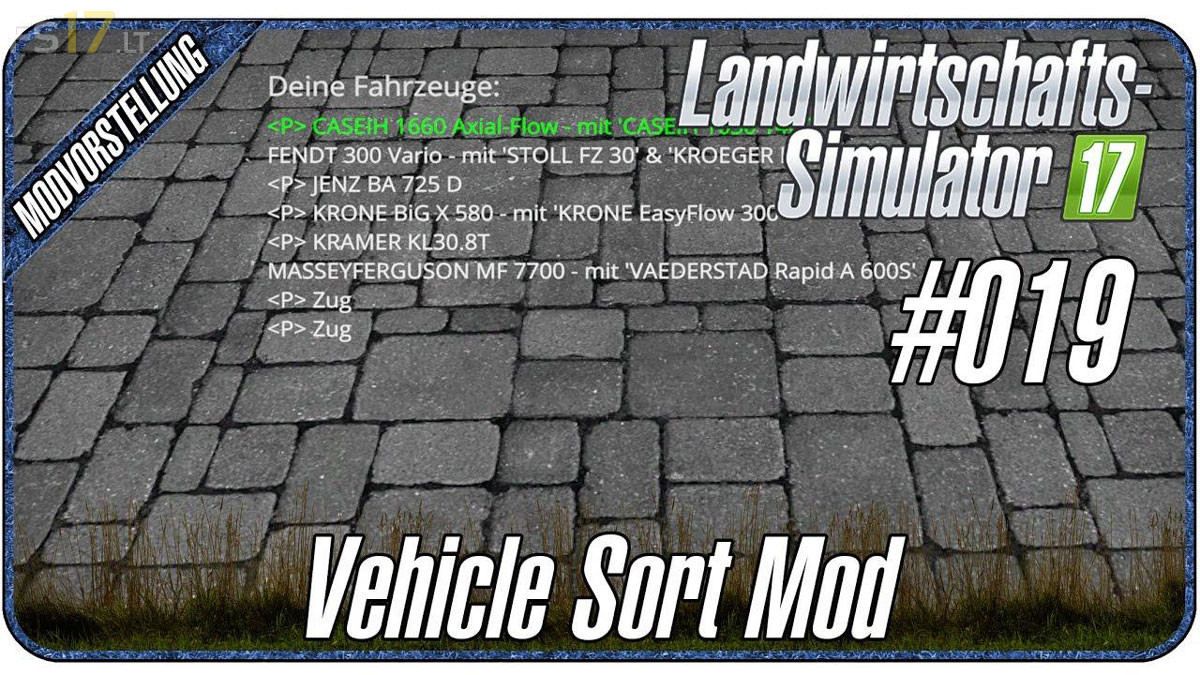
Vehicle Sort v 0.6
About the mod:
How to use:
– Use Numpad or mouse – can be customized in FS Options
– Key 0 / Middle Mouse opens List of Vehicles in order you tab through them
– Key 2 & 8 / Mouse wheel moves selection in List (green)
– Key 5 / Left Mouse toggles shifting mod (selection turns red)
– Key Enter / Right Mouse jumps directly to selected vehicle
– Key Minus opens config menu
The active Vehicle is written in bold in the list.
Version 0.6:
* Bug created by patch 1.3 with name display in vehicle list fixed
* Level Indicator
* Options Menu extended
Credits:
Dschonny
This mod is broken and causes FS17 to lock up.