

West Central Map v 1.01

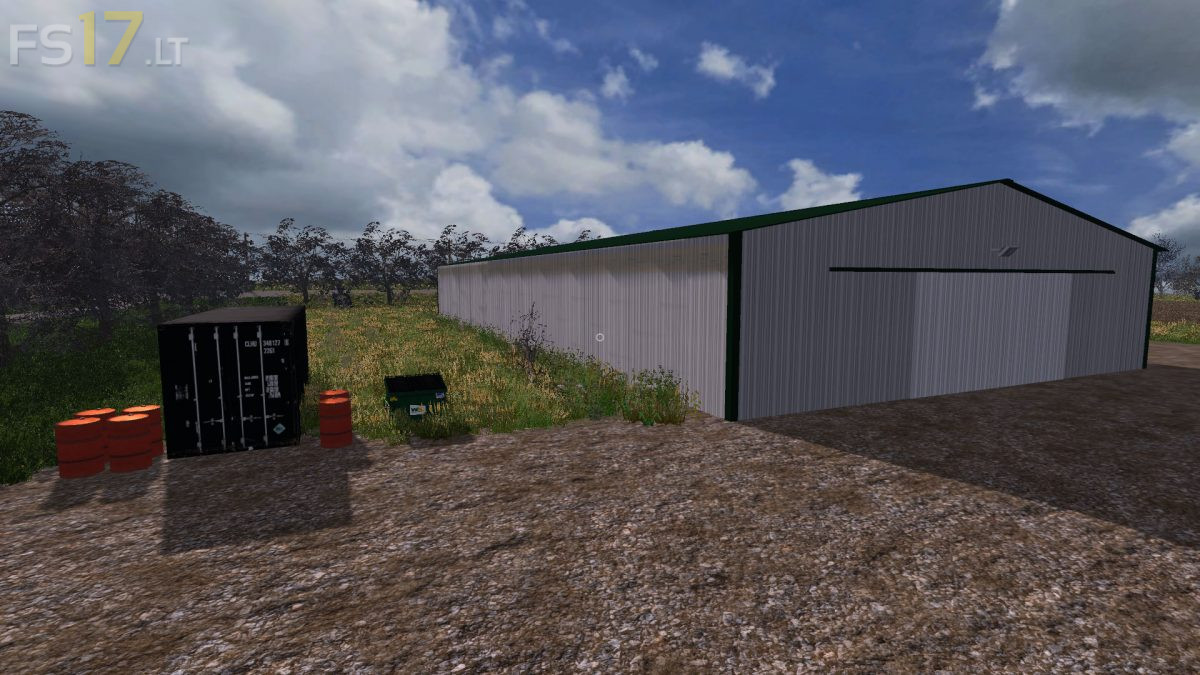
West Central Map v 1.01
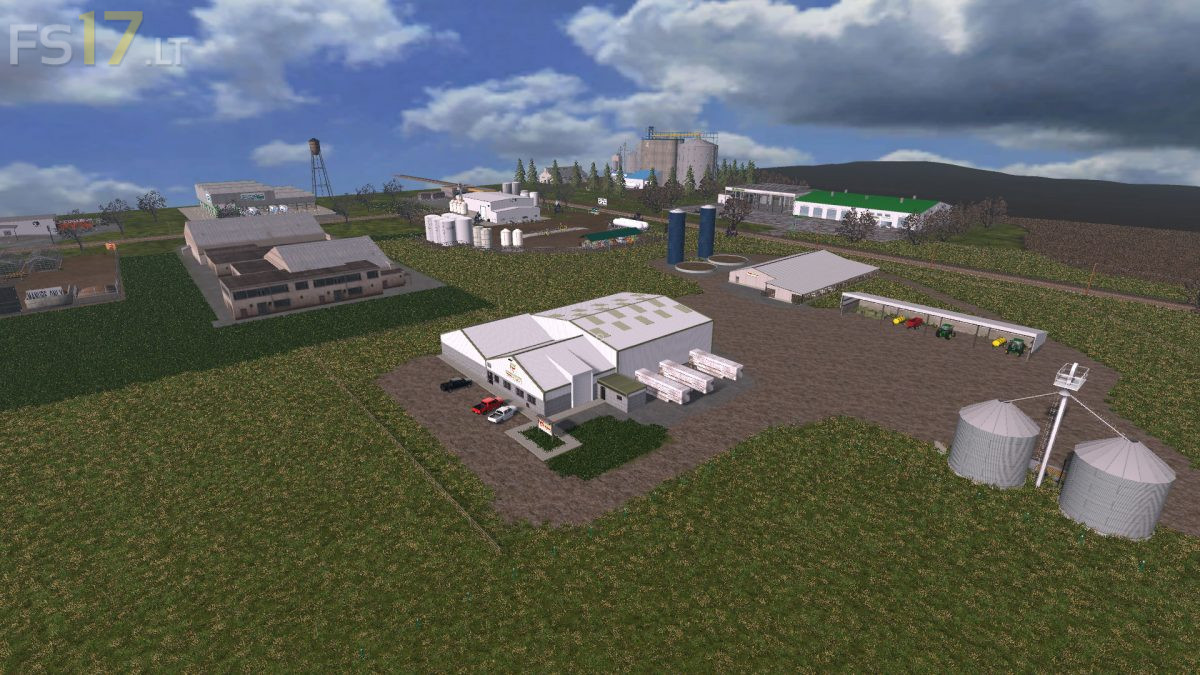
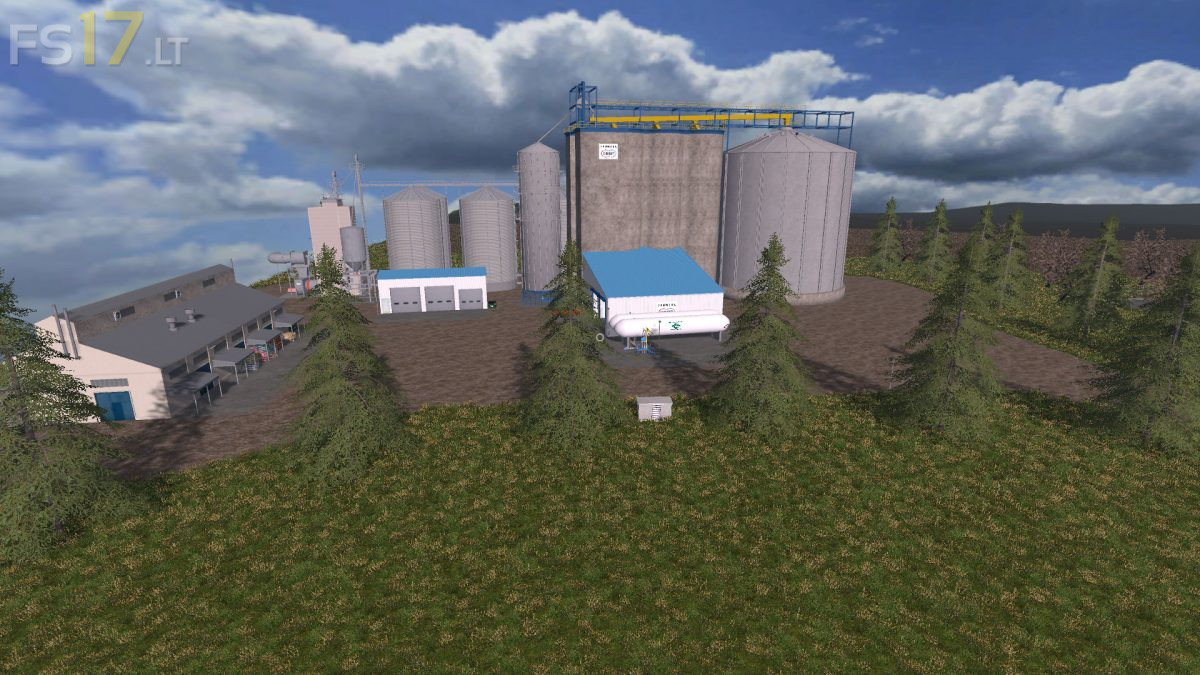
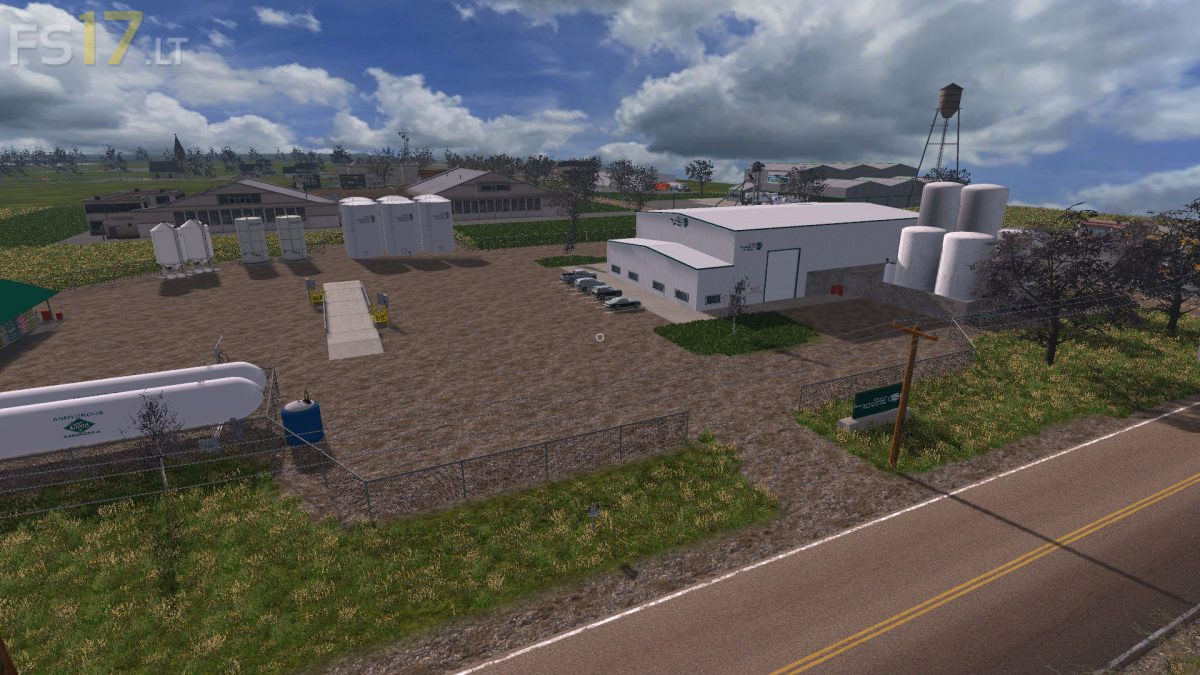
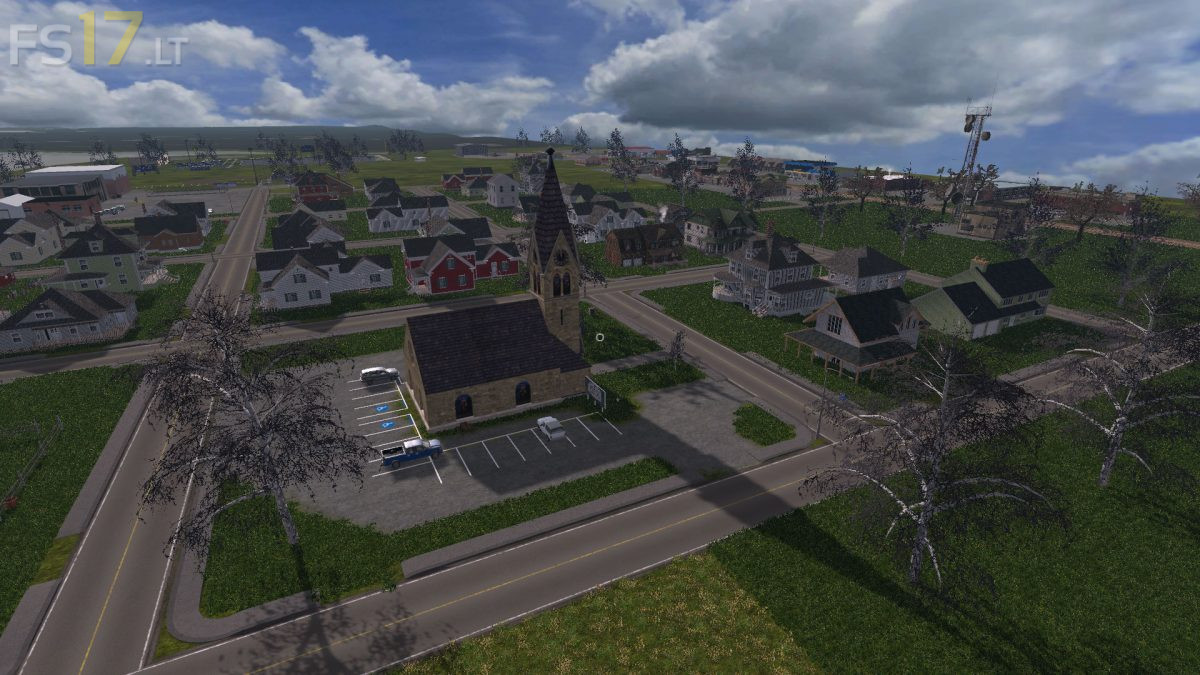
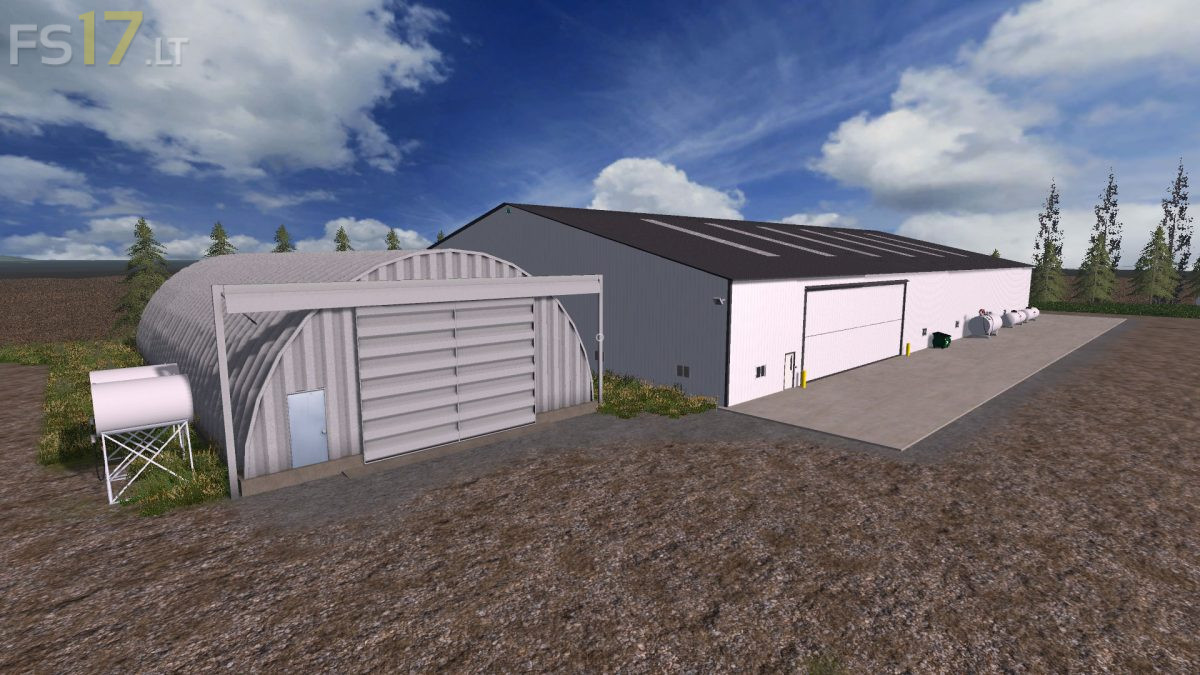
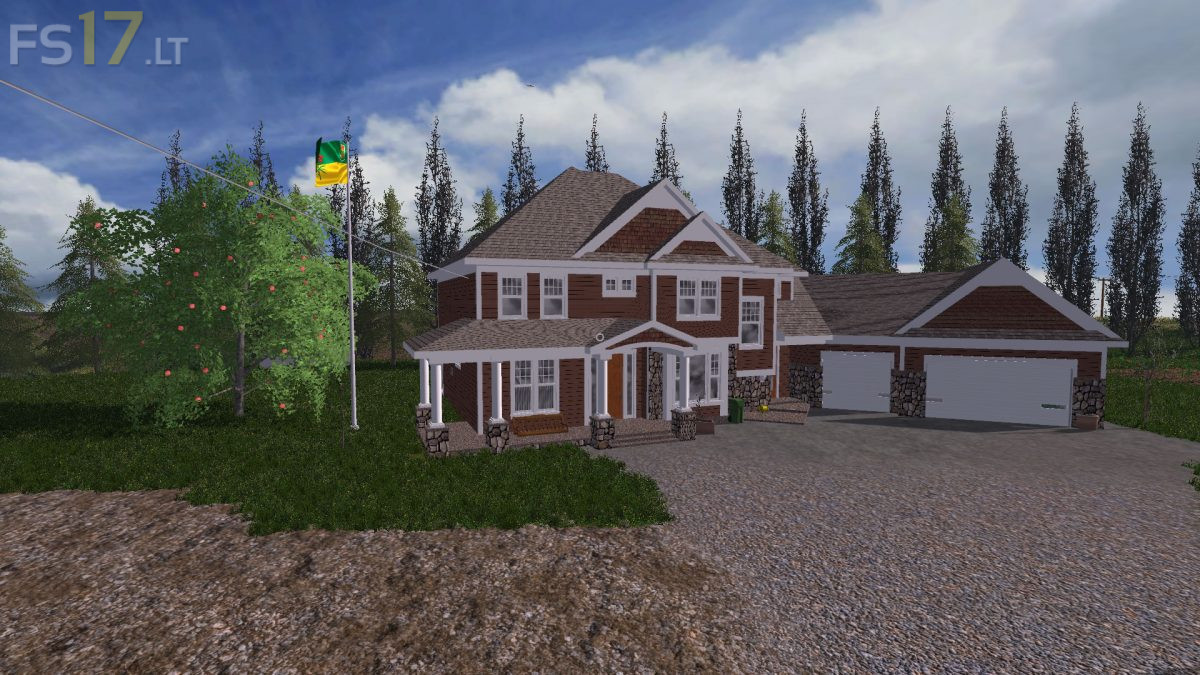
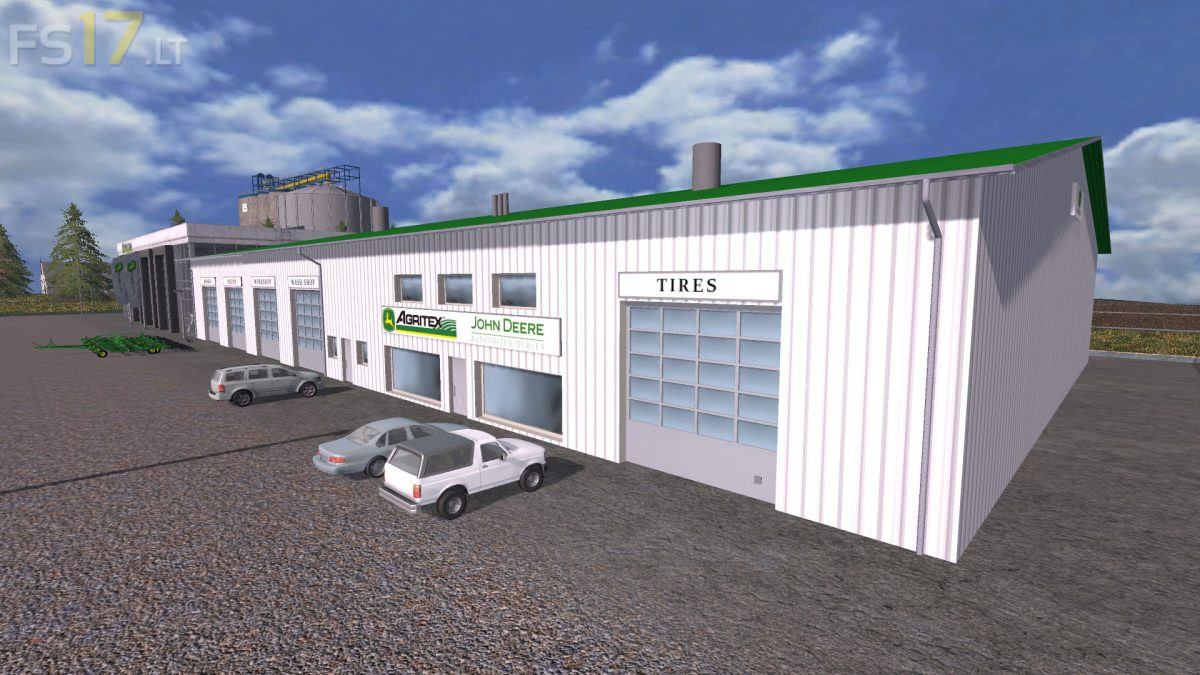
Made some new road signs and railroad signs from the area. The map uses real dem from the area. There is a lot of field/hay area, cows/pigs and oil hauling to make money. No sheep or chickens. The map has chopped straw, multi angled dirt, clip distance mod, dynamic sky, among other things. Added pea, lentil and flax crops that are from the area also. There is a seed processing plant inside the crop production building. There is a commodity shed built by silver rookie on the cow farm. The clipDistances and viewDistances on the map are set high (500/300) so low end computers may have to lower those values so help speed up gameplay. There is no exterior detail for a border. There are invisible boundaries on each side so you can not go off edge of map.
Version 1.01:
* Fixed commodity shed grain/grass going thru floor
Can you move this to ps4 gameing consoles