

North Frisian March Map v 1.6

North Frisian March Map v 1.6
Version 1.6:
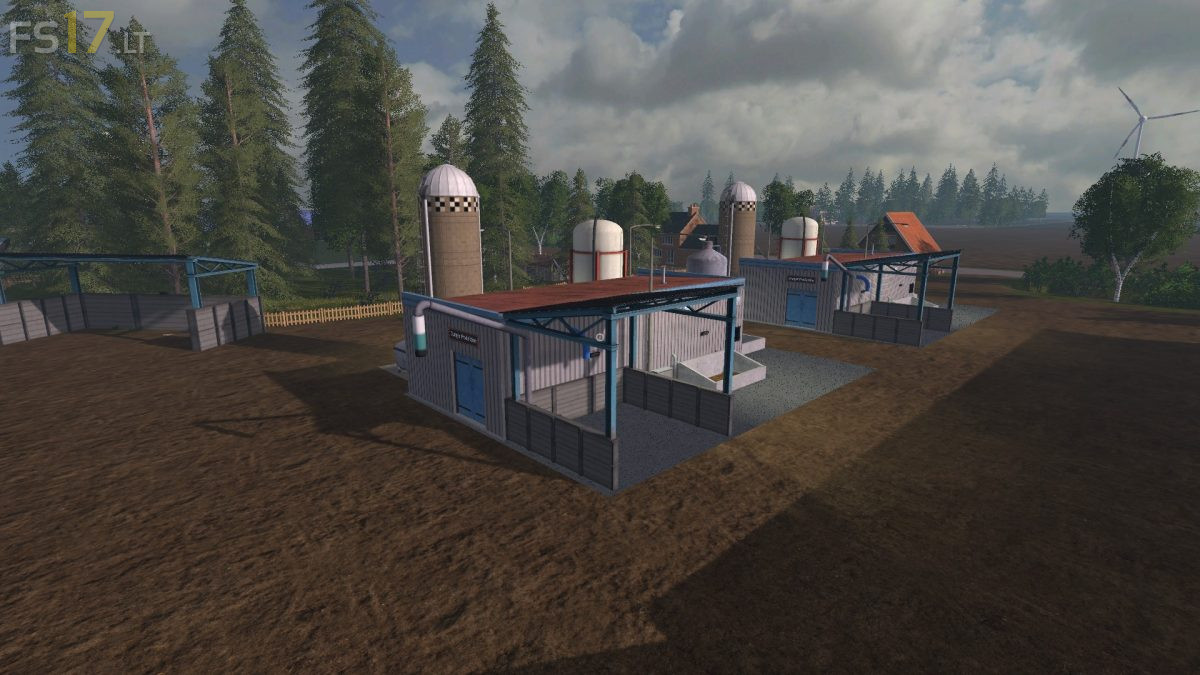
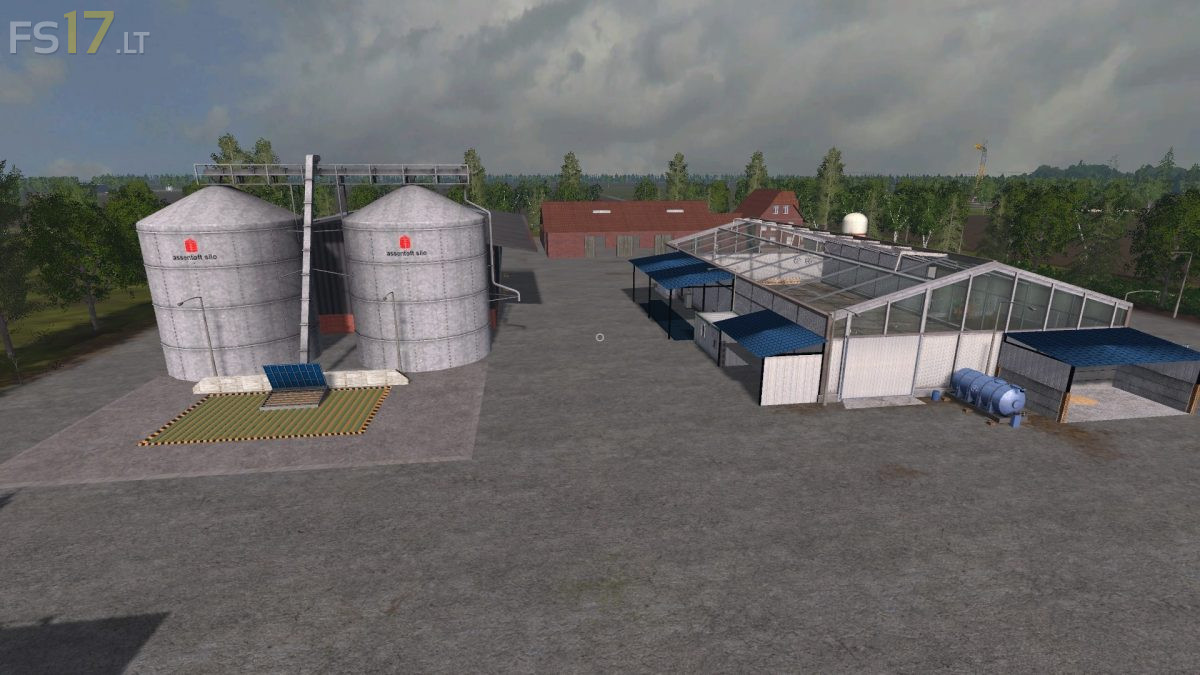
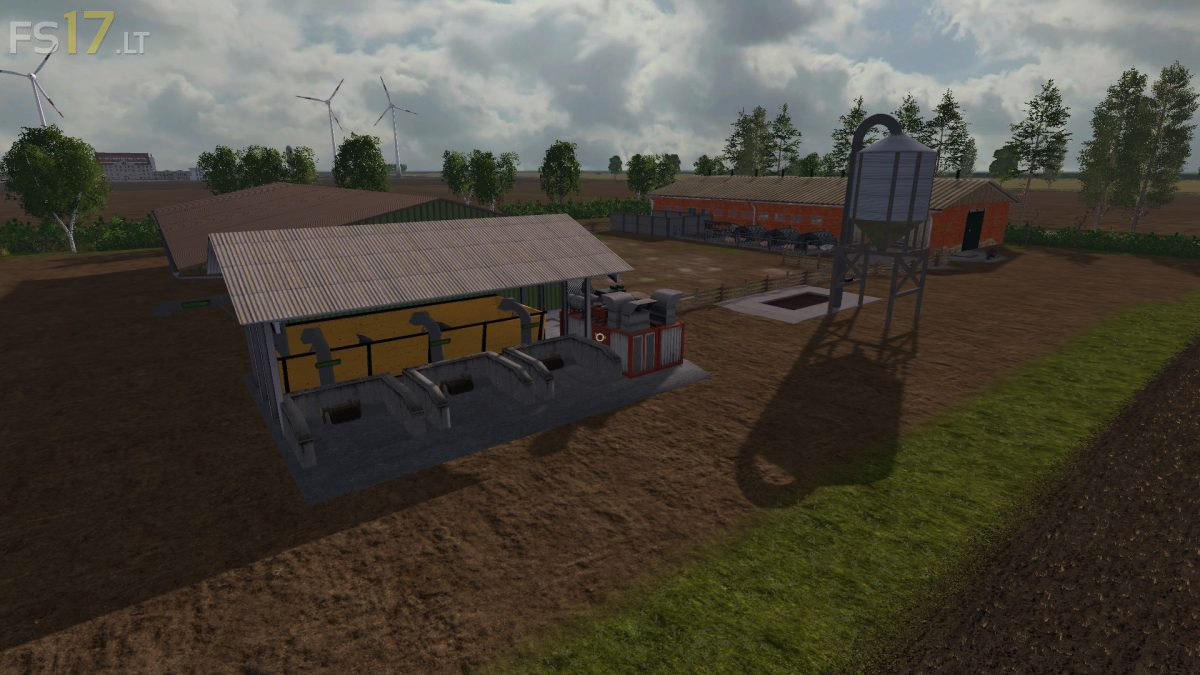
* Liquid fertilizer production at the farm and Rinderhof
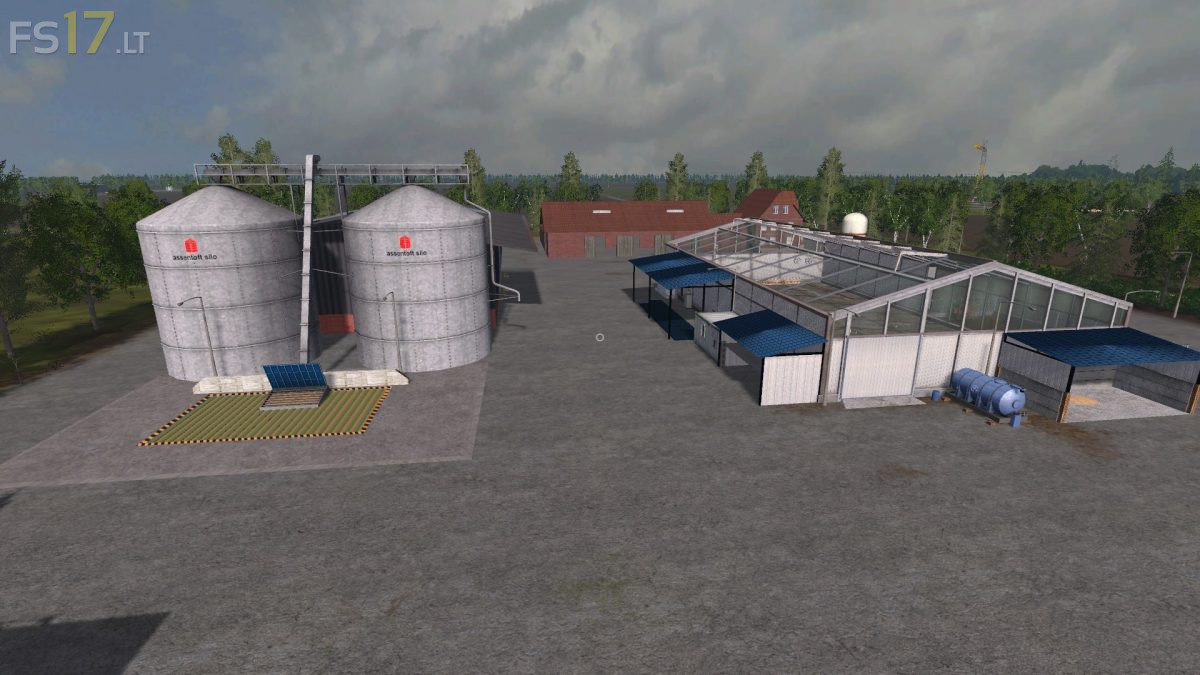
* New big tomato greenhouse
* New production of ketchup
* New production of Mayo
* Baumarkt now also accepts pellets
* Liquid fertilizer can be sold at Raiffeisen or GetreideAG
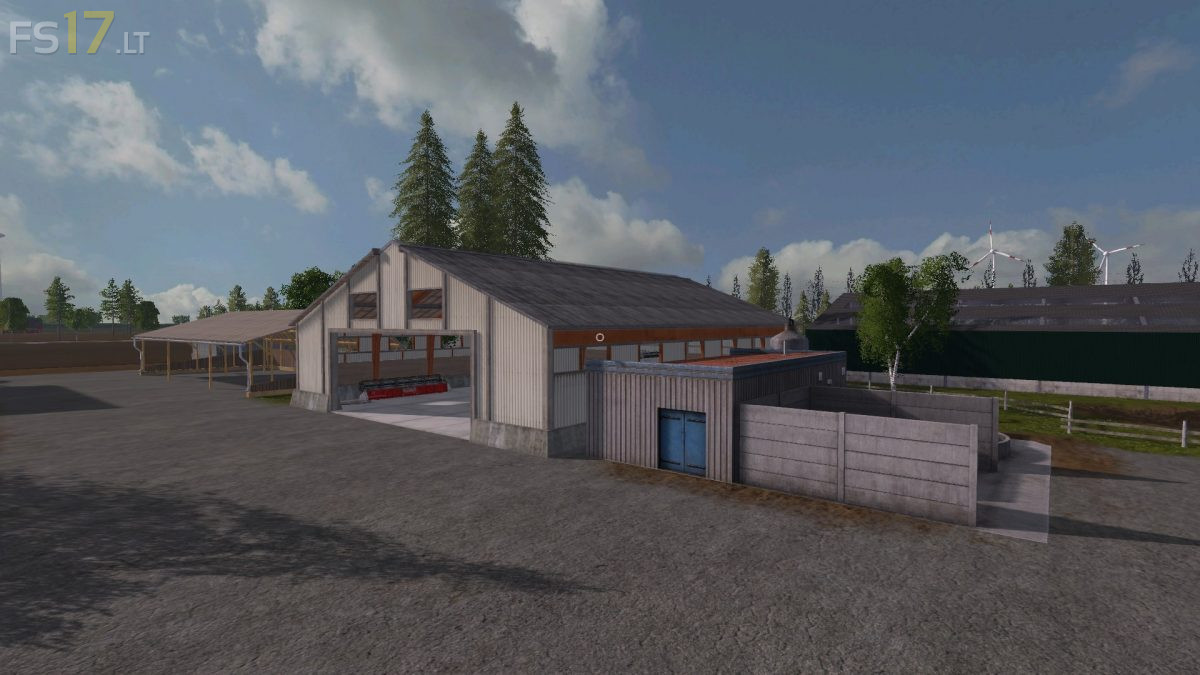
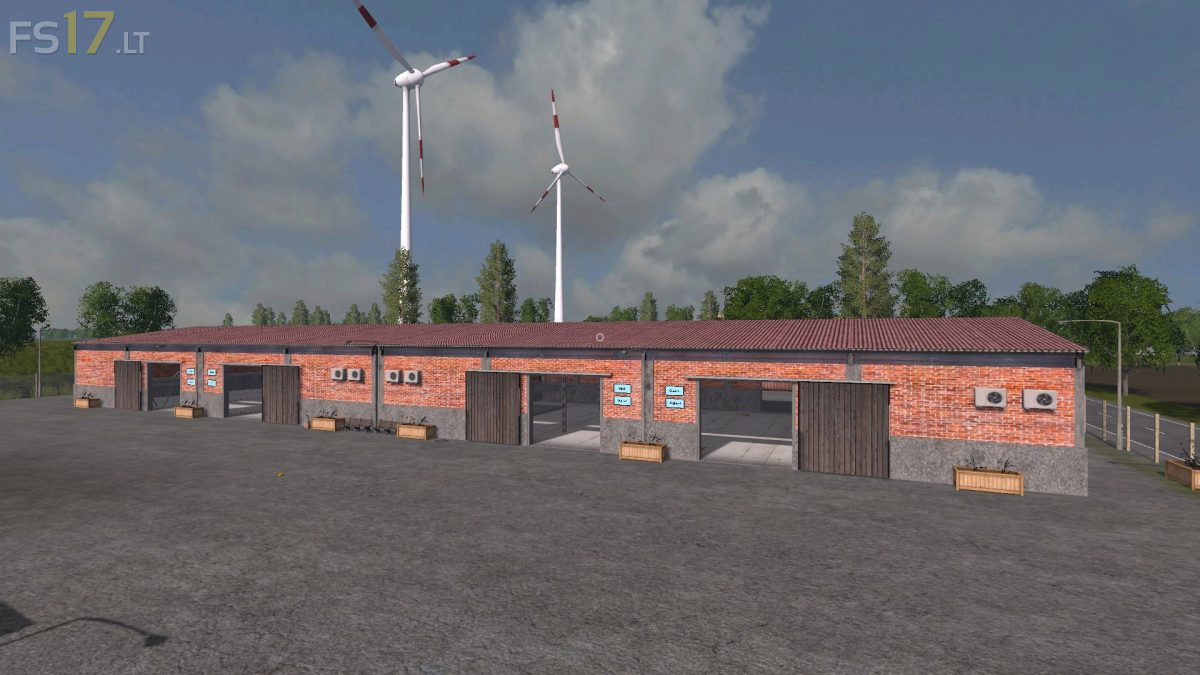
* Sliding gates cowshed
* Edible oil production goes faster and consumes a little less rapeseed / sunflower
* Pulp mill also works a bit faster
* Change feed area dairy cows again as previously set
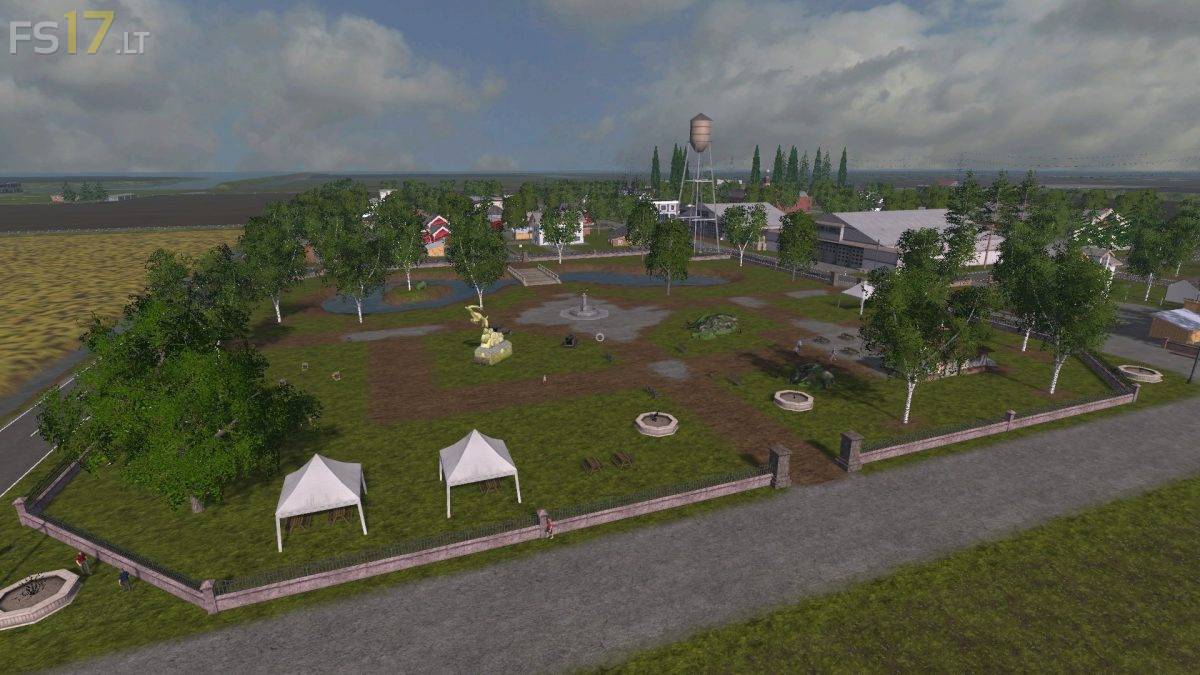
* VIP tree is now a fountain
* Info Production Trigger cheese dairy now in front of the monitors
* Wrong parked car at the hardware store
* Trigger cement factory slightly enlarged
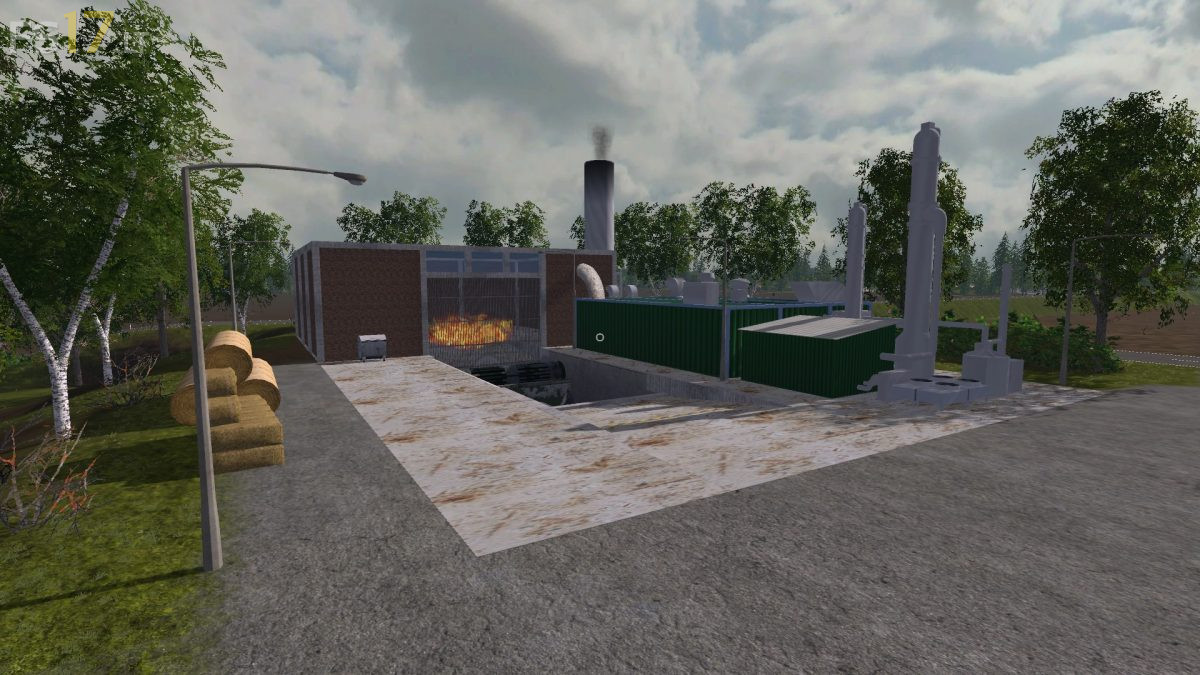
* Flying Compressor at BGA Mitte is now on the ground
* A few trees at grass field 11 and 14 moved further from the field
* Missing number of fertilizer production at the Rinderhof is now here