

Pottinger Jumbo Combiline Pack v 1.3

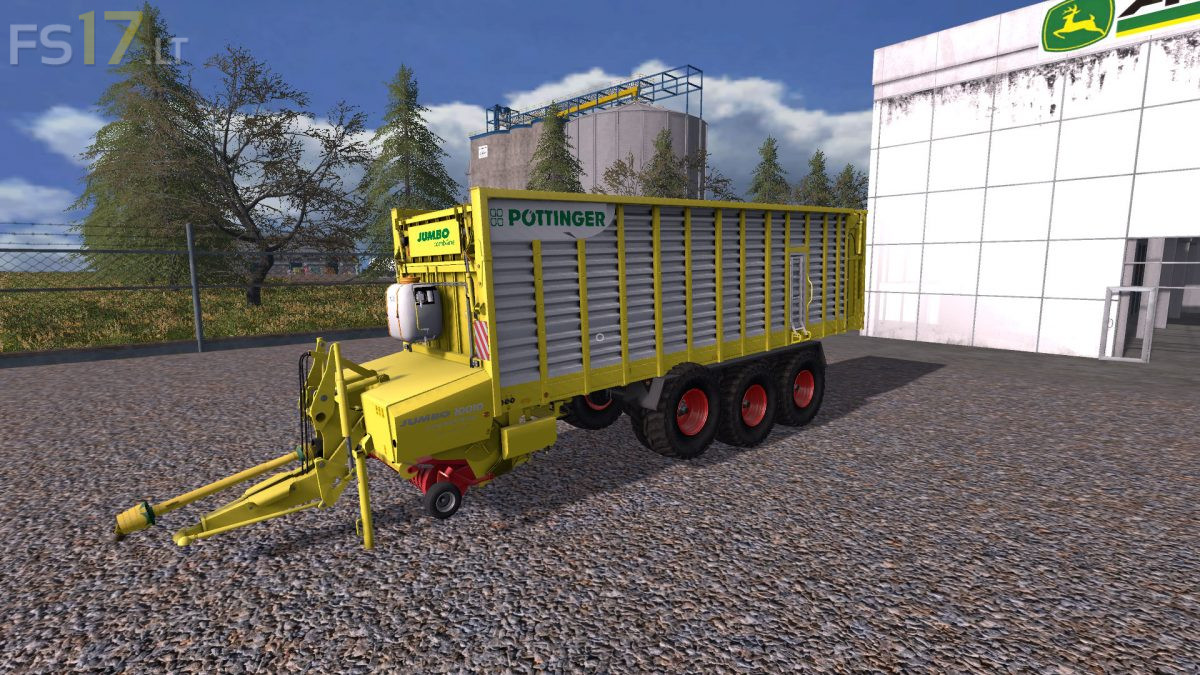
Pottinger Jumbo Combiline Pack v 1.3
About the mod:
4 Pottinger Jumbo Combiline Forage Trailers:
– Pottinger Jumbo Combiline 6010: capacity 33800 liters
– Pottinger Jumbo Combiline 6610: capacity 37300 liters
– Pottinger Jumbo Combiline 7210: capacity 40800 liters
– Pottinger Jumbo Combiline 10010: capacity 47300 liters
Version 1.3:
* Knife wear (with spare knife pallet)
* Silage agent system (with silage agent tank for refilling)
* License plate script
* Lift axle for Triedem
* Configurable metering rollers (with automatic adjustment of the capacity)
* New feeler wheels for the pickup
* Curb weight adjusted
* Freely movable pickup with retaining chains
* Wide Angle PTO with animation
* Minor adjustments
Credits:
JDVB, MMI, Eifok-team, fruktor, danielll, dennis, P€€ter, Rambo_86