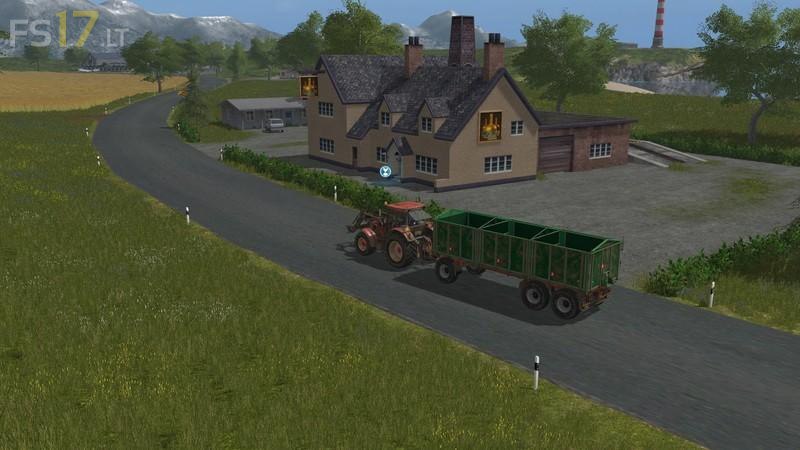
LS 2009 Map v 2.0.0.2

FS19 mods

About the mod:

Version 2.0.0.2:
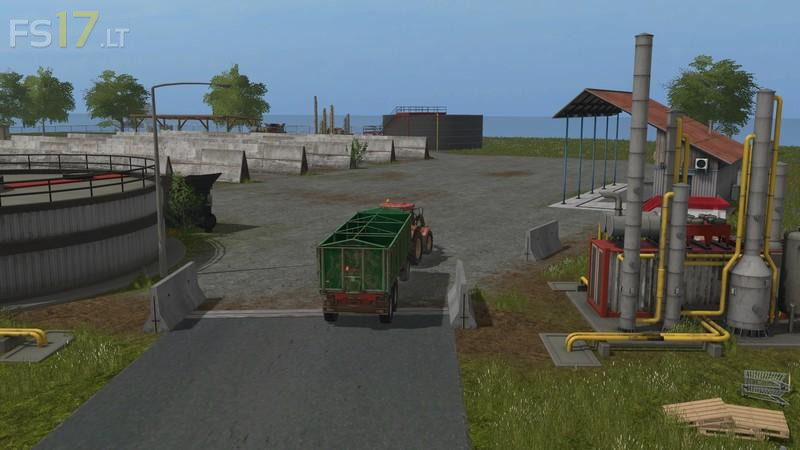
* An unloading point for silage was set up at the port and the ships changed
* Fields were changed slightly
* Forest was enlarged
* BGA silos would be changed
* BGA bunker filling quantities and consumption changed
* Filling amount from slurry tank
* Church tower clock Works with in-game time
* Cowshed would be a bit bigger Duchfahrt also for Silagewagen
* Self-propelled crane for timber loading (port) no longer wriggles
* Street signs no longer flickering
* Small shelter at the Schaafen was added

Credits:
Giants, Fullpowershift, XaaD

How to install FS17 mods?

Firstly find a mod which you like and want to download. Then download a mod to your PC. Mods are usually in .zip format file. But sometimes it can be in .rar. If a mod file is a .zip format no needed additional actions. If a file is in .rar, then you must unarchive mod with software like WinRar or Zip7. Windows 10 users no need to use software for archives, Win10 itself has a feature to unarchive files.

The next step is to find mods folder in your PC. Usually, it is in Documents/My Games/Farming Simulator 17/2017. Open the "mods" folder and put downloaded .zip archive or unarchived .rar file to this folder.

Last step. Enjoy of FS17 mods!

Leave a Reply

Your email address will not be published. Required fields are marked *