

New Holland TM 175/190 v 1.0

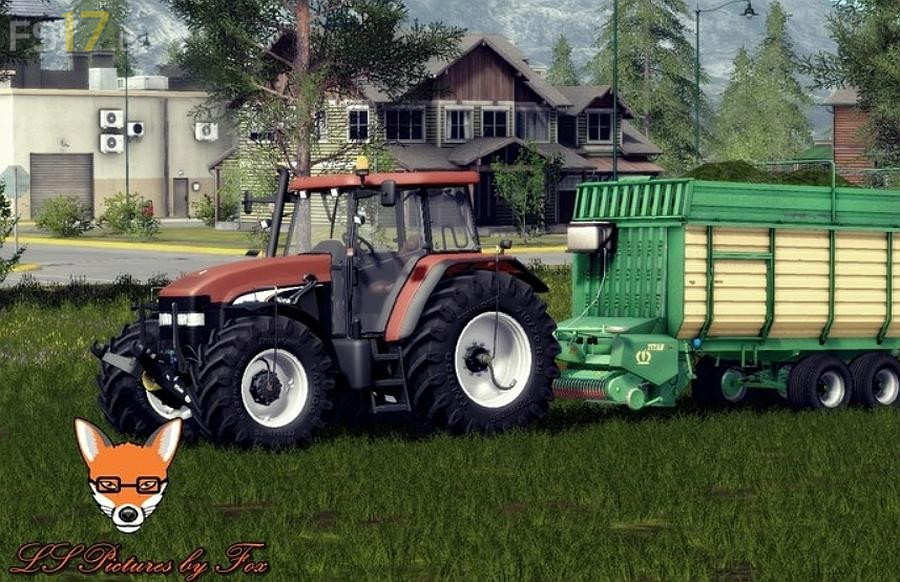
New Holland TM 175/190 v 1.0
About the mod:
– Full Interactive Control (IC), all added from scratch
– Openable doors, back window, small side windows (tiltable)
– Folding steering column (IC)
– Whells selection
– Power throttle animation in cab
– Full Animation hydraulics rear and front
– Windows cylinders animation
– Tractors have nice washable
– Very good rotations of front and rear attachers
– Selection of front hydraulic or New Holland front weight
– Fenders on IC buttons
– Foldable warntafels
– Warnings on IC Buttons
– RDA Pressure systems in wheels (IC)
– Max speed about 40 km/h (Real)
– All other basic functions: full lightning, indoor huds, mirrors and other
New:
* Added Dynamic Hoses
* Texture changes, new color
* New Wheels
* New Beacon Lights
Credits:
BJR-Modding, Marthu, Zogar
great mod but would be better if the blue colour matched the in game new holland colour