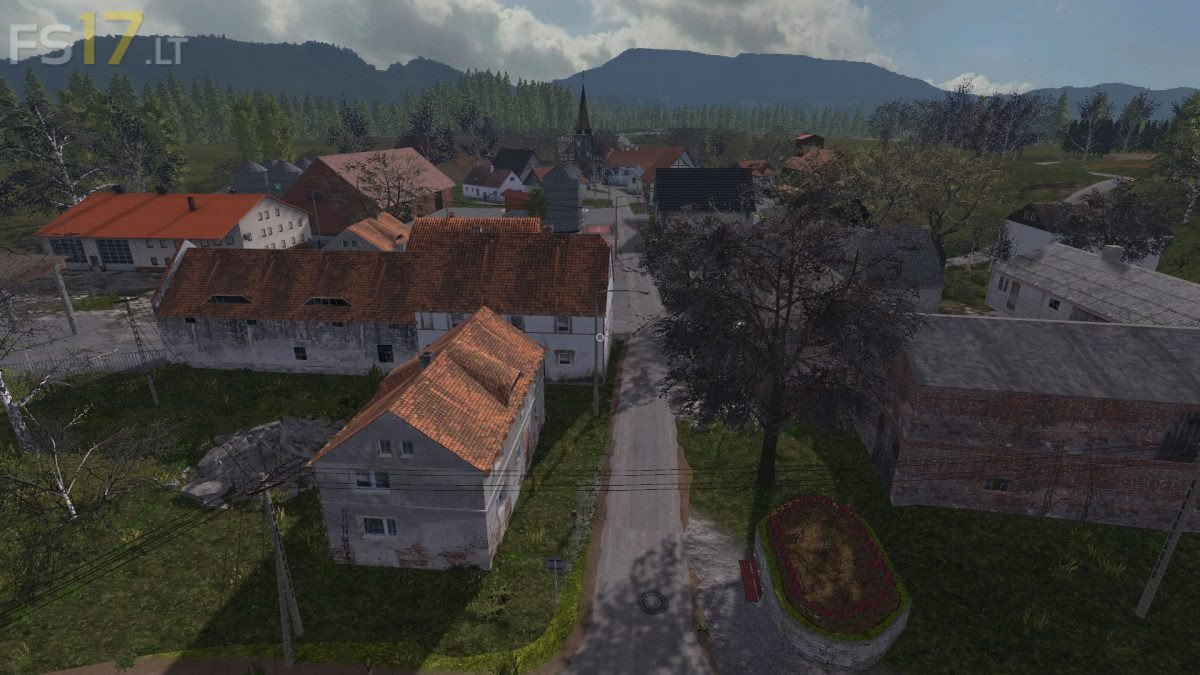
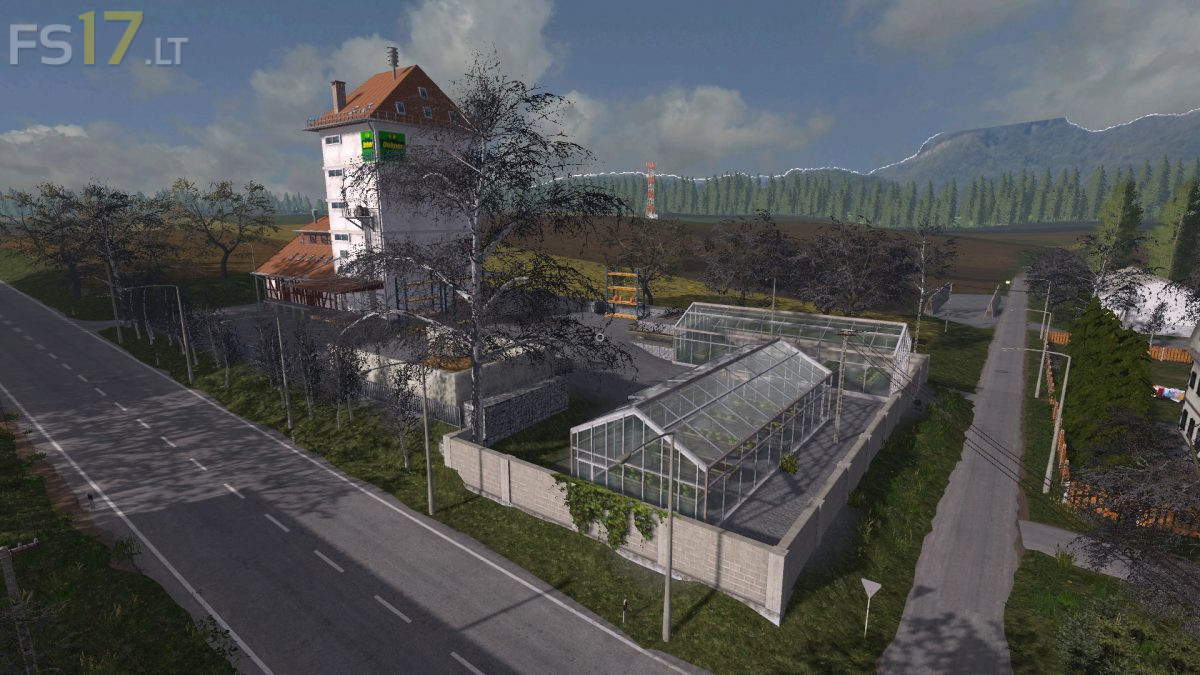
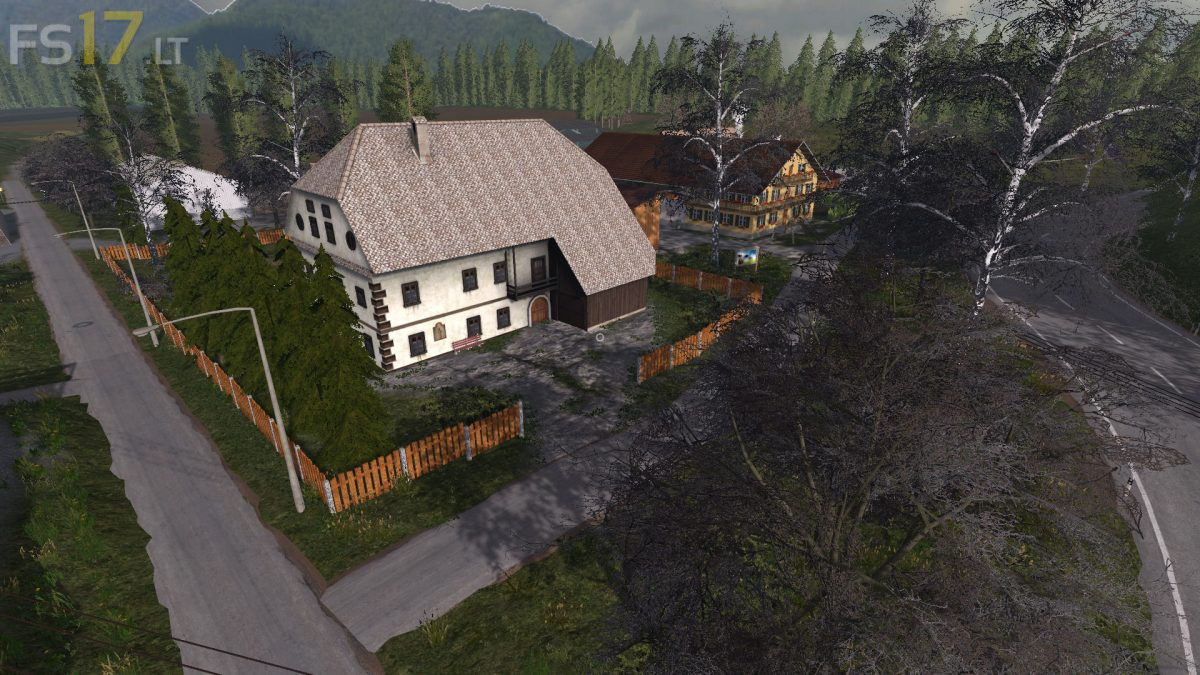
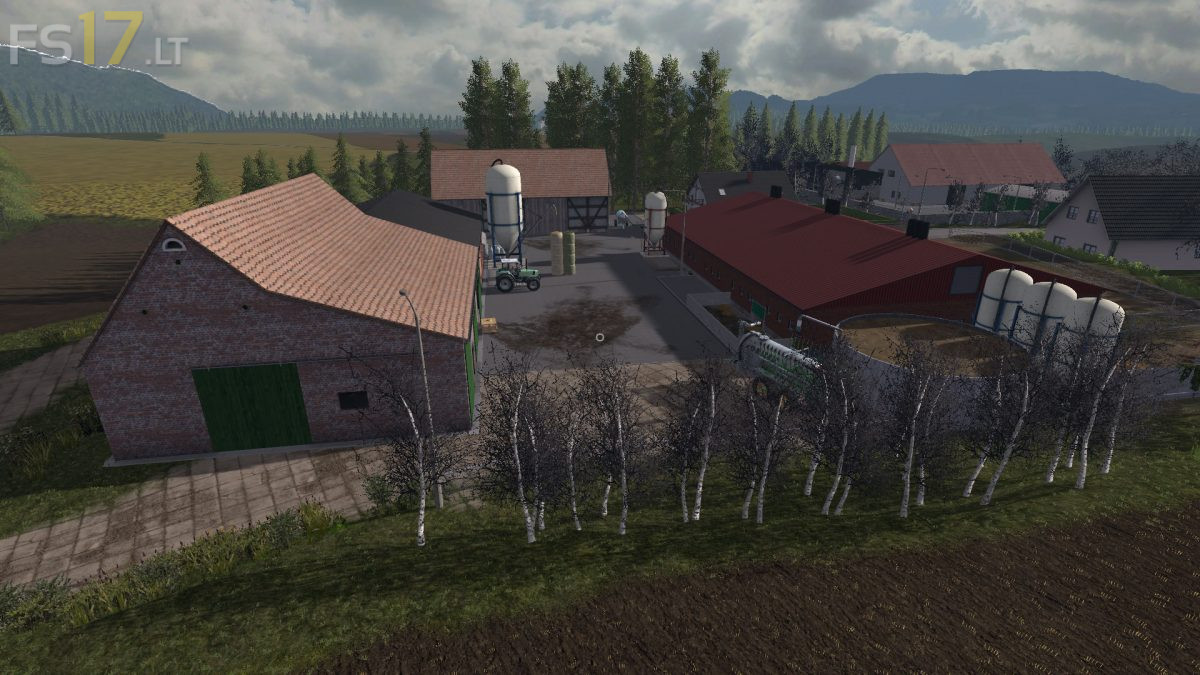
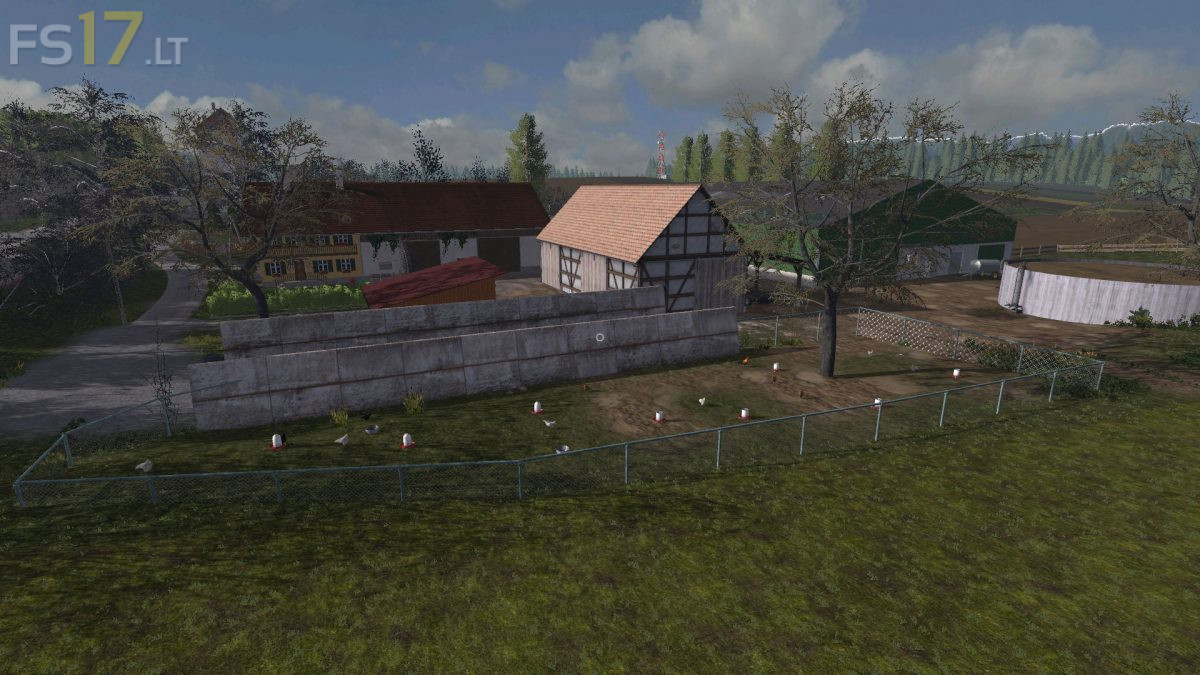
Freiensteinau Map v 2.0

FS19 mods

About the mod:

Version 2.0:
* Version with much better optimization, duplicate files removed, card weight reduction (more fps)
* Comprehensive bug fixing
* Improvement of texture and some building models
* Small changes to the fields and better access
* Starting fields pre-cultivated
* Fixed problems with BGA
* Room for straw mountains
* Improvements in Trading – Season Mod
* Moddesc version corrected
* Many minor revisions

Credits:
PsychiaterXxX

How to install FS17 mods?

Firstly find a mod which you like and want to download. Then download a mod to your PC. Mods are usually in .zip format file. But sometimes it can be in .rar. If a mod file is a .zip format no needed additional actions. If a file is in .rar, then you must unarchive mod with software like WinRar or Zip7. Windows 10 users no need to use software for archives, Win10 itself has a feature to unarchive files.

The next step is to find mods folder in your PC. Usually, it is in Documents/My Games/Farming Simulator 17/2017. Open the "mods" folder and put downloaded .zip archive or unarchived .rar file to this folder.

Last step. Enjoy of FS17 mods!

2 thoughts on “Freiensteinau Map v 2.0”

  • Nikola Dodig says:
    2018-04-09 at 07:56

    I+cant+open+gate+and+door

  • dutchgaming says:
    2018-05-06 at 12:53

    how+to+buy+field,s+in+this+map??

Leave a Reply

Your email address will not be published. Required fields are marked *