

Rostselmash Don 680M v 1.0.0.2

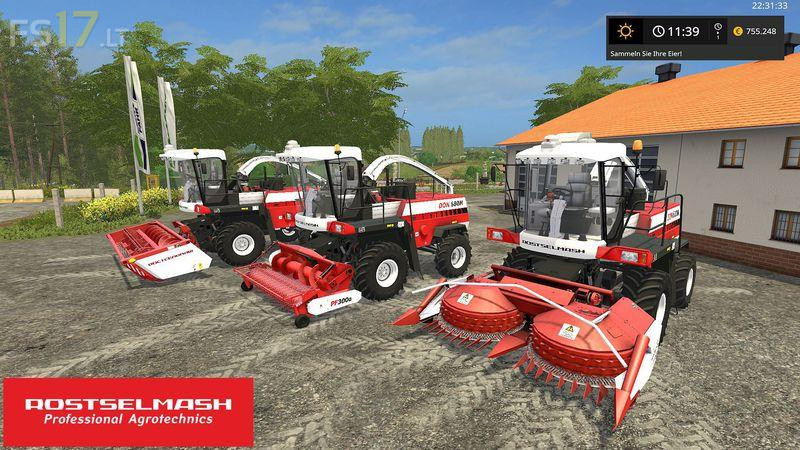
Rostselmash Don 680M v 1.0.0.2
– Power 290 hp
– Runs on standard script with the FS17 features
– Complete lighting FS17
– New coronas
– Digital speedometer
– Washable (dirty)
– GPS antenna (Greenstar)
– Air conditioning with rotating fan, available in the shop
– Extended pipe flap, available in the shop
– Protection at the feeder (fades in / out when cutterbar, attachert / deattachert)
– Fully animated (animated pulleys, V-belts, gear wheels, cardan shafts, exhaust flap, engine fan, air filter can, blade at grasscutter, etc.)
Including three cutting units:
– Rostselmash rsm GR 4000 Corn cutter / bit with approx. 4 m working width
– Rostselmash rsm PF 307 Swath Collector with approx. 3.1 m working width
– Rostselmash rsm 500 R direct cutter (grass, wheat, barley and other standard fruits) with approx. 5 m working width
Version 1.0.0.2:
* Added new Design