

Ponsse Pack v 1.0


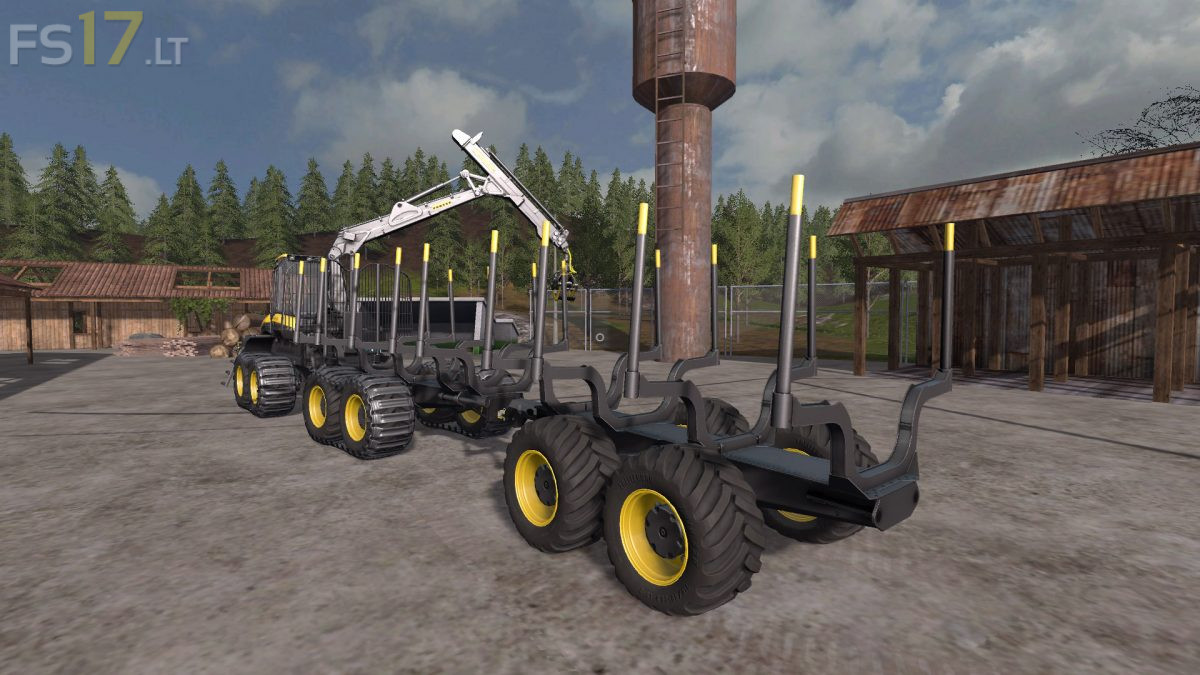
Ponsse Pack v 1.0
About the mod:
In this Ponsse pack you will find three things, one trailer and two Buffalo forwarders. The differences between the two forwarders is basically just the movement speed of the crane, there is one with slower movement for mouse users and one with faster movement speed for joystick users. But you will have the exact same futures on both of them, with front blade and trailer attatcher that is configurable in the shop. The trailer is made for the Buffalo but you can use it for other machines too. The buffalo also have a cabin view that will follow the crane claw.
Credits:
krisjo
Don’t work on my fs version, please upload it… Thanks
the most mods are for pc so or buy a pc or search for other kind of mods!!