
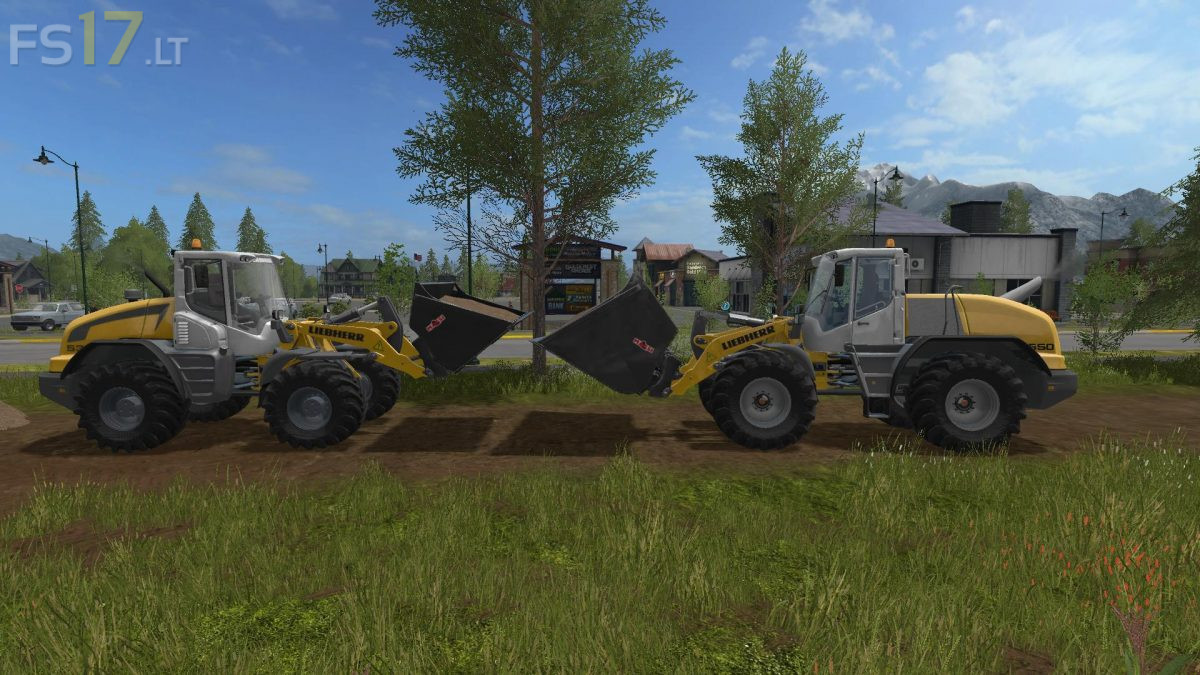
Liebherr 550 v 1.0

FS19 mods

About the mod:

Standard Liebherr rebuilt in Maya (rear enlarged and adjusted …)
Of course, also weight and power adapted to the 550.
IC also fits from the outside and seat is adjustable
(Keep mouse wheel pressed and move to the left to the right, camera and player will of course go along)
Joystick is animated when moving the swingarm and Attacher.
Big scoop 12000 liters and big fork came to it
(Fork with straps for trunks or pallets from the Marhu sawmill)
Pliers enlarged and straps installed for the keyboard players.
(as when steering with the keyboard like the logs to the left and right slip)
MotorConfig (195ps, 220ps, 280ps – including exhaust change)
Radwahl standard, wider / larger and Michelin
betterSteeringAnimation (steering with one hand)
Oil change script installed

Credits:
Giants, Forbidden-mods.de, Polofreak211, Gnomatom, Blacky BPG

How to install FS17 mods?

Firstly find a mod which you like and want to download. Then download a mod to your PC. Mods are usually in .zip format file. But sometimes it can be in .rar. If a mod file is a .zip format no needed additional actions. If a file is in .rar, then you must unarchive mod with software like WinRar or Zip7. Windows 10 users no need to use software for archives, Win10 itself has a feature to unarchive files.

The next step is to find mods folder in your PC. Usually, it is in Documents/My Games/Farming Simulator 17/2017. Open the "mods" folder and put downloaded .zip archive or unarchived .rar file to this folder.

Last step. Enjoy of FS17 mods!

Leave a Reply

Your email address will not be published. Required fields are marked *