

Region 18 Map v 0.7

Region 18 Map v 0.7
Version 0.7:
* All fields have their own master, all fields belong to one.
* Field number 3 was removed, instead of it grass meadow, and forest belt for logging.
* The sawmill was converted, a chipper was added, as well as warehouses for pallets of boards and pallets.
* All the map added traffic.
* Added a chicken coop, produces eggs and chickens for sale. (Slaughterhouse)
* Animals have the opportunity to feed bales, you can also add bales of bales.
* Compost has a compost deposit, and straw can be brought to the compost with bales.
* Fixed a bug in all production, production speed is now higher, but different in each production.
* Dairy and milk sales point were added, but milk is still sold automatically at midnight, who does not need to eat a special mod.
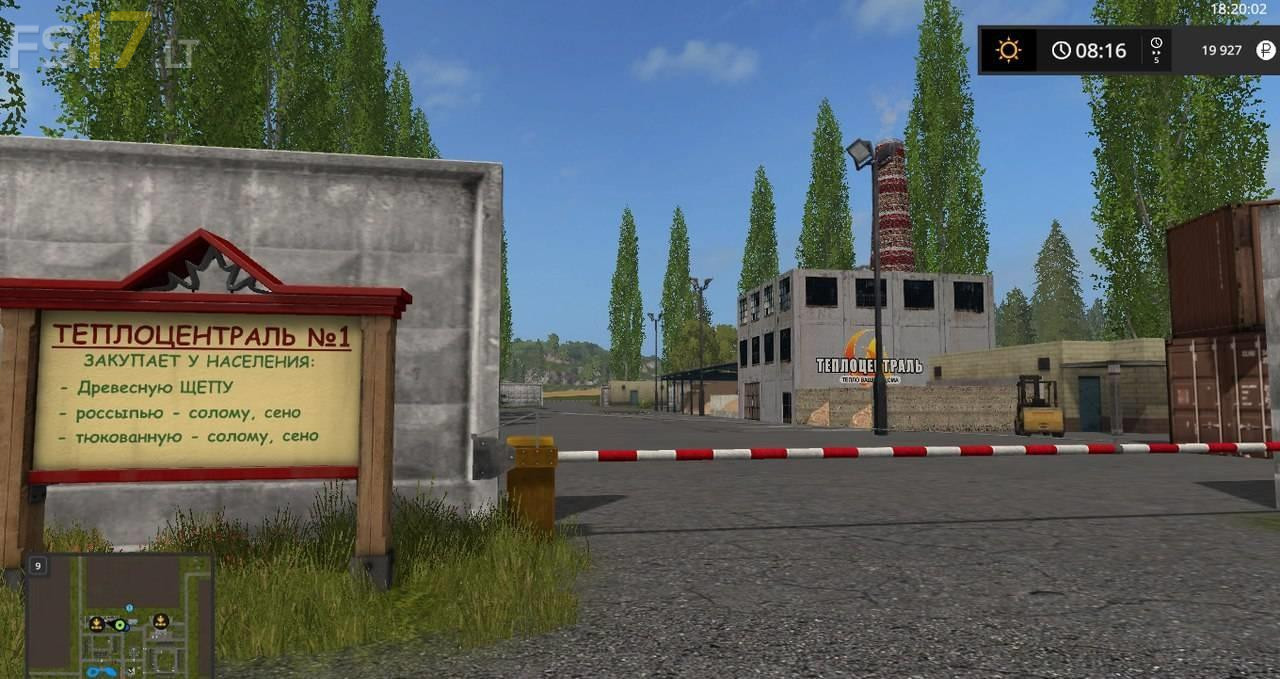
* The coal mine is added, it works on diesel and biodiesel (coal is sold at a heating plant and a sawmill is working on it)
* The bakery now requires an egg as a resource.
* On the separators and seed production, a translation was translated, more understandable, so as not to get confused where to and what produces.