

Norgecrest Valley Map v 1.0



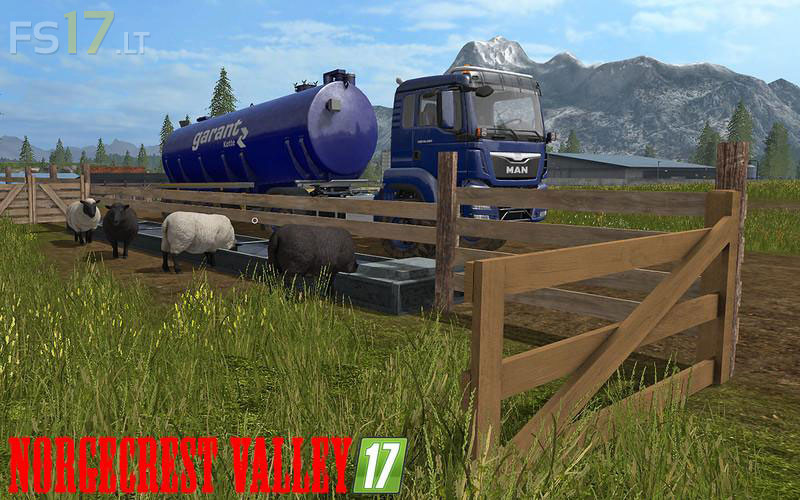
Norgecrest Valley Map v 1.0
– Chopped Straw including the necessary Textures
– Animated animals for pigs, sheep and cows, so that the animals also drink water
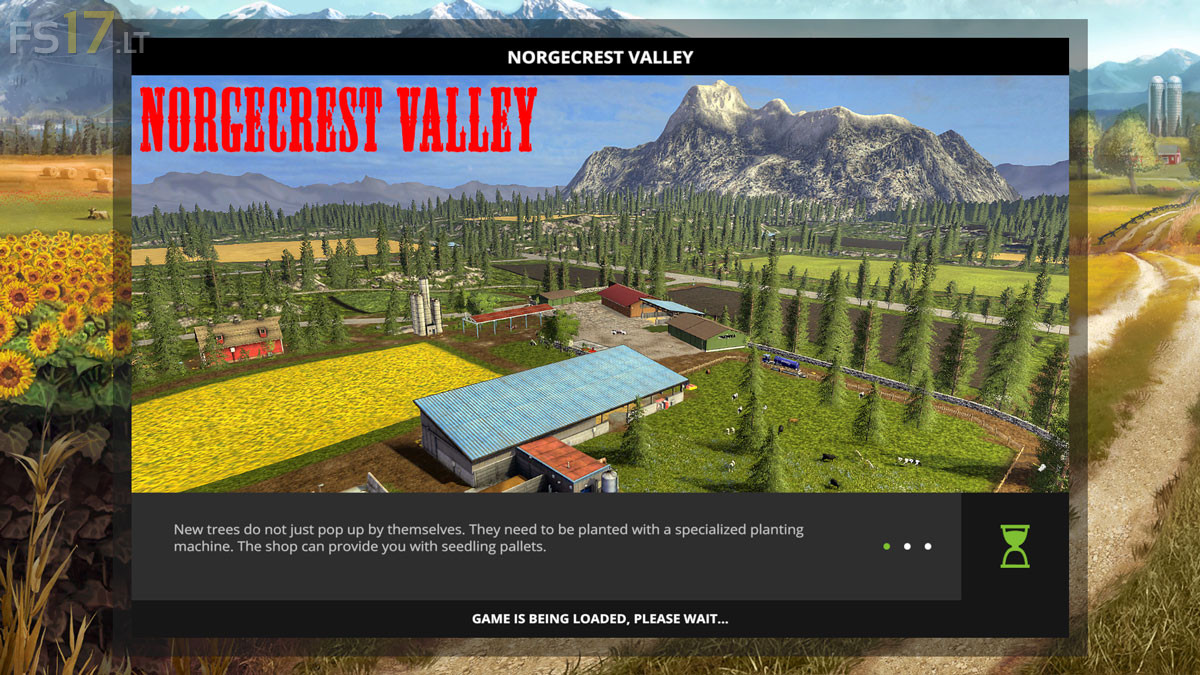
– The Farm was enlarged and partly rebuilt
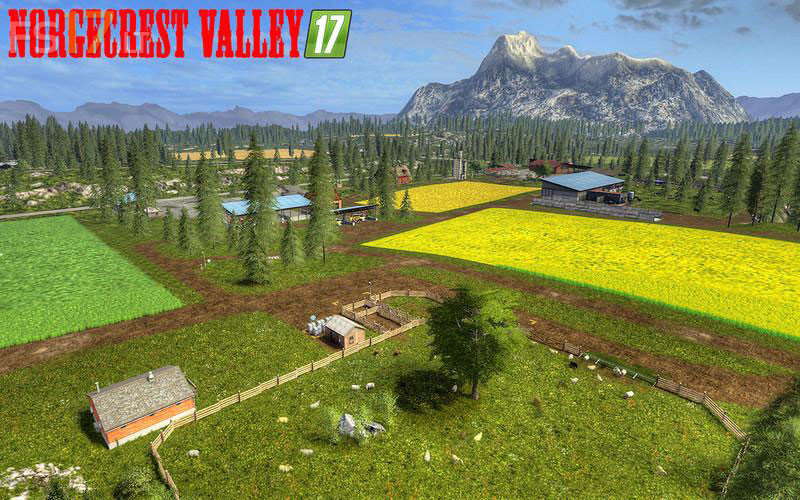
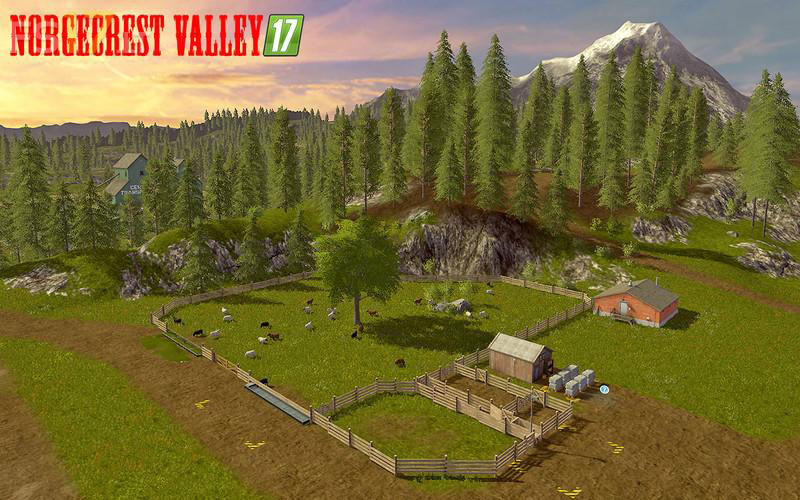
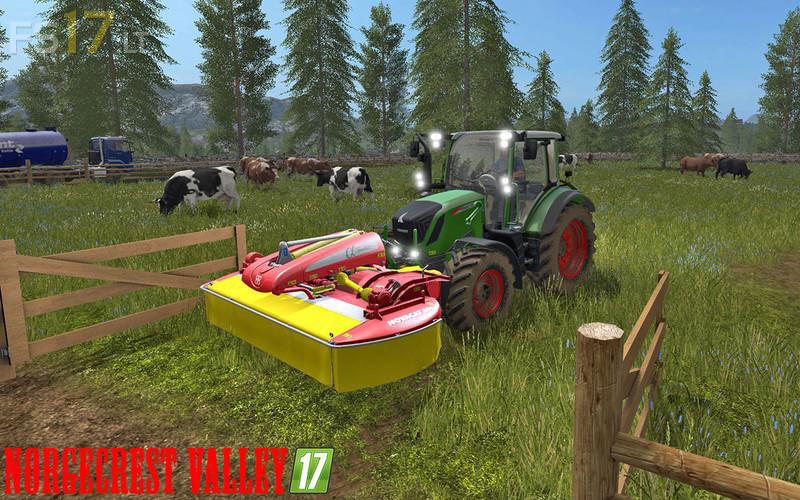
– Cow Pasture laid on the Farm
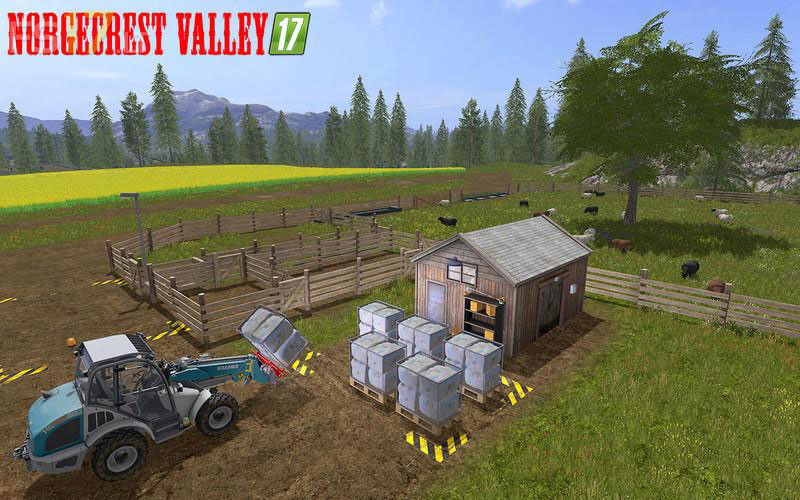
– Sheep grazing on the Farm
– Animated gates at the cow and sheep Pasture. Thus, among other things, Grass mowing
– Washing Place included Kärcher at the Yard
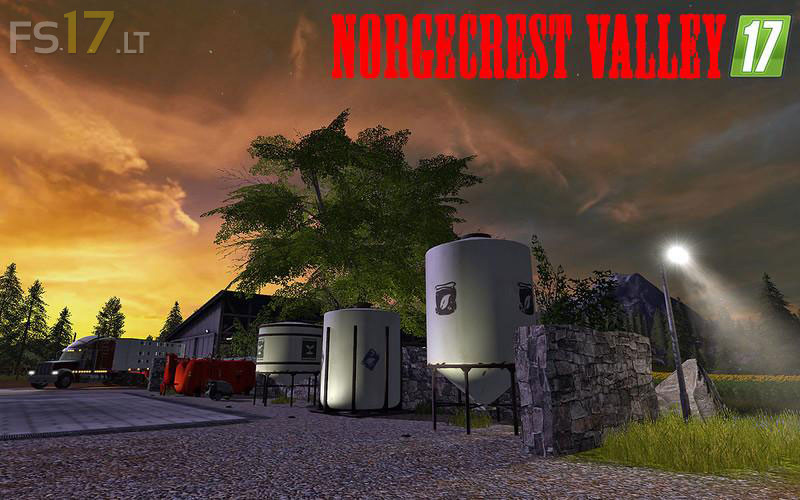
– Seed, mineral fertilizer and liquid fertilizer tank installed on the Farm
– A medium sized and a small Lizard Vehicle hall including new MP capable niggels lighting installed in the Yard
– Wolf’s System installed Biomass and Vehicle Hall on the Farm
– Courtyard Tank at the Farm
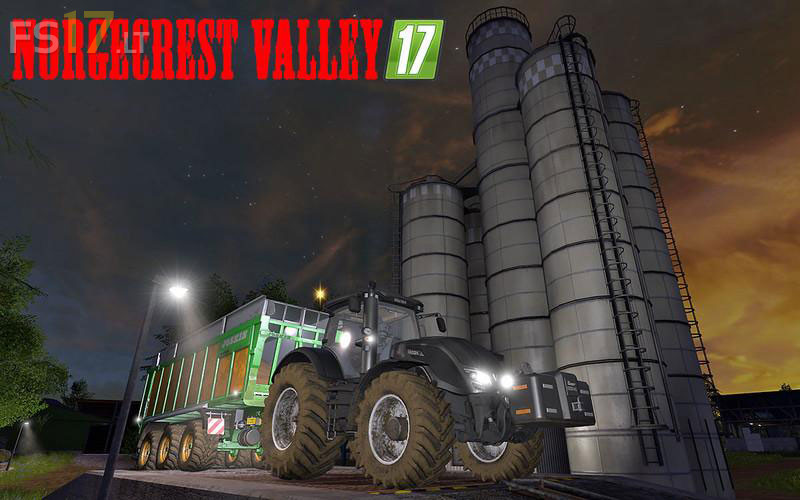
– Additional fruit varieties added to all silos and the Railroad Mill – see explanation
– Both Trains are so modified that they can also load and unload the additional fruit varieties
– Additional wooden loading crane on the railway line next to box 8 installed
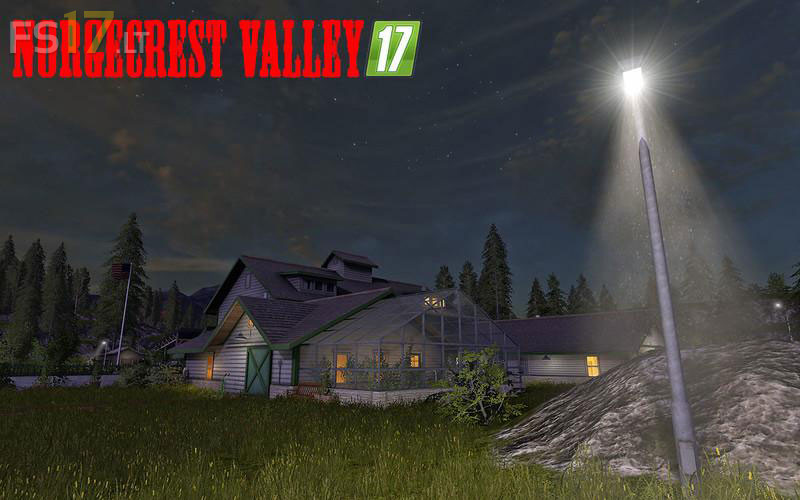
– Main street leading to the courtyard is provided with a street lighting
– The courtyard silo and the transit silo on the Farm were also equipped with lighting
– In some places, the courtyard itself also received some lighting
– All Fields have been preserved and have not been a victim of the transitions of animal Pastures
– In the places where the cow and sheep Pastures were previously, a large grass area has now been created. So much more space where you can place mods or simply use the meadows for gras stitching