

Water Trough Addon (Prefab) v 1.0.1.0

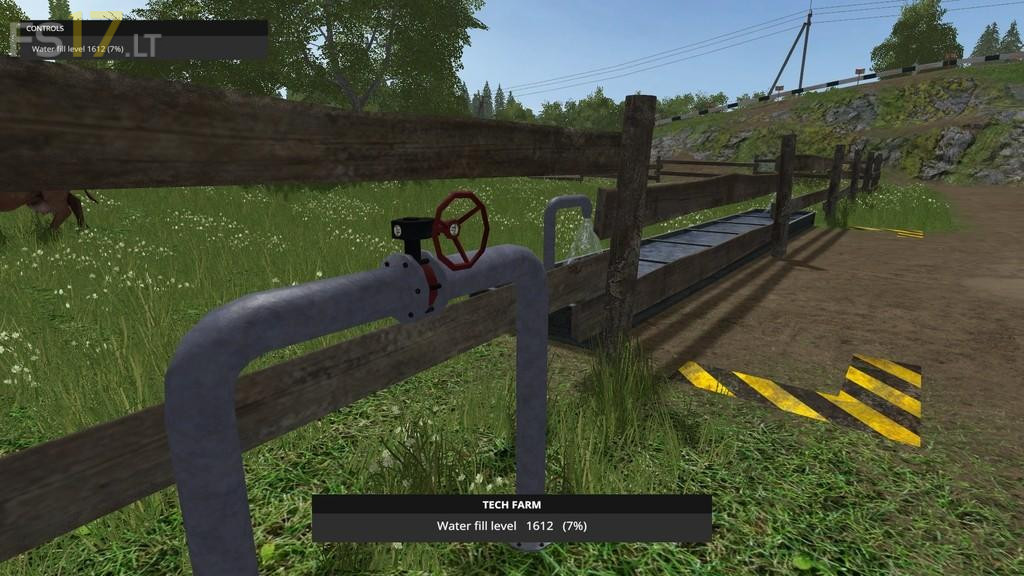
Water Trough Addon (Prefab) v 1.0.1.0
Water Trough Addon to install using Giants Editor.
This Prefab addon allows you to fill and maintain your animal water troughs without the need for a trailer. The addon can be set as owned at start or the possibility to purchase and have it built over time is also available.
If the `allowRainWater` option is set then your water troughs will slowly fill during rain or storm events.
All required effects, sounds and script are included. Multiplayer Tested.
Version 1.0.1.0:
* WaterTroughAddon.lua updated to Version: 1.1.1.0 with the following changes.
(Filling is now possible if the trough level is less than 98%. This is to adjust for maps using the ‘seasons mod’.
Status Rendering is now colour coded based on fill level of the trough and will now also display the number of days the trough fill level will last. There is now the option to set a water price scale in GE by adding the ‘waterPriceScale’ attribute. Default is 0 [free])