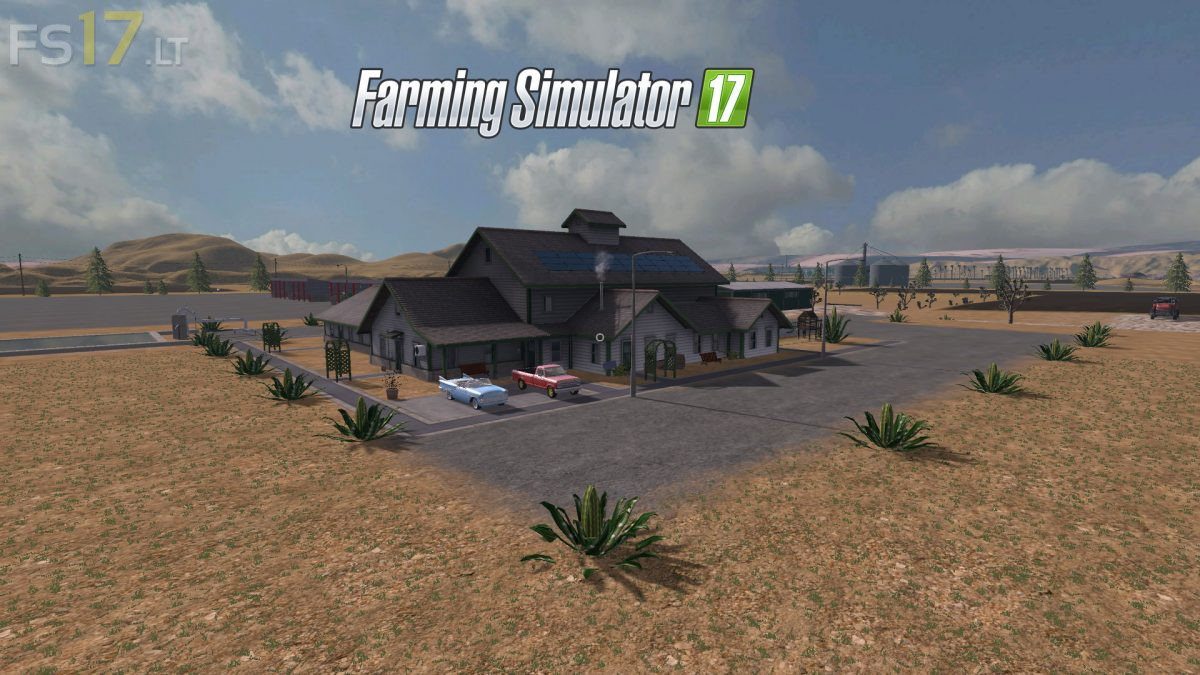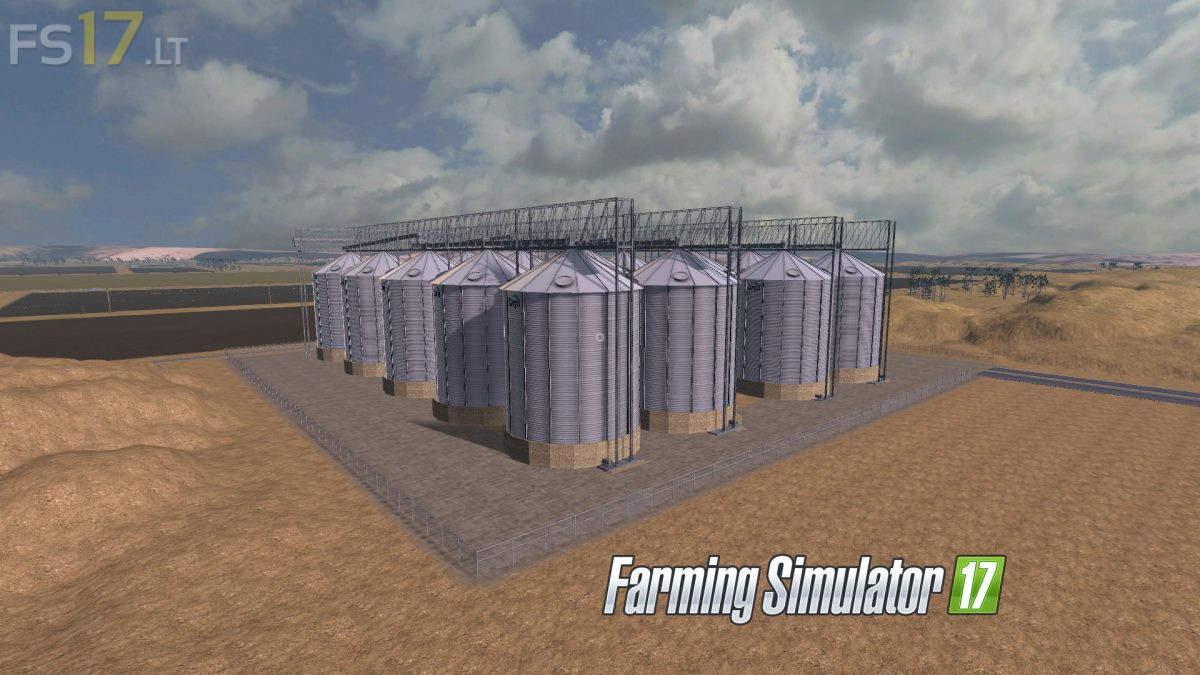
Bakerfield Map v 1.0

FS19 mods

About the mod:

– This Map includes all Farming Simulator 17 features
– Big Fields
– Animals Train
– mCompanyFactory Scripts
– PDA

Credits:
Model: ATS, Farmer_Andy, Kevink98, Marhu, TheSnake, Danjelmc

How to install FS17 mods?

Firstly find a mod which you like and want to download. Then download a mod to your PC. Mods are usually in .zip format file. But sometimes it can be in .rar. If a mod file is a .zip format no needed additional actions. If a file is in .rar, then you must unarchive mod with software like WinRar or Zip7. Windows 10 users no need to use software for archives, Win10 itself has a feature to unarchive files.

The next step is to find mods folder in your PC. Usually, it is in Documents/My Games/Farming Simulator 17/2017. Open the "mods" folder and put downloaded .zip archive or unarchived .rar file to this folder.

Last step. Enjoy of FS17 mods!

2 thoughts on “Bakerfield Map v 1.0”

  • Michael says:
    2018-05-02 at 03:28

    I like the idea – but a PDA map / Help windo map, which is slightly more accurate, would be good.

  • Turner says:
    2018-07-29 at 22:08

    Great map but….why aren’t things marked on the map? As in the store/shop, cow area, chicken area, pig area, sheep area, and areas to drop crops off? The shop is way up there and away from everything. You’d think the shop would be in the city. Why so many Trucks? This map would be even better if you didn’t have to write down where everything was vs. seeing it on the map.

Leave a Reply

Your email address will not be published. Required fields are marked *