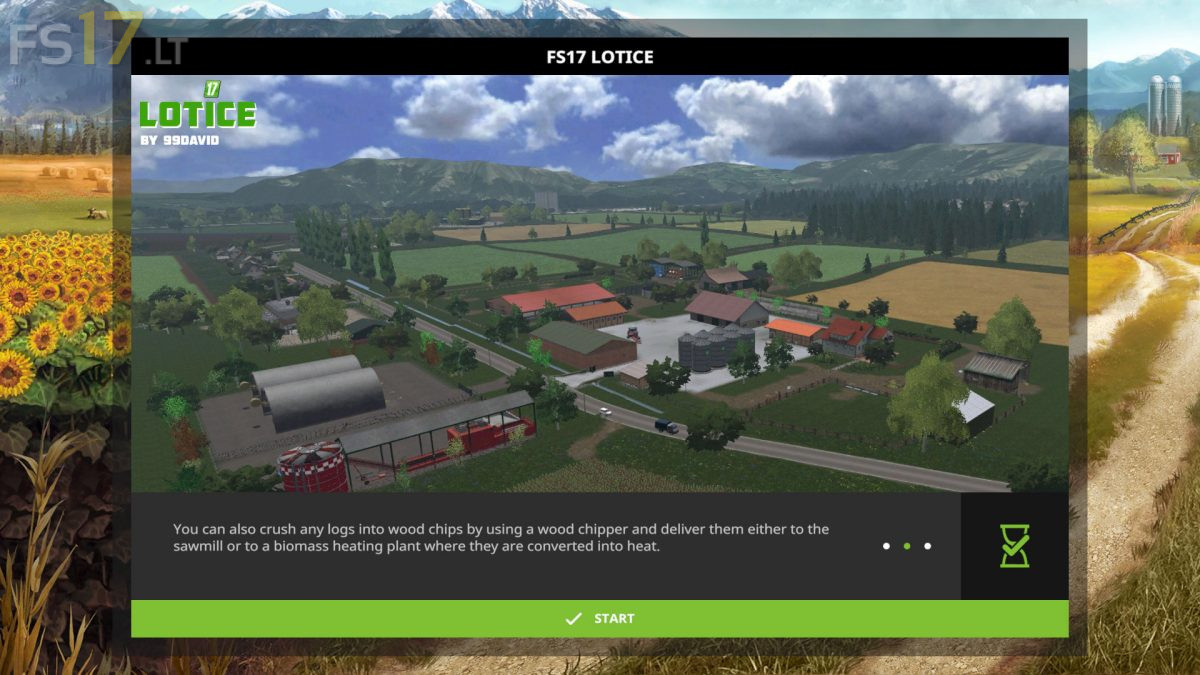
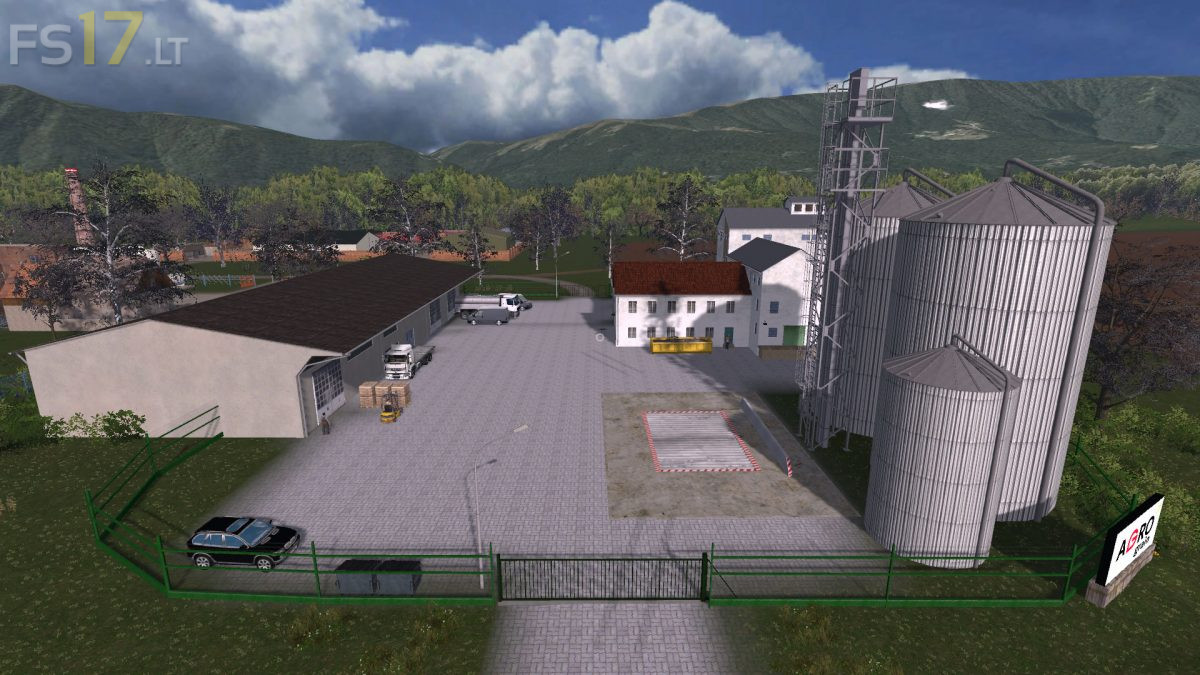
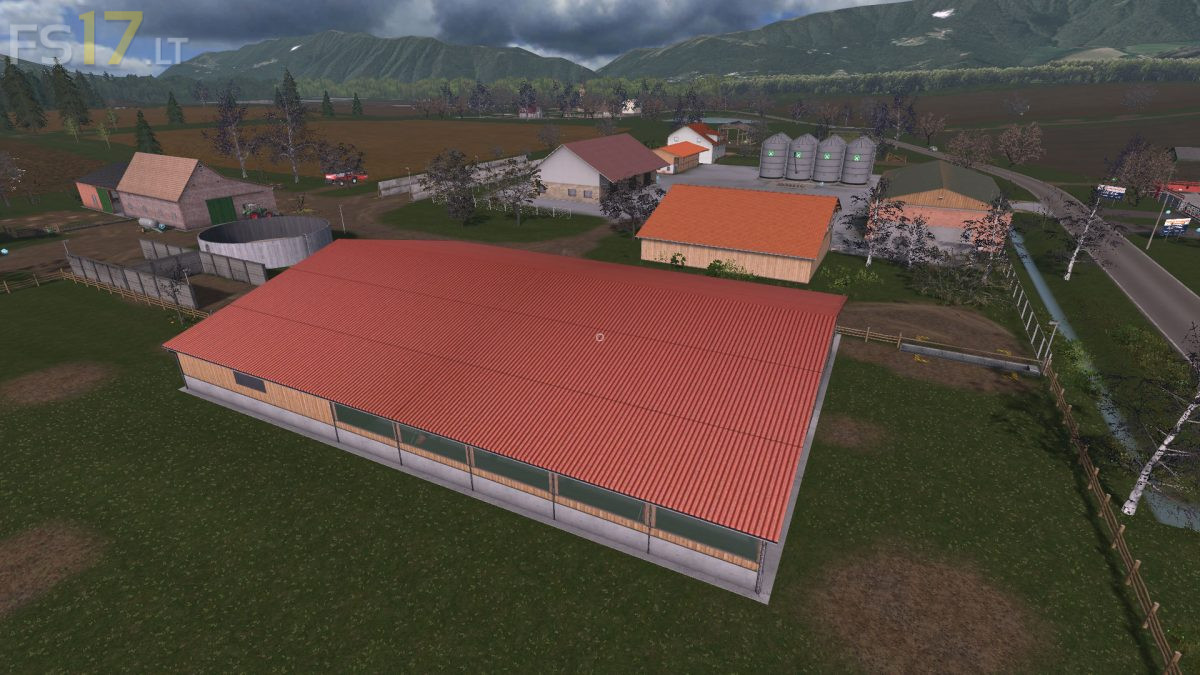
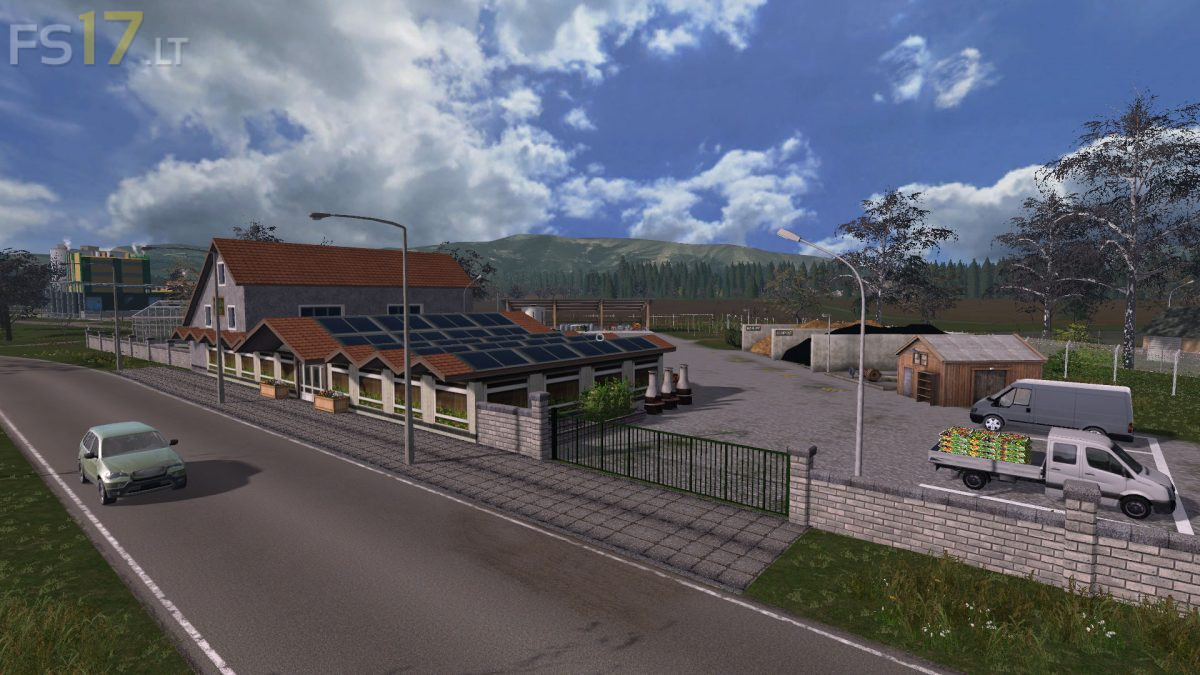
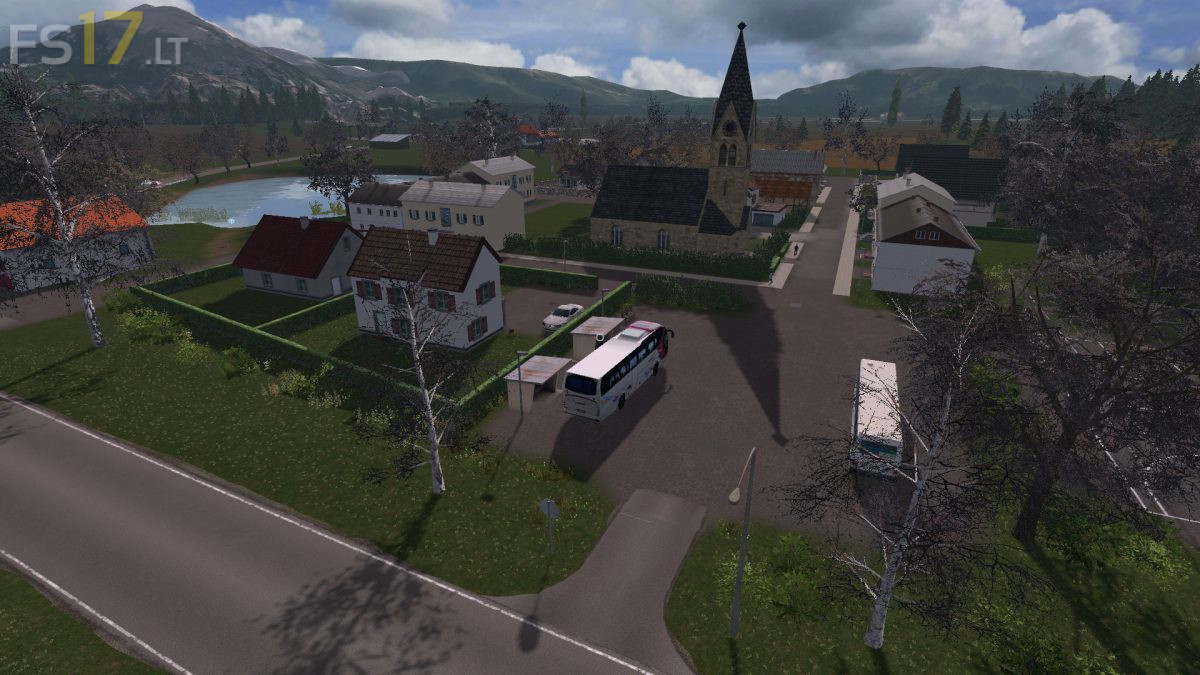
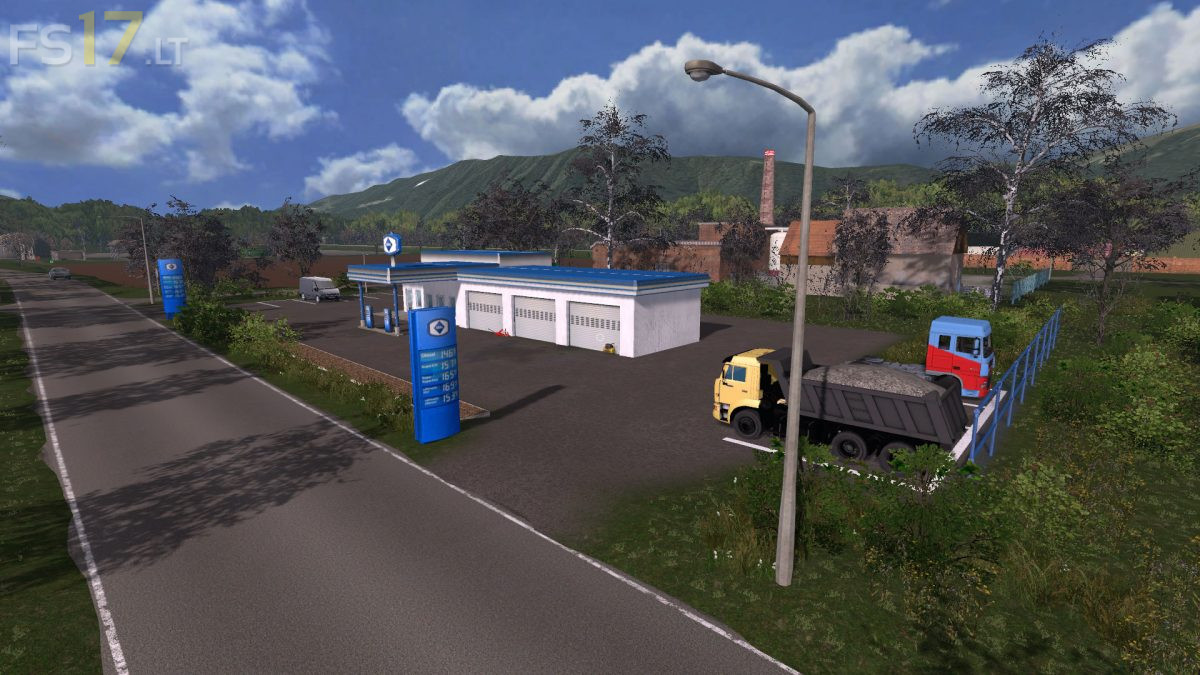
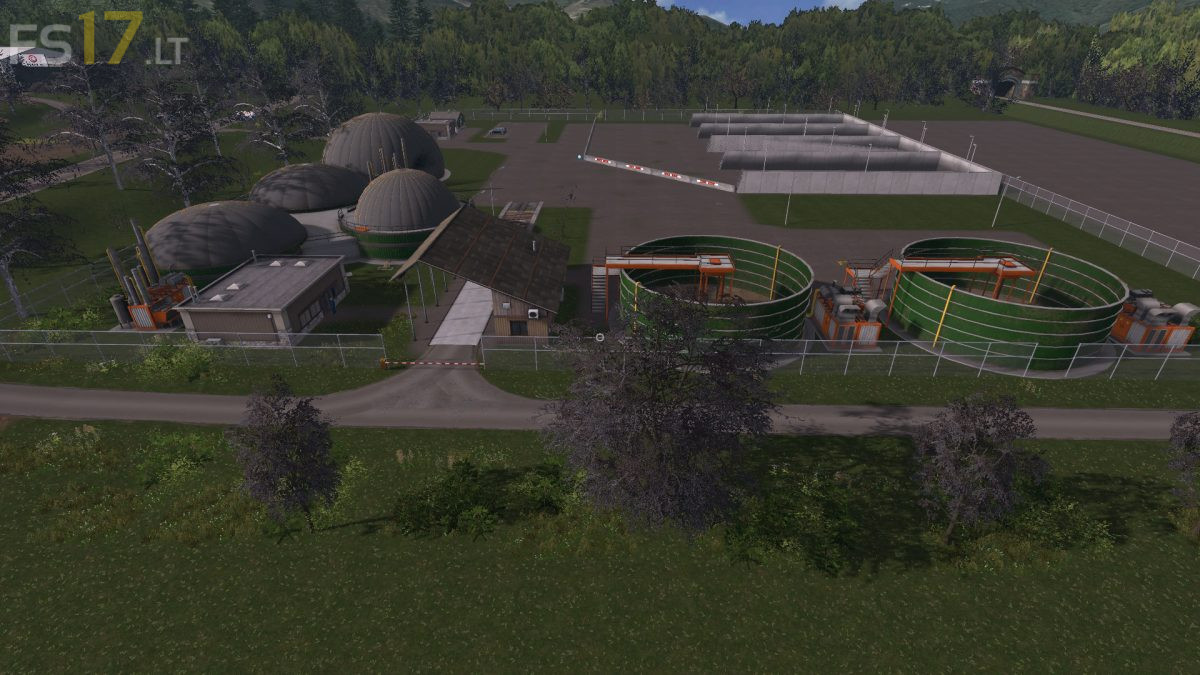
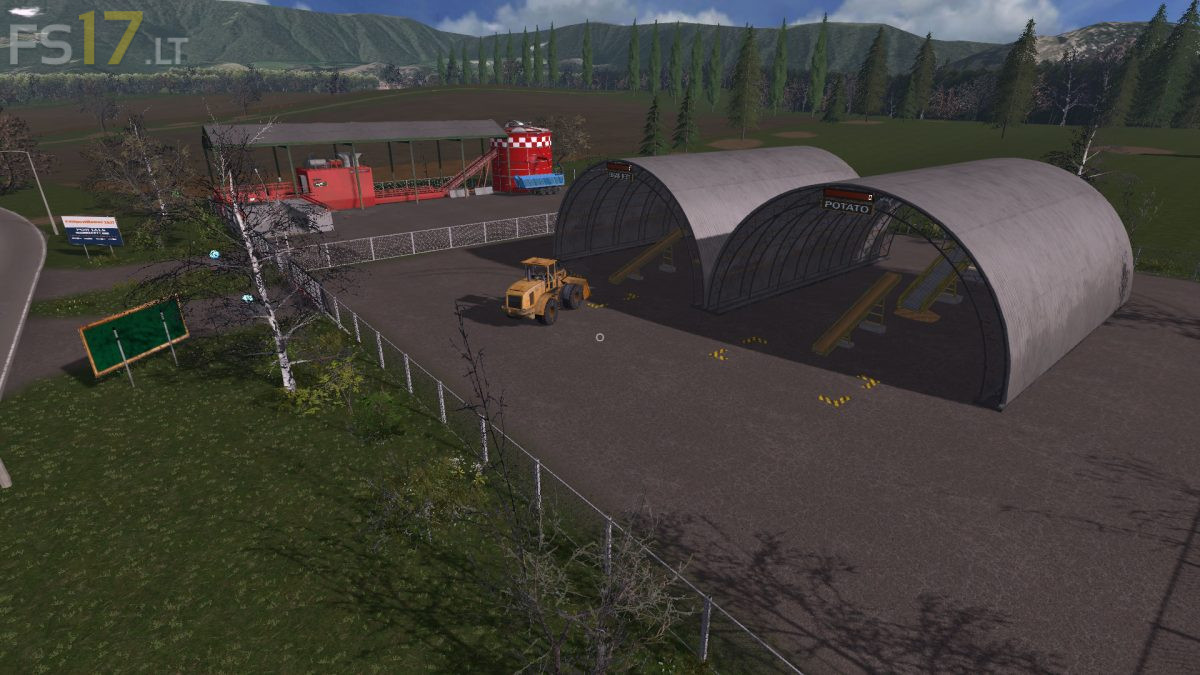
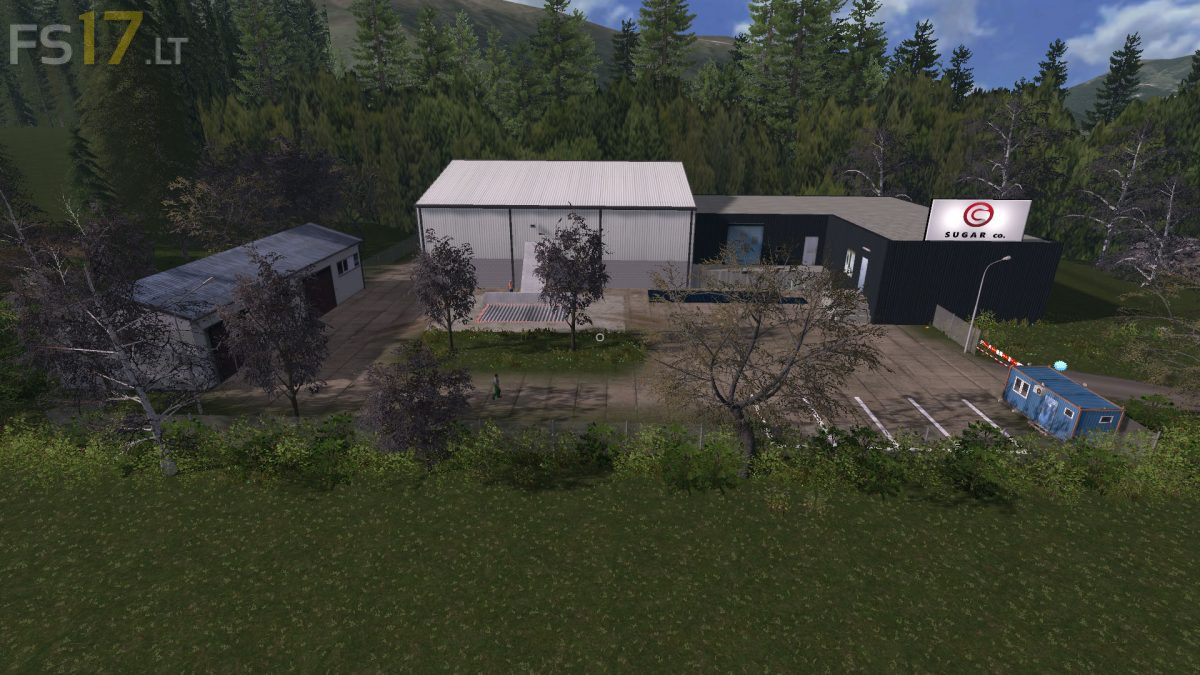
Lotice Map v 1.0.0.1

FS19 mods

About the mod:

Version 1.0.0.1:
* Big Mill: products have been made from half the grain and you lost money. It was changed
* One car (traffic) had a collision detection problem
* Fixed freezing cows and pigs
* Small changes in cow area (water and feed)

Credits:
99David

How to install FS17 mods?

Firstly find a mod which you like and want to download. Then download a mod to your PC. Mods are usually in .zip format file. But sometimes it can be in .rar. If a mod file is a .zip format no needed additional actions. If a file is in .rar, then you must unarchive mod with software like WinRar or Zip7. Windows 10 users no need to use software for archives, Win10 itself has a feature to unarchive files.

The next step is to find mods folder in your PC. Usually, it is in Documents/My Games/Farming Simulator 17/2017. Open the "mods" folder and put downloaded .zip archive or unarchived .rar file to this folder.

Last step. Enjoy of FS17 mods!

One thought on “Lotice Map v 1.0.0.1”

Leave a Reply

Your email address will not be published. Required fields are marked *