

MAN TGS Chassis Pack v 4.0.0.1

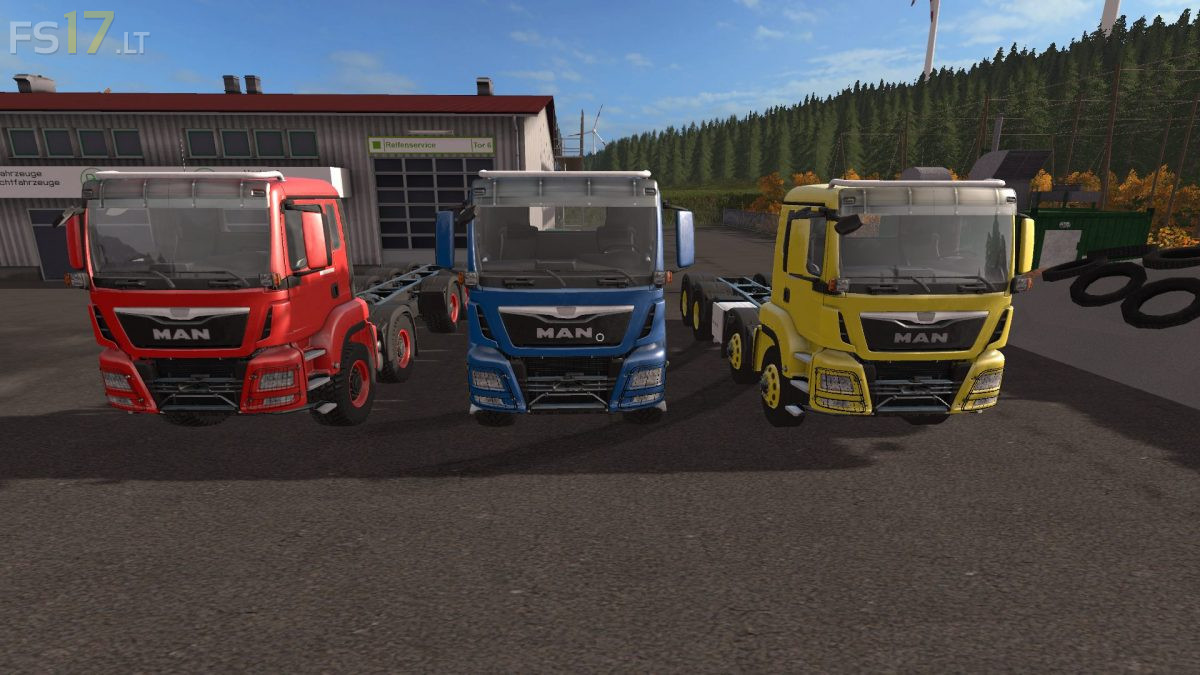
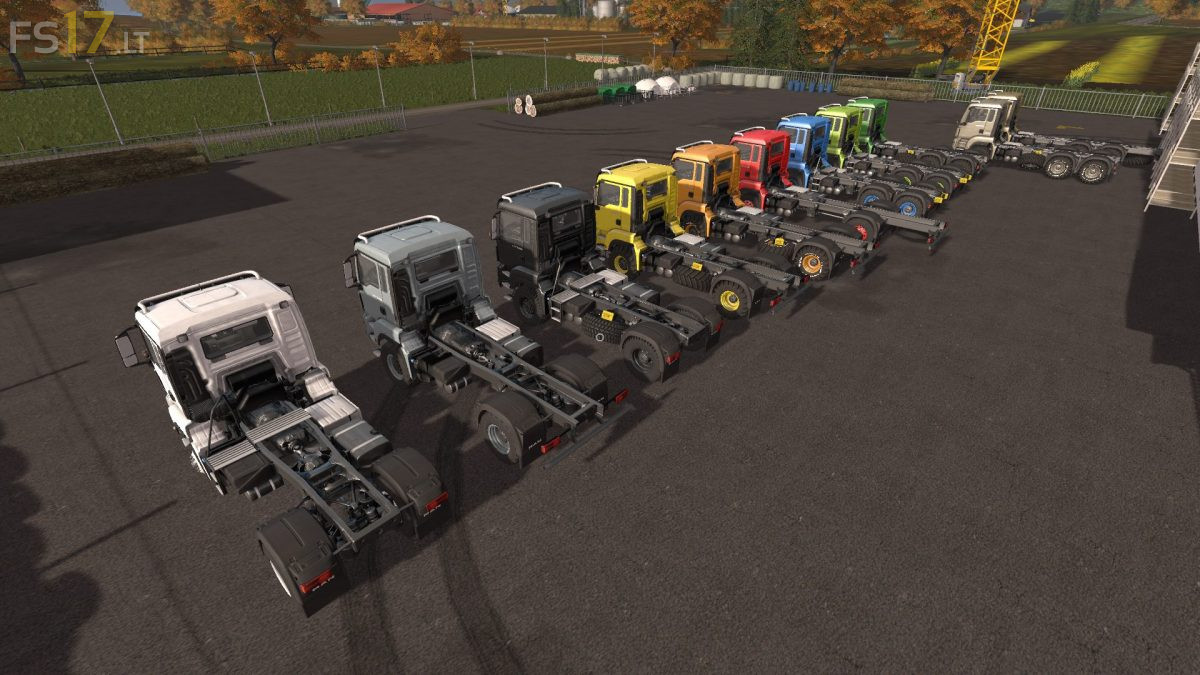
MAN TGS Chassis Pack v 4.0.0.1
About the mod:
The Pack consist of:
– 6 Chassis of the 18 Tonner Series (4×4)
– 4 Chassis of the 26 Tonner Series (6×6)
– 4 Chassis of the 33 Tonner Series (6×6)
– 1 Chassis of the 35 Tonner Range (8×8)
– 3 Chassis of the 41 Tonner Series (8×8)
– 1 Chassis of the 50 Tonner Series (8×8, heavy duty Tractor)
– 3 Chassis of the 50 Tonner Series (10×10)
Features:
– Engine Setup: 420 hp, 460 hp, 500 hp
– Selectable Wheels
– Selectable Rim Color
– Choice of Color
– Washable
Credits:
Giants, Alfredix
If i buy these trucks in the fs17 shop i only get a chassis of the truck and i dont know what i can use this mod with, please help me.