

North Frisian March Map v 1.9


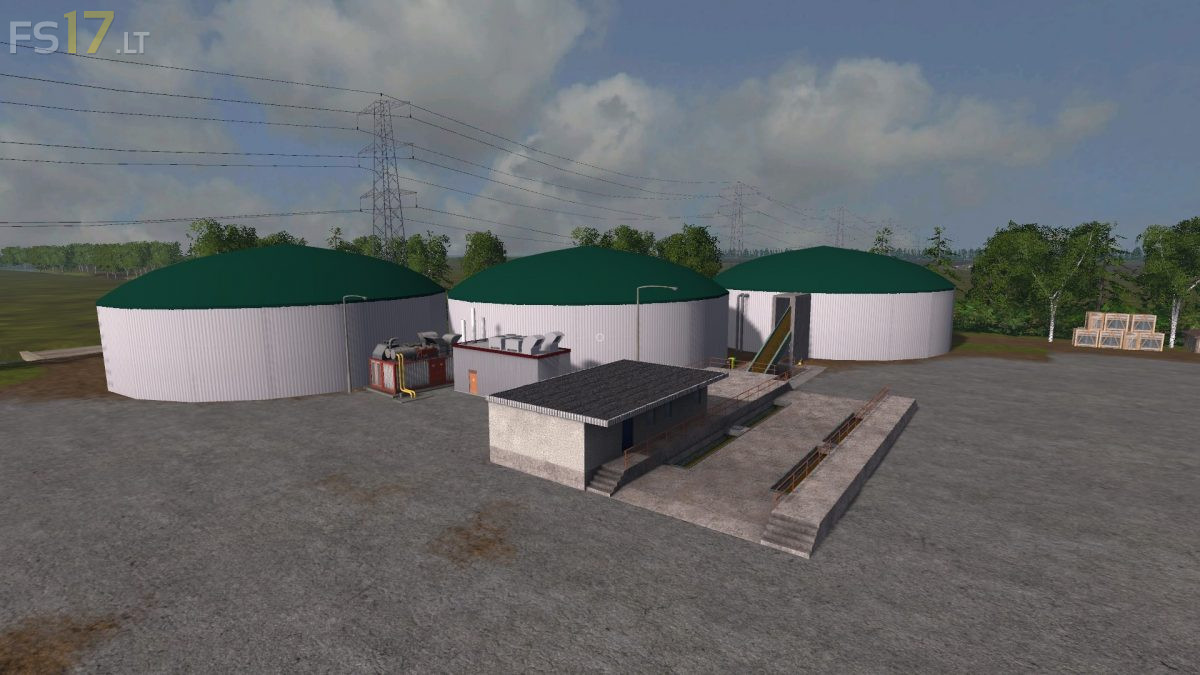
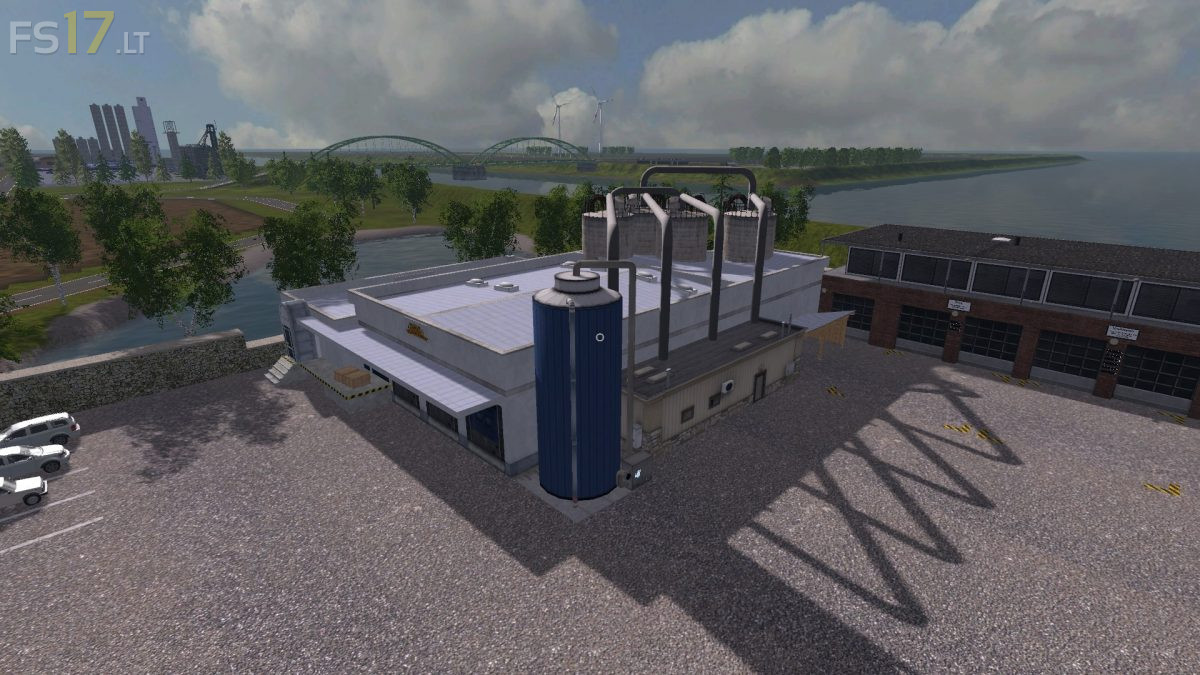
North Frisian March Map v 1.9
Version 1.9:
* New better ingame PDA map overview
* The butcher now accepts 600 animals
* Bale storage for straw, grass and hay square bales in the dairy cattle shed
* New wool pallet store at the sheep
* More grass decoration in some places
* Honeys papers and collectors now work properly
* Infotrigger Honey is rushed to the right place
* Infotrigger Cementfabrik now also in front of the monitors
* Leader post in field 30 no longer has a collision
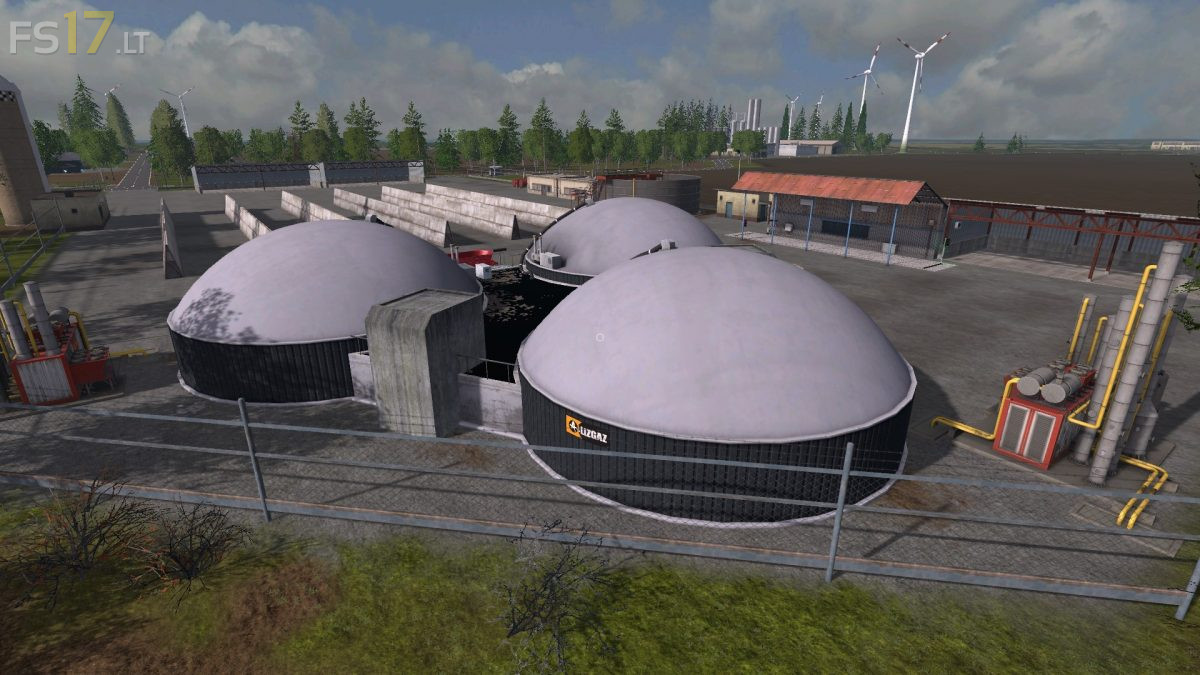
* Again changed collision at the wedge silos of BGA South
* Fixed flying garbage bin at McDonalds
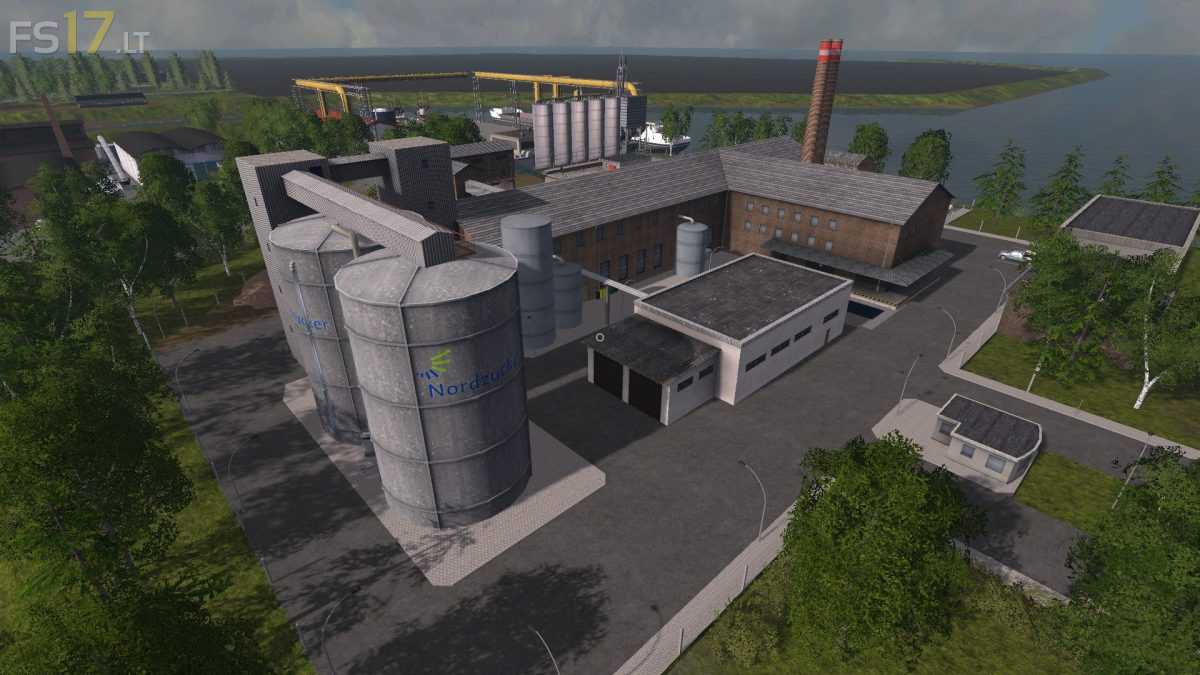
* Flying gray stone at the grain ship at the harbor
* The horses no longer float in the air
* Production light at the trees next to the dairy removed
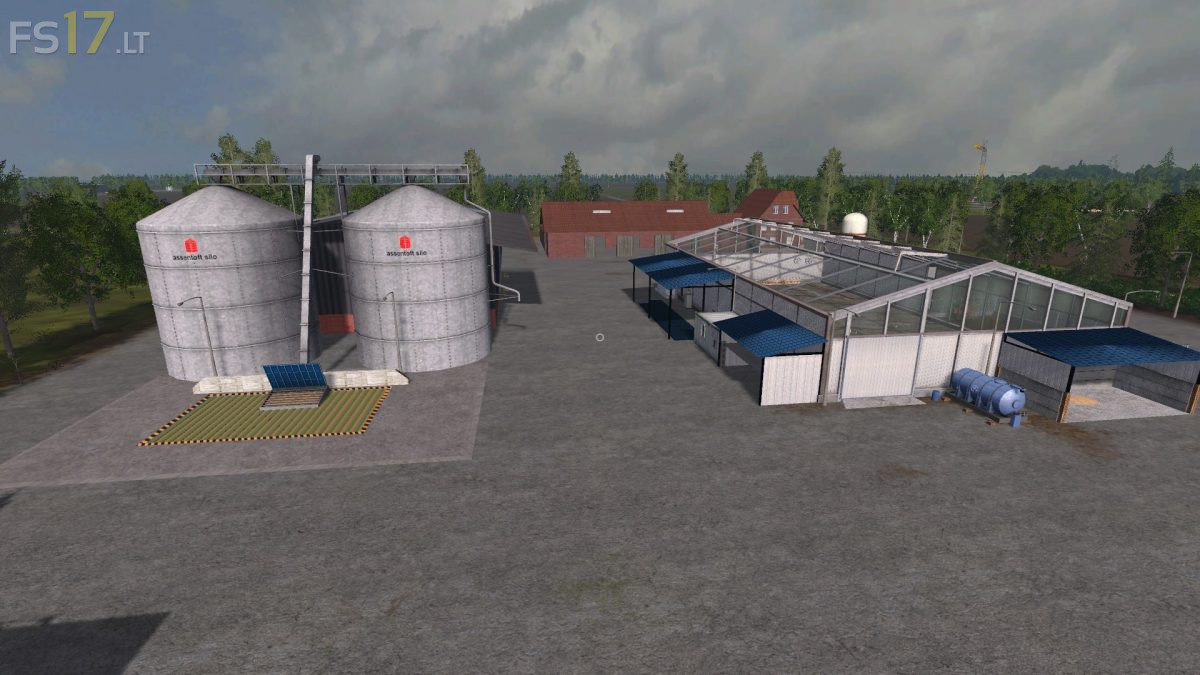
* Walls at the greenhouses Compost area shortened
* Erroneous double traffic signs deleted
* Display of fertilizer production at the Rinderhof fixed