

Same Explorer v 1.1

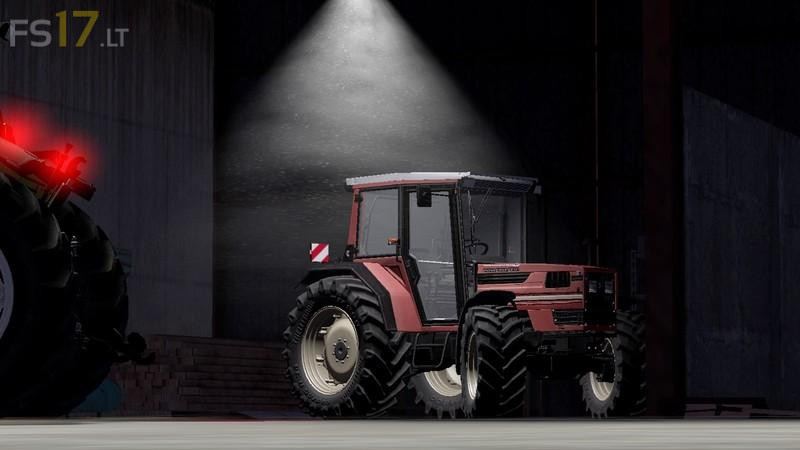
Same Explorer v 1.1
– Directly in the shop there is the choice whether to apply the front lifter or fixed weight (whose ballasts are applicable outside the tractor with the “R” key), wheel configuration (4WD: normal, narrow cages and iron wheels; 2WD: normal narrow, used, cages), rim colors (white or gray cream), Same engine configuration (55, 60, 65, 70, 75, 80 Turbo, 90 Turbo), Desing (flashing right or left, both or none, antenna , signals of encumbrance, full optional).
– On the outside of the tractor, with the “R” key you can put / remove the mudguards, adding weight weights, door opening; then you have the animated entry and exit, fan rotation and engine vibration, black smoke at ignition, and / or using turn on a tool, and wipers activation when it rains.
– Inside, full lighting of the dashboard, ic (doors, rear window, engine ignition, lights, rear lift, bonnet, passenger seat and sensitivity adjuster compartment, right), indoor sounds.
– With the right mouse button you can move the internal chamber on the x axis, inversor animation, key, pedals, cloche and manual accelerator, engine vibration, totally real sounds, dinamyc hoses and wipers animation when it rains.