

Pinecreek Hills Map v 1.2 Forest Edition


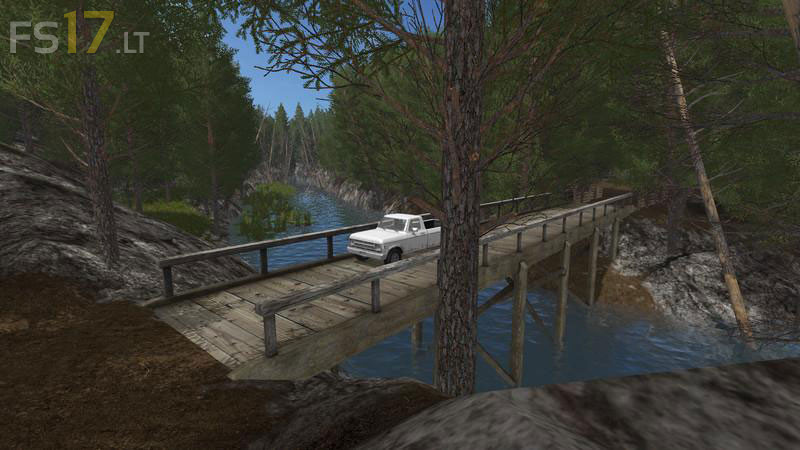
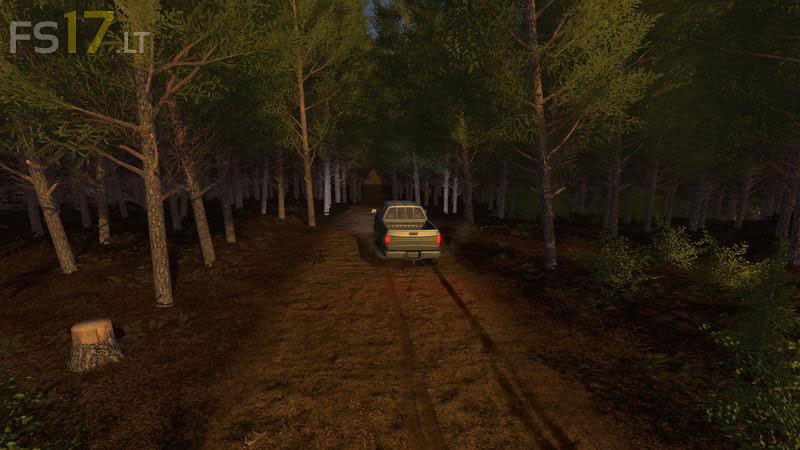
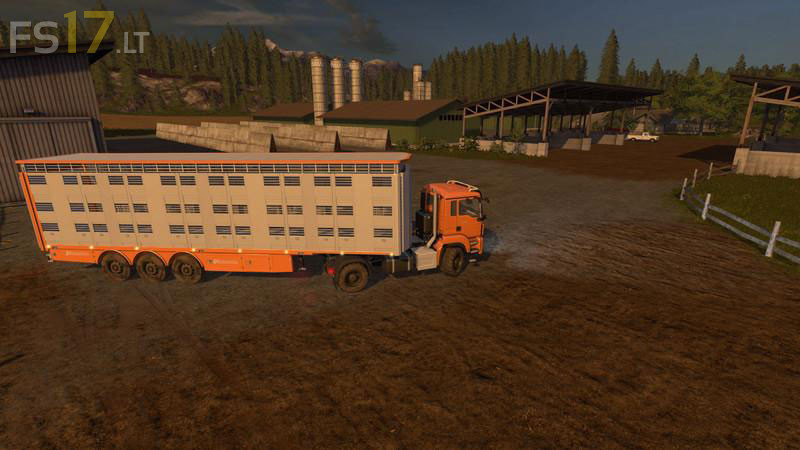
Pinecreek Hills Map v 1.2 Forest Edition
About the mod:
Version 1.2:
* Complete reconstruction of the Farm with new halls (animated doors)
* Transfer of all husbandrys to the Farm, including two silos for the cows
* Creation of a spacious Forest area in the North East of the Map
* Construction of a forestry with a crane in the East of the Map
* Reinforcement of existing Forest areas
* Enlargement of various Fields
* Move the Goldcrest Pacific Grain
* Various changes to the terrain
Credits:
Giants, Gullivergumba, Shoebeck, Eribus, Goldman, EniGmaa, t0xic0m, Agrarteam Franken