

Sherwood Park Farm Seasons Map v 2.01

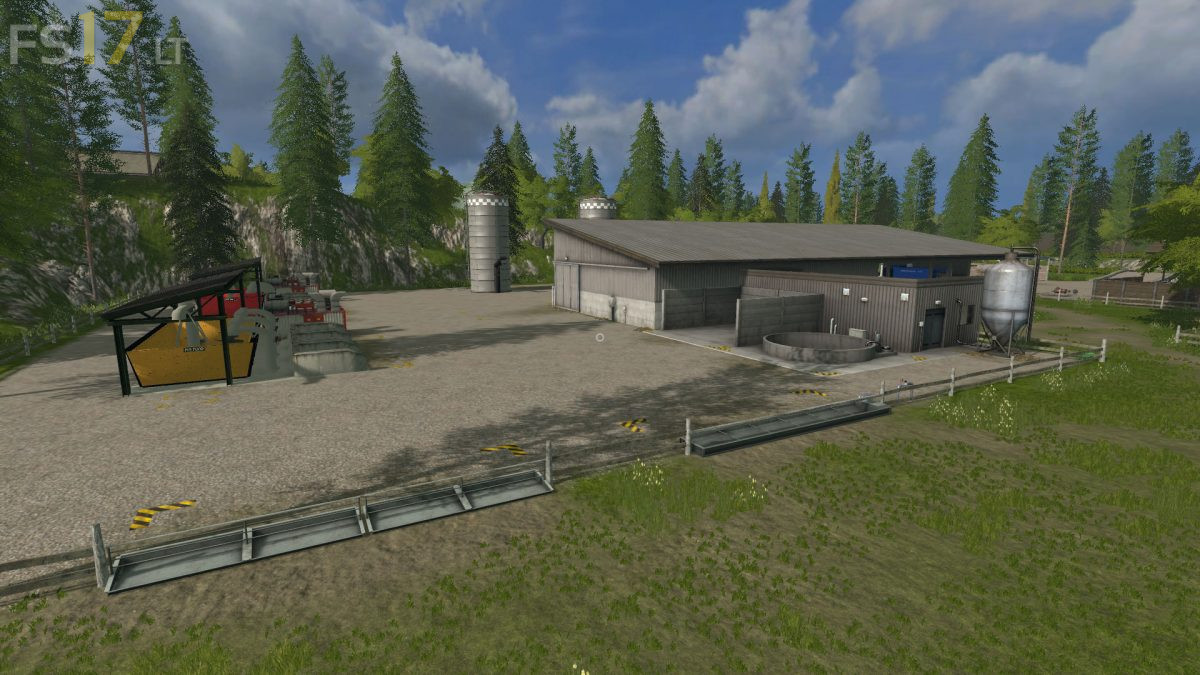
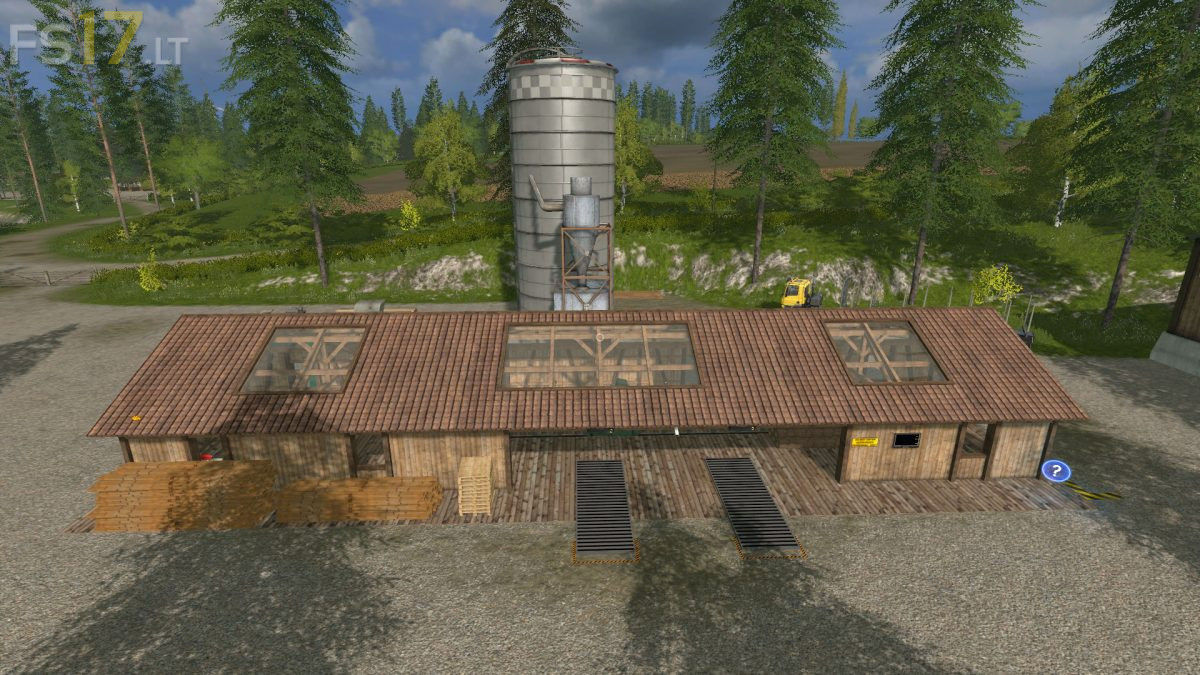
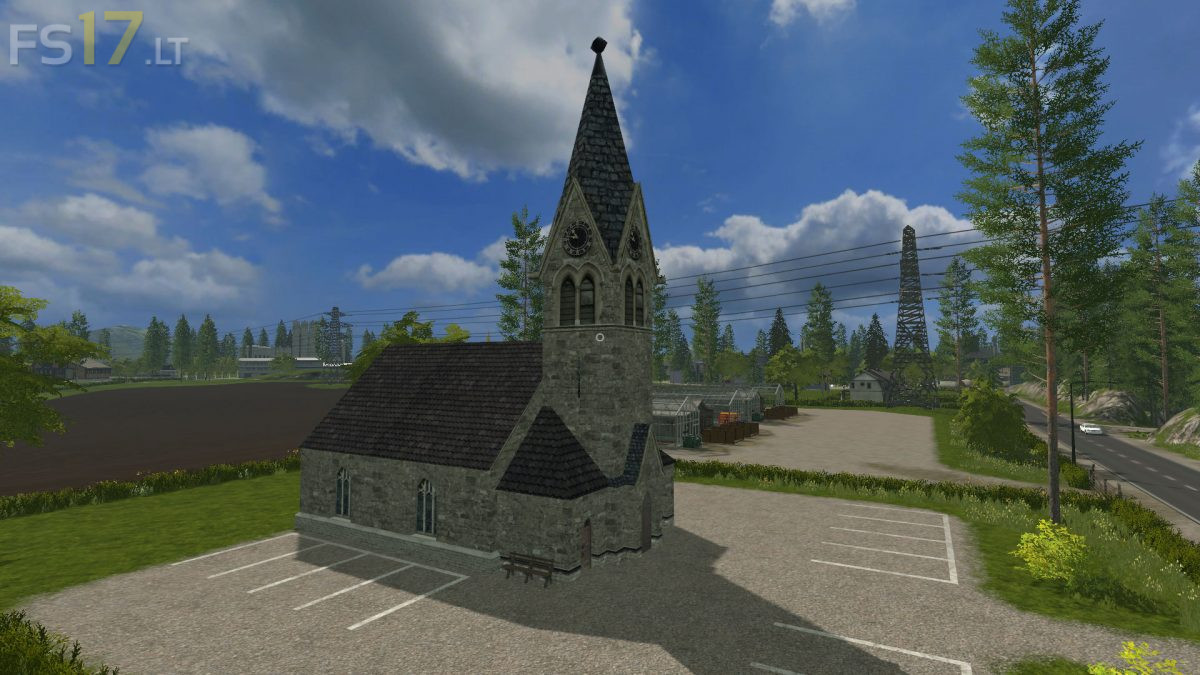
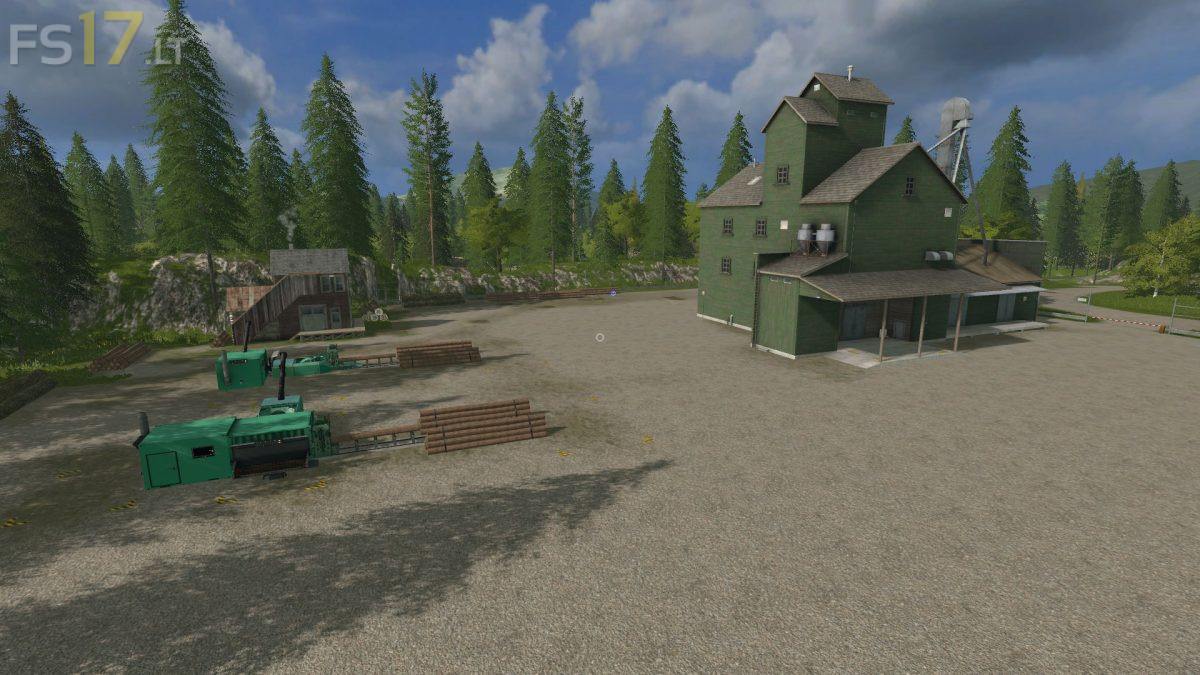
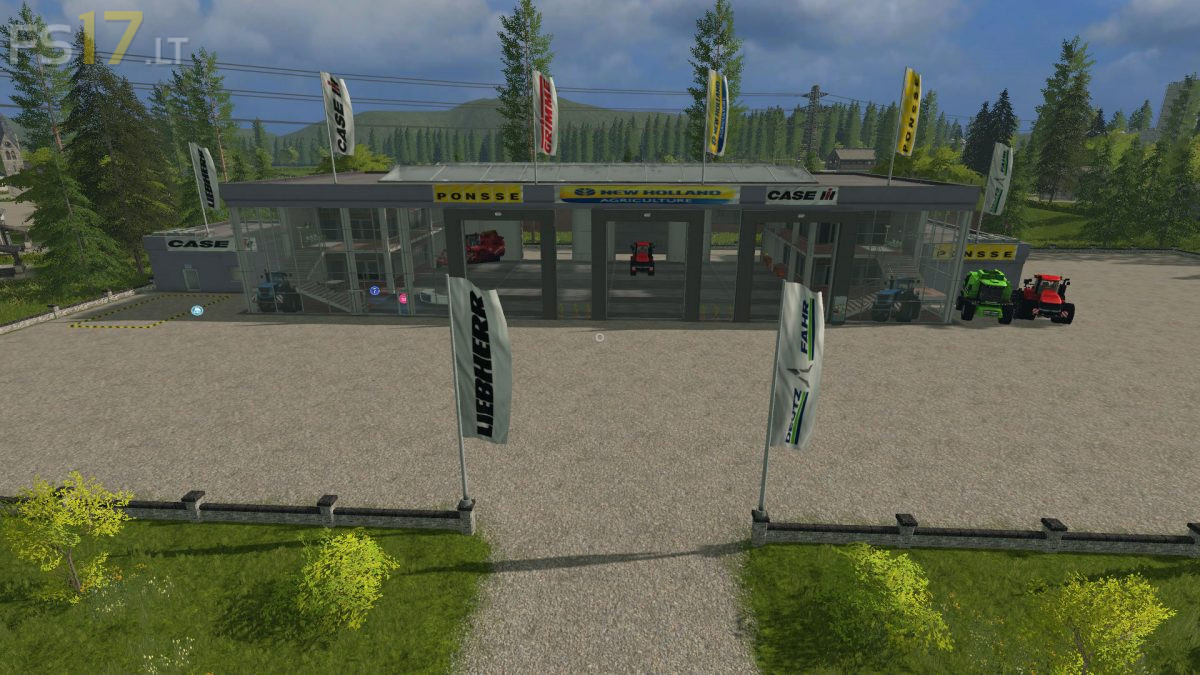
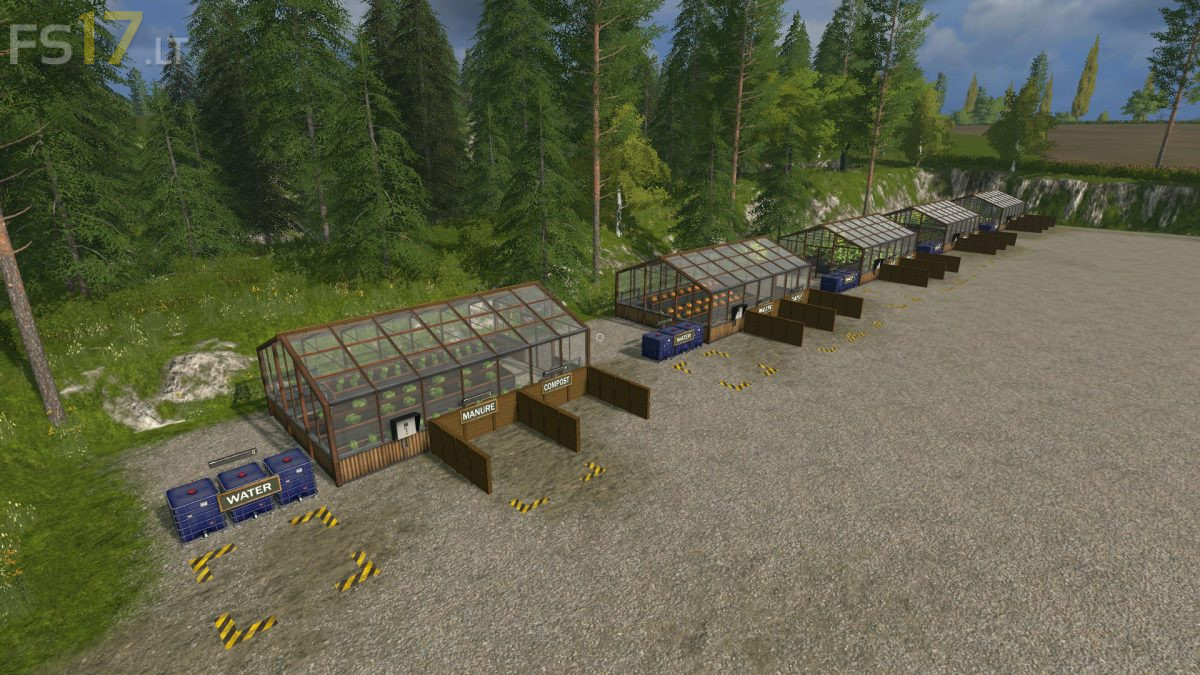
Sherwood Park Farm Seasons Map v 2.01
About the mod:
Version 2.01:
* Some small bumps where removed from the terrain and some foliage was cleaned up
* The mud distance maps were matched so it’s now completely invisible
* All the adjustments made to clip distance, draw distance, terrain distance, foliage draw circle distance, matched shader distances, removal of hundreds of redundant rigid body settings and adjustment to gate Id’s are in this version
* The Wool pallet spawner and mover were also replaced
* Owned fields now have a starting fertlized state
* Revised starting storage amounts added
* Xml updated were needed ad more
* Finding the freeze that some users have had is extremely difficult
Credits:
Stevie