

New Holland TM Series v 1.0

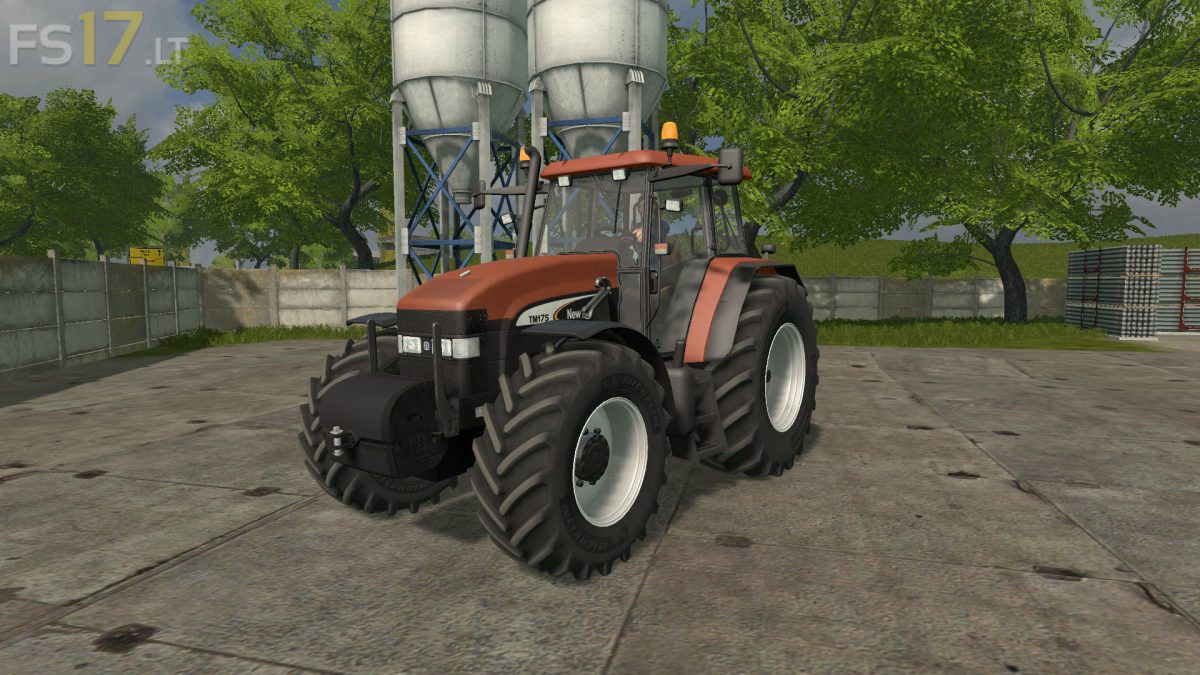
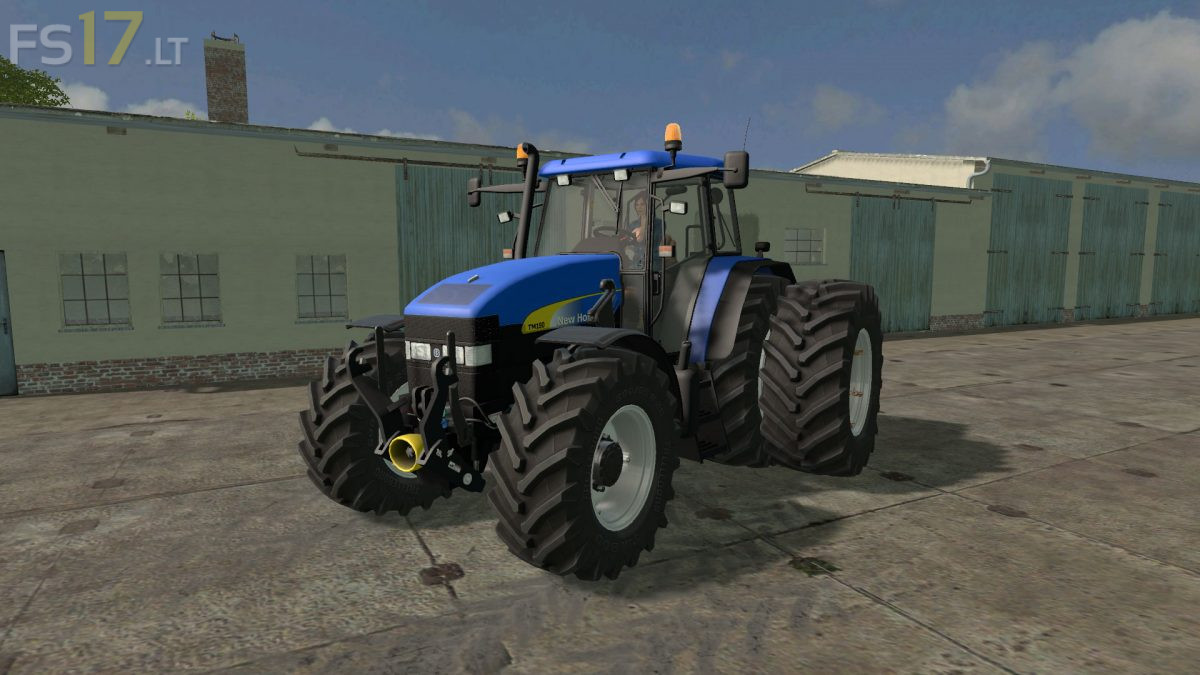
New Holland TM Series v 1.0
Selectable Engine:
New Holland TM 175: All rated nominal power 175 hp
– Normal TM 175
– Brown Design TM 175 (Due to cooperation with Fiatagri)
– TM 175 with new yellow stickers (when buying called NS)
New Holland TM 190: All rated nominal power 190 hp
– Normal TM 190
– Brown Design TM 190 (Due to cooperation with Fiatagri)
– TM 190 with new yellow stickers (when buying called NS)
Selectable Wheels:
– Normal
– Wide Tires
– Michelin Tire
– Dual back wheels
– Narrow wheels
Other Features:
– Full Interactive Control (IC) All added from scratch
– Openable doors, back window, small side windows (tiltable)
– Folding steering column (IC)
– Power throttle animation in cab
– Full Animation hydraulics rear and front
– Windows cylinders animation
– Tractors have nice washable
– Very good rotations of front and rear attachers
– Selection of front hydraulic or New Holland front weight
– Fenders on IC buttons
– Foldable warntafels
– Warnings on IC Buttons
– RDA Pressure systems in wheels (IC)
– Max speed about 40 km/h (Real)
– All other basic functions: full lightning, indoor huds, mirrors and other