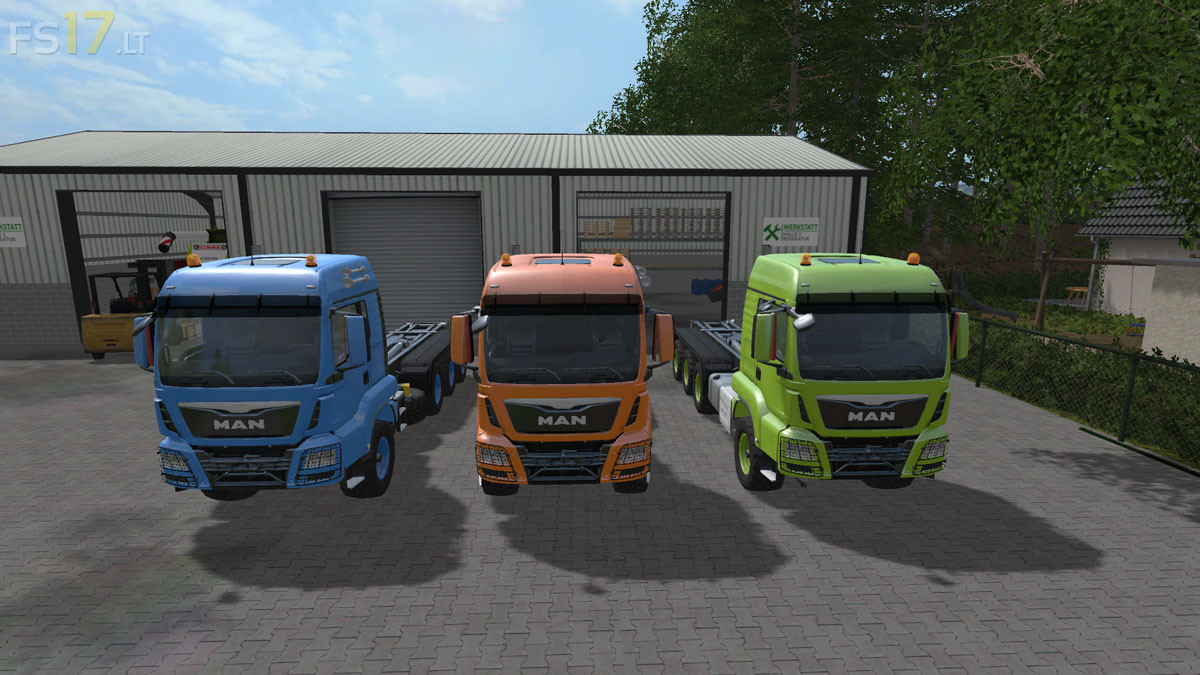
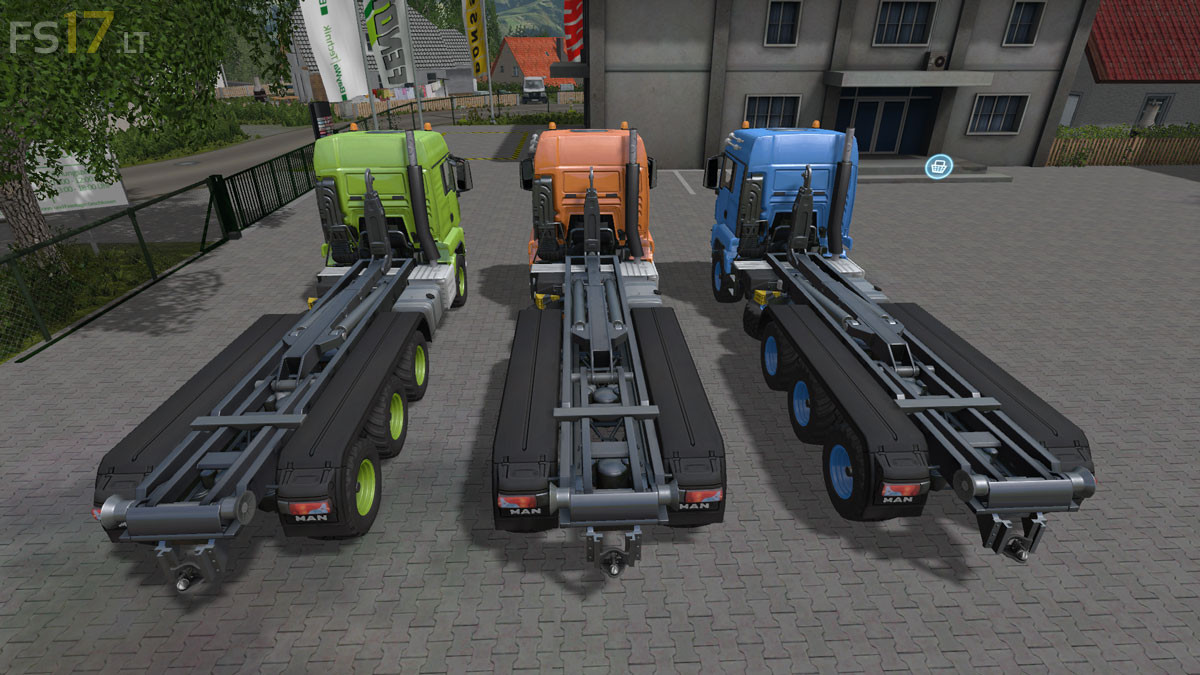
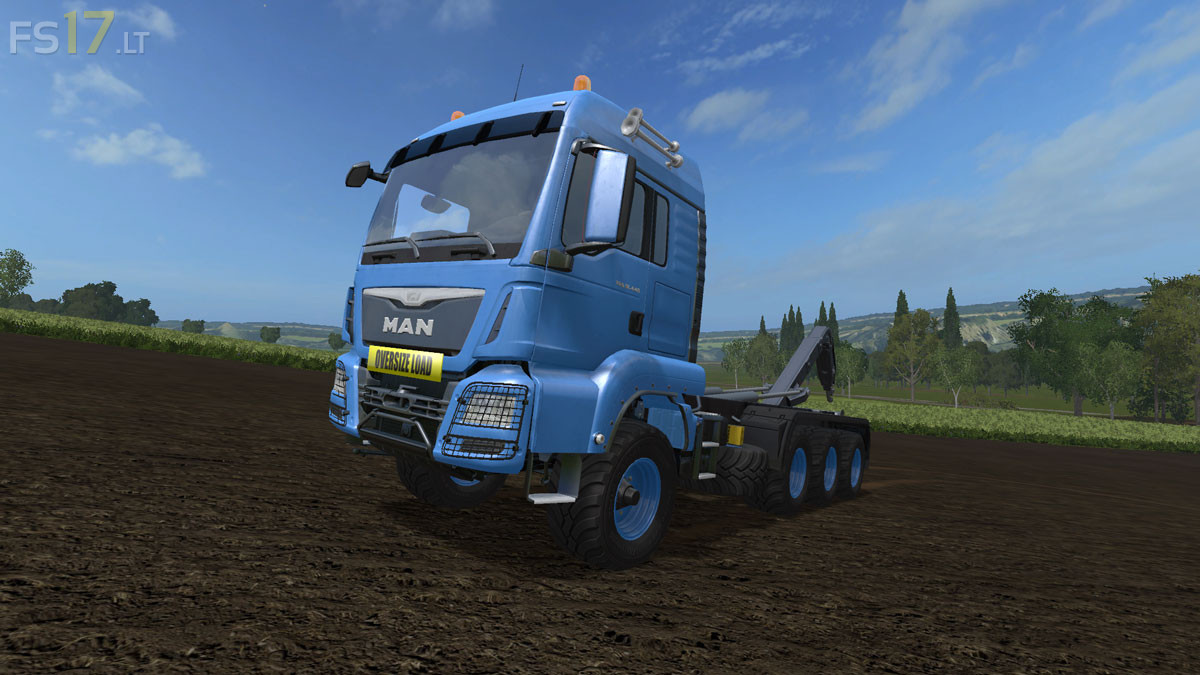
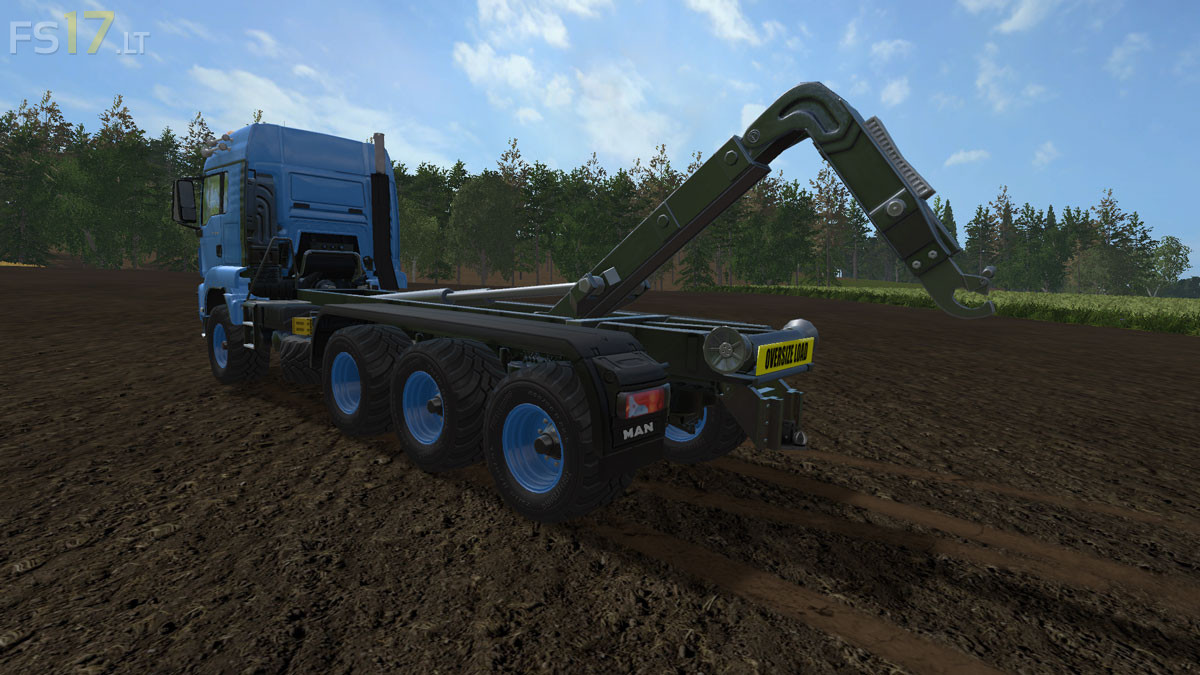
MAN TGS 18.440 ITRunner v 1.66 Multicolor
– Engine Setup: 572 hp (Standard, Heavy Duty)
– Choice of Color
– Selectable Rim Color
– Oversize Sign
Price: 250.000 €
– Engine Setup: 572 hp (Standard, Heavy Duty)
– Choice of Color
– Selectable Rim Color
– Oversize Sign
Price: 250.000 €
How to install FS17 mods?
Firstly find a mod which you like and want to download. Then download a mod to your PC. Mods are usually in .zip format file. But sometimes it can be in .rar. If a mod file is a .zip format no needed additional actions. If a file is in .rar, then you must unarchive mod with software like WinRar or Zip7. Windows 10 users no need to use software for archives, Win10 itself has a feature to unarchive files.
The next step is to find mods folder in your PC. Usually, it is in Documents/My Games/Farming Simulator 17/2017. Open the "mods" folder and put downloaded .zip archive or unarchived .rar file to this folder.
Last step. Enjoy of FS17 mods!
love this mod it works great but for some reason after i purchased it it started making my fields glitch up. its not any other mod i have causing it either. i bought this truck twice to make sure and both times i had issues and without it no problems. may just be me having issues but its a shame because the mod itself work perfect.
sorry that he stuck with the ITrunner trailer behind it. Following the truck is unfortunately too far forward so you can not make turns.