

Old Family Farm 2017 Map v 1.1

Old Family Farm 2017 Map v 1.1
About the mod:
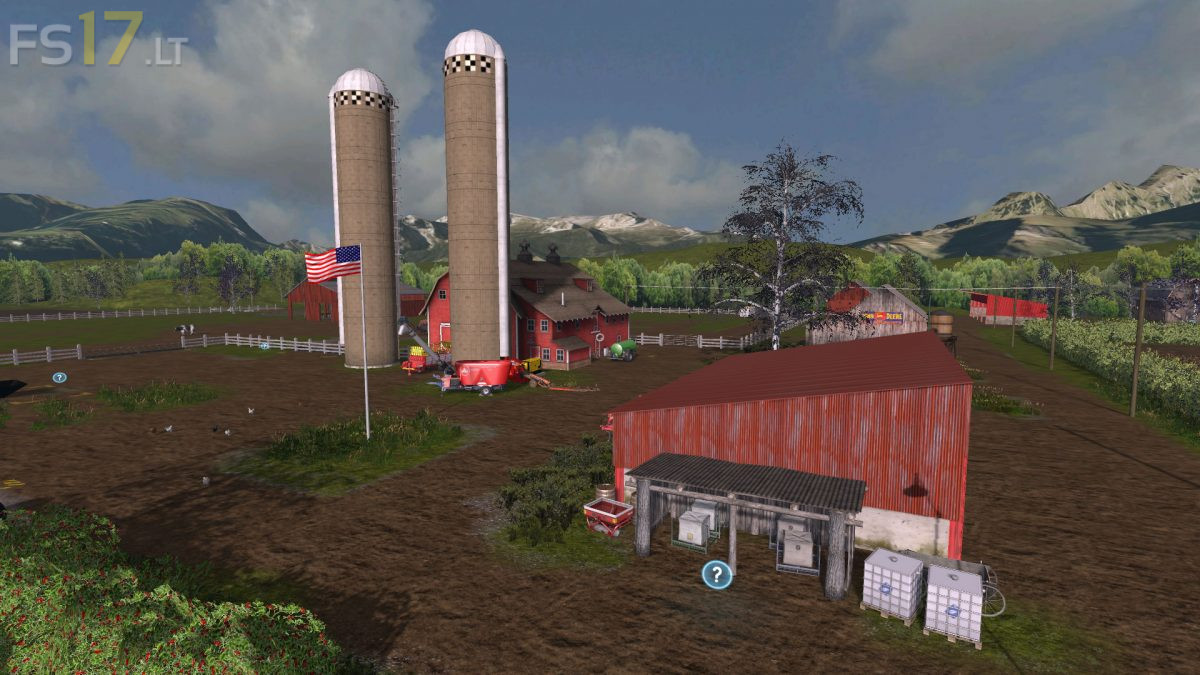
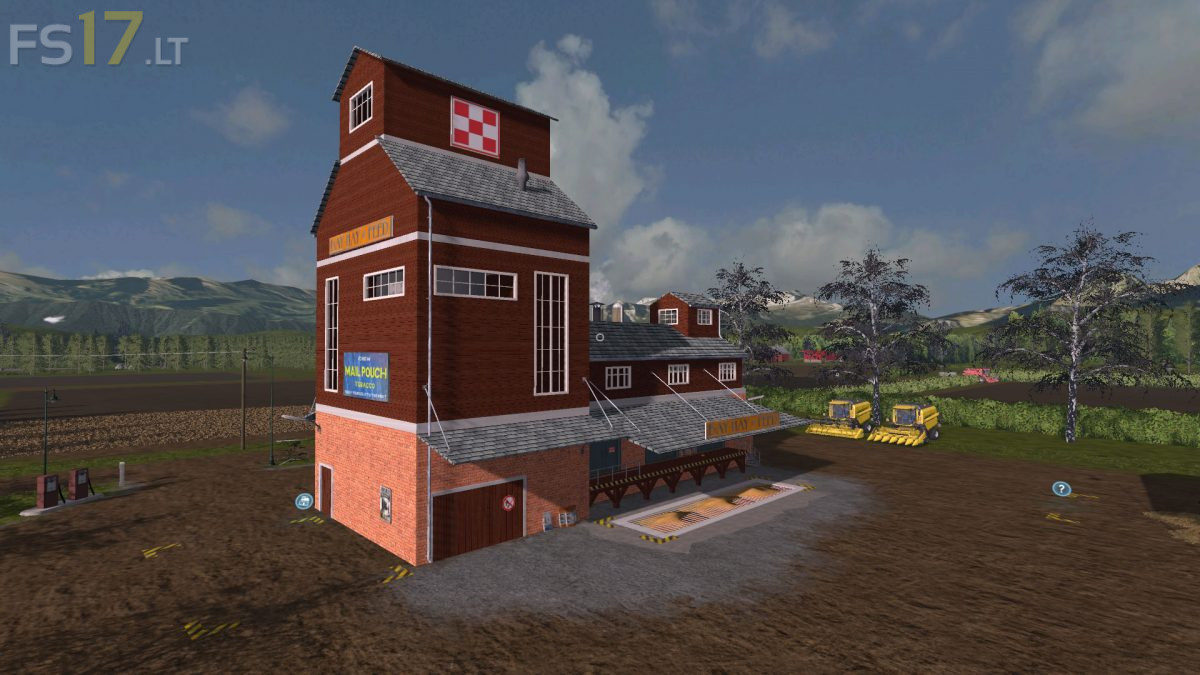
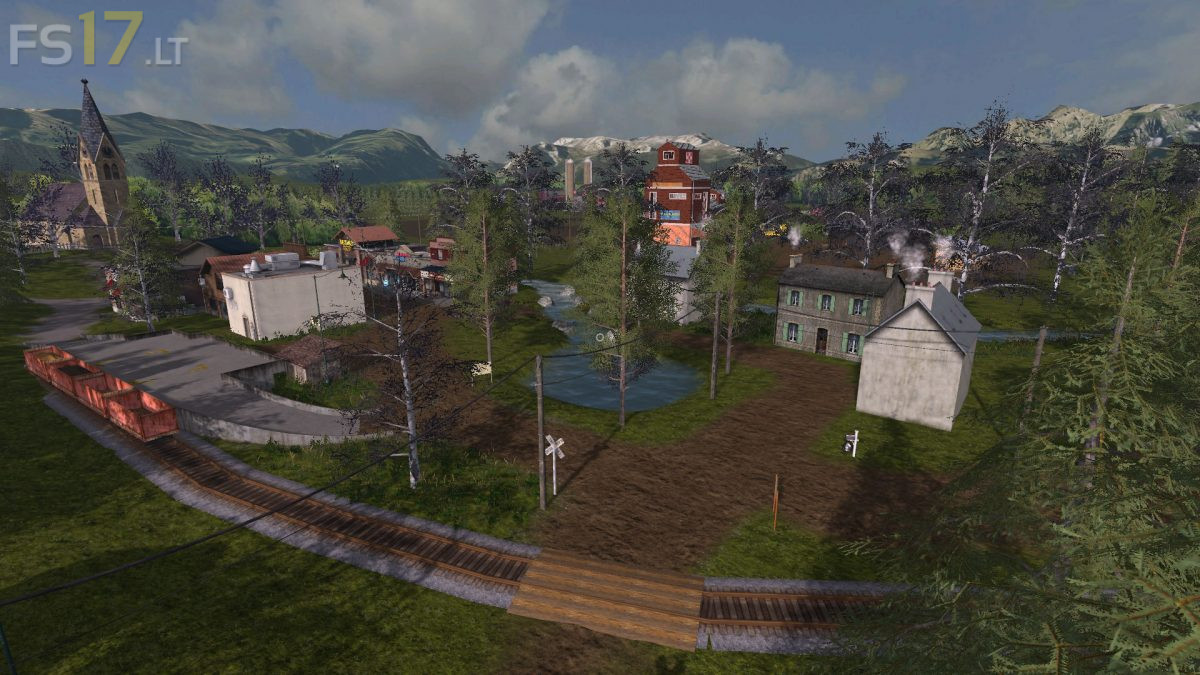
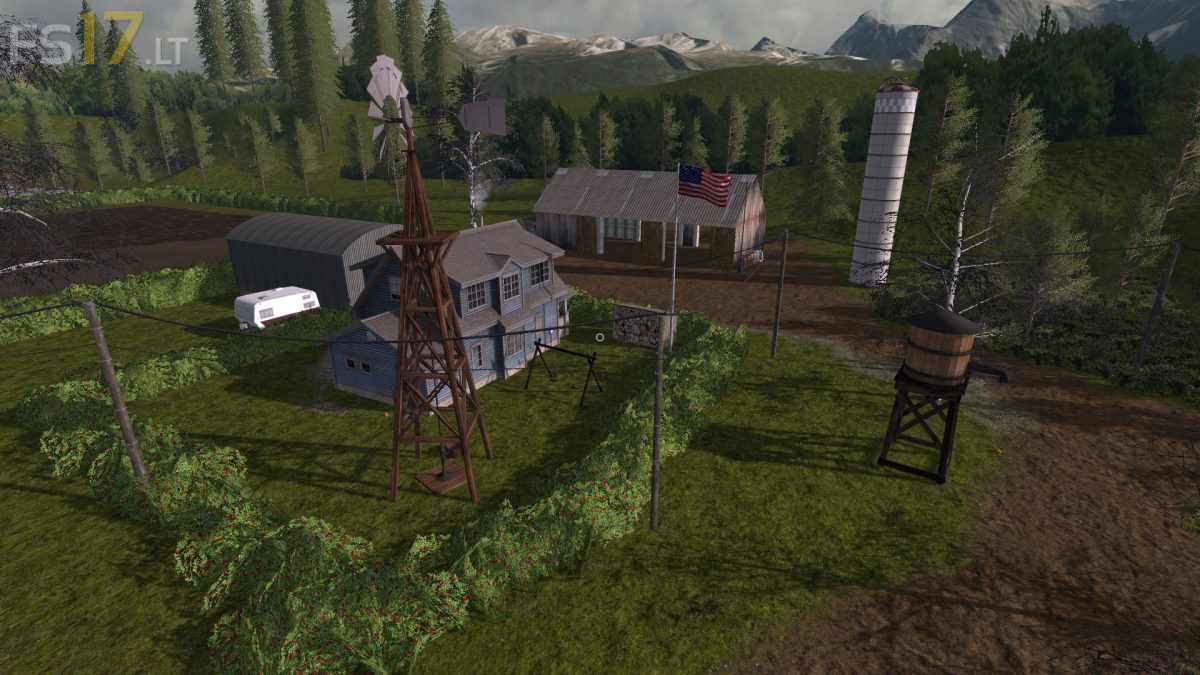
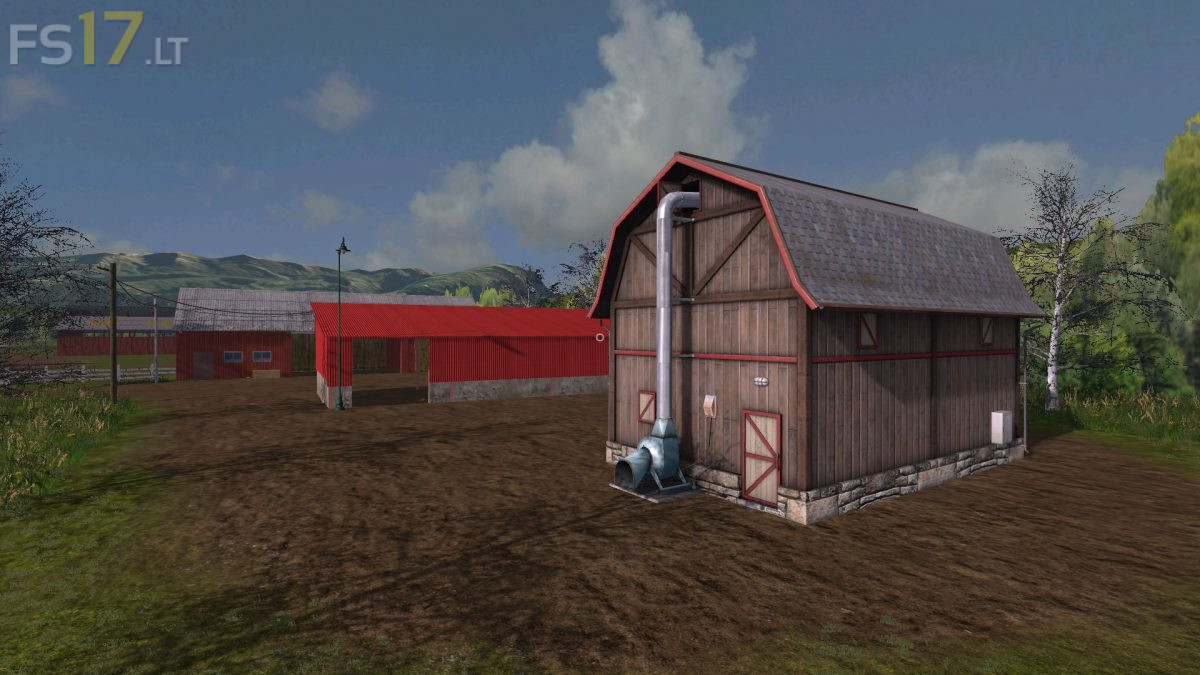
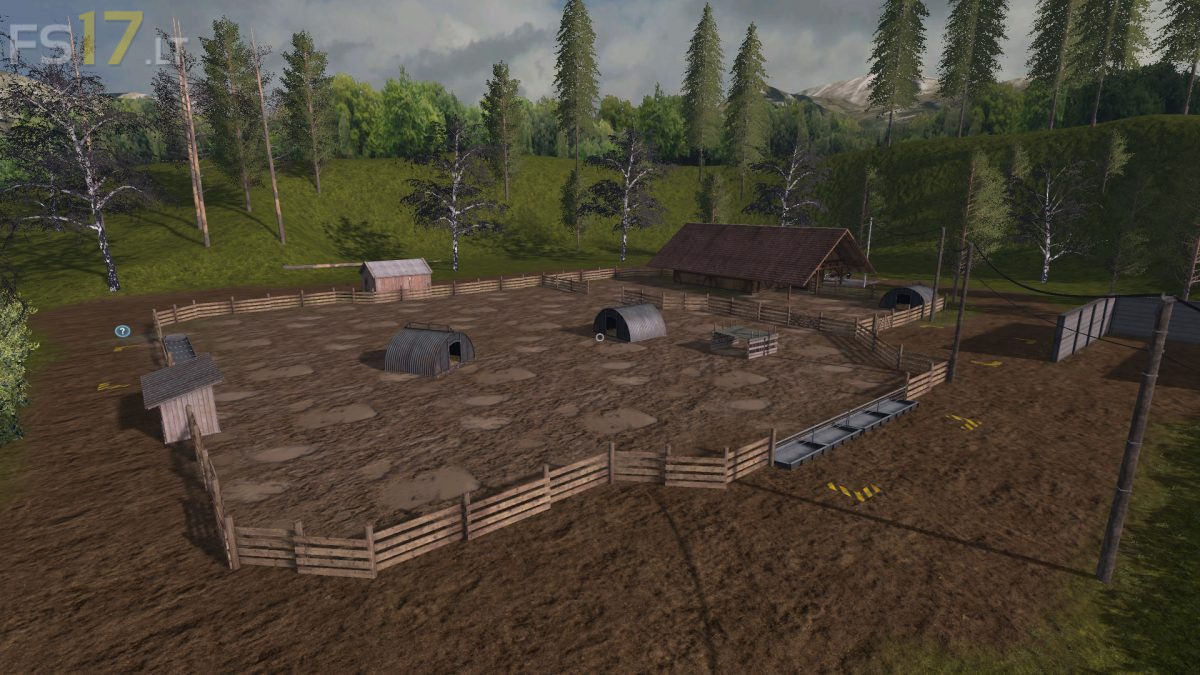
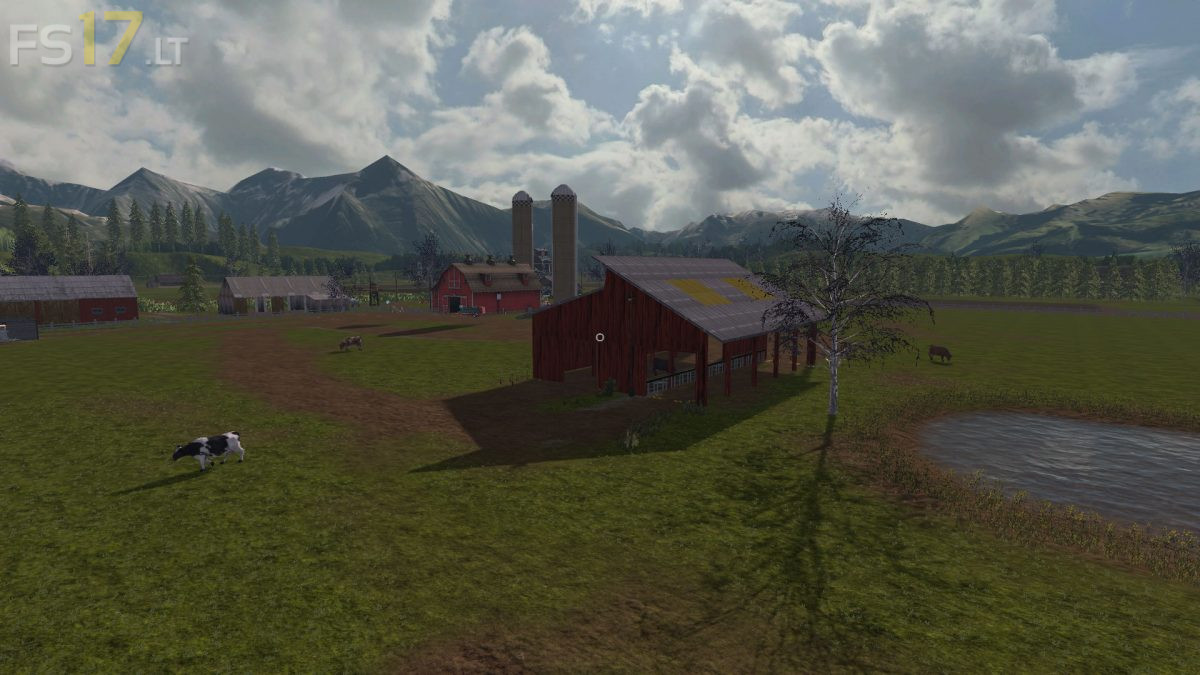
This is a small map based on what an American farm might have been like in the old days. There are 3 small farms on this map. The main farm is where you will come in at. Farm 3 is south of town where you can raise sheep for their grade A wool to sell at the Bay Hay N Feed store. The main sell point is at the Bay Hay N Feed store. There is a Rail line that comes into town that you can sell your crops at. The dealership is located inside the Hay N Feed store to buy new tractors and implements. You can sell your extra straw and bales behind the Hay N Feed. All fields are small in size.
The main features on this map are:
– Chopped Straw
– Seasons ready
– Grazing Animals
– Fermiting Silo
Credits:
rwy22sp