

MB Unimog U1200/U1600/U2100 v 4.0

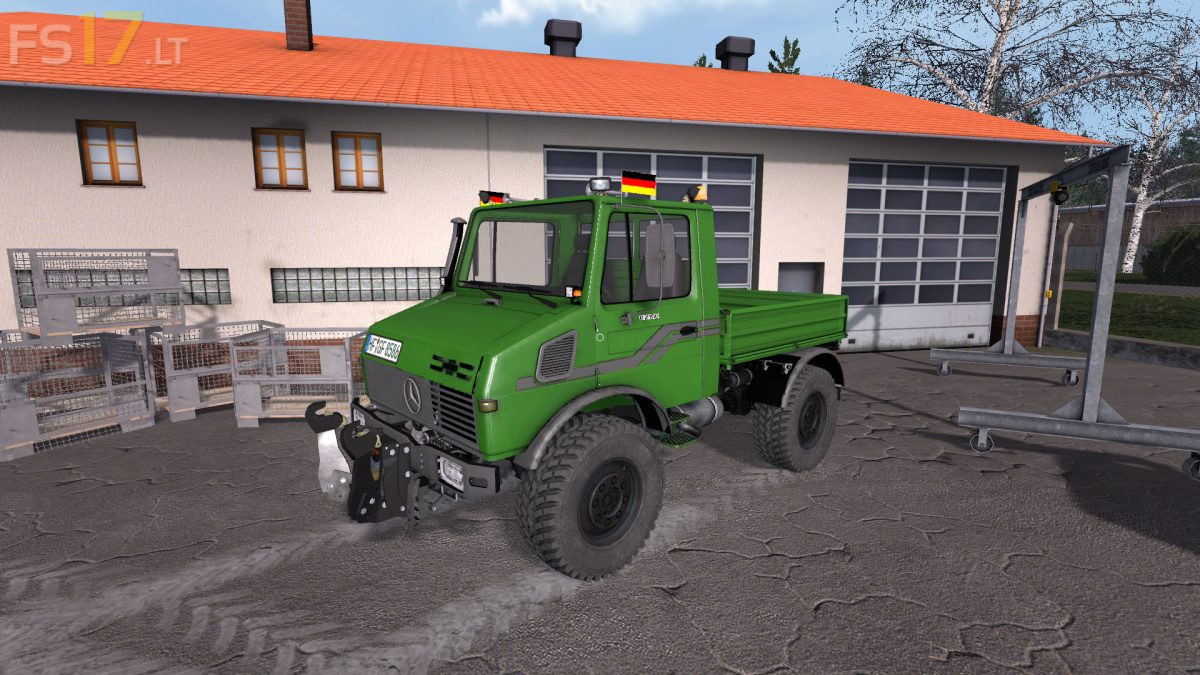
MB Unimog U1200/U1600/U2100 v 4.0
– Engine Setup: 120 hp, 160 hp, 210 hp
– Selectable Attachers
– Selectable Wheels
– Selectable Design
– Choice of Color
– Washable
Version 4.0:
* Texture improvement and color change
* Changes in vehicle dirt
* New design configurations with Gray Karoserrie
* New configuration with extra lights, trumpets, flags
* Hauer FH Gray configuration
* Hauer FH works better, better rotation
* Additives on IC buttons – Air conditioning and decorative horseshoes
* Ladeflaeche can be removed at the IC
* New Michelin SHA tire configuration
* New Michelin XL tire configuration
* New Trelleborg SK 800 configuration
* Change the exhaust animation
* Keep loaded things better while driving
* Fixed steering and turning radius
* Dynamic Hose work better
* Improved IC animation
* Improvement of the lighting
* Change the position of the camera