

Fliegl Transport Pack v 2.0


Fliegl Transport Pack v 2.0
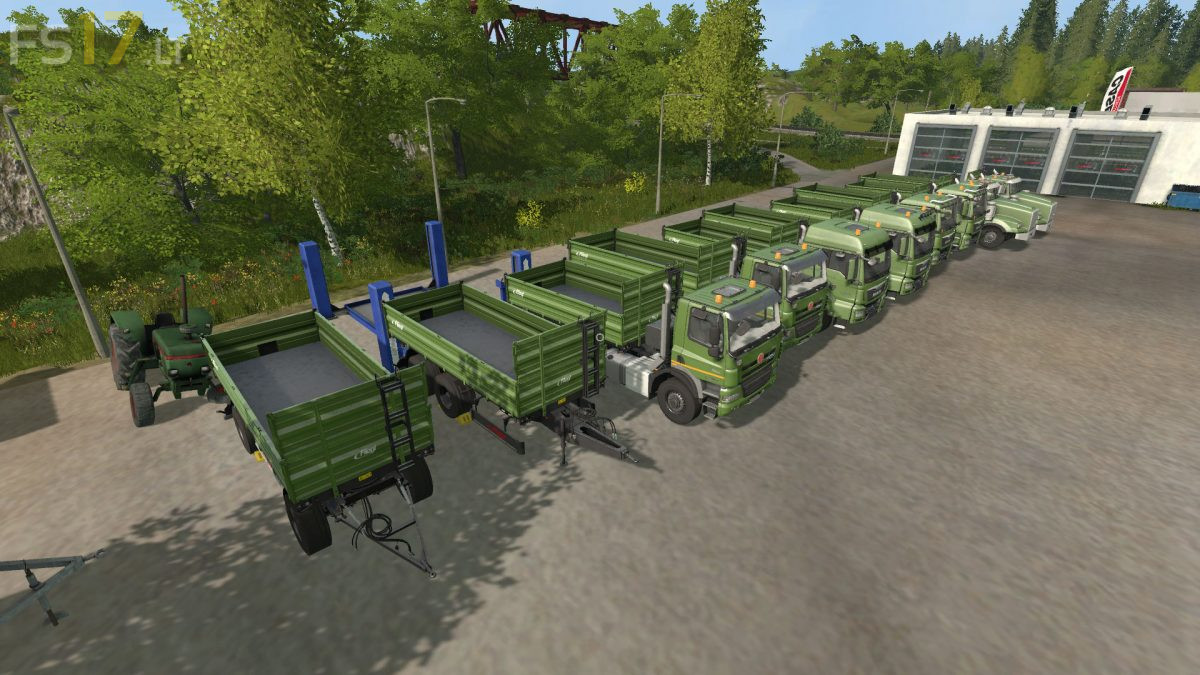
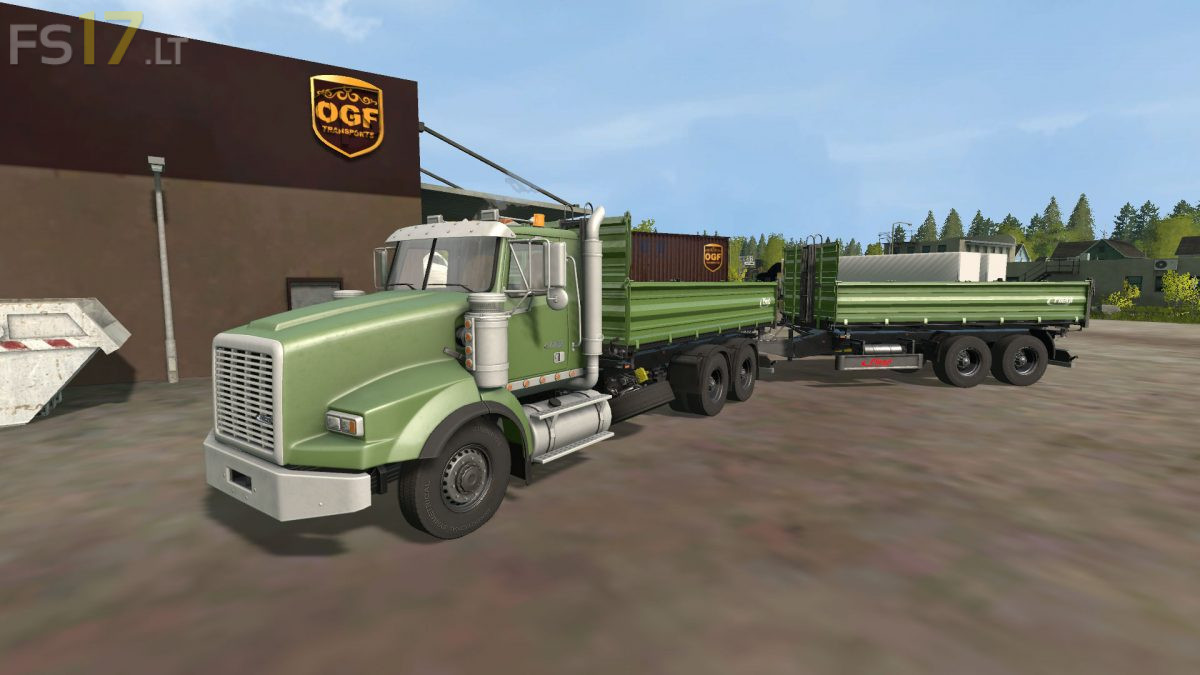
The Pack consist of:
8 Trucks:
– MAN TGS 26.480
– MAN TGS 18.440
– MAN TGS 26.480 Agrar
– MAN TGS 18.440 Agrar
– Tatra Phoenix Agro
– Tatra Phoenix Agro Short
– Lizard SX 240
– Lizard SX 340
4 Trailers:
– Flieg Tandem Trailer: capacity 35000 liters
– Flieg Turntable Trailer: capacity 35000 liters
– Flieg Turntable Trailer: capacity 45000 liters
– Flieg Tridem Trailer: capacity 45000 liters
Version 2.0:
* New superstructures available: Low body, high body, bale platform, wooden platform and only on the 3 axle trucks, manure spreader
* MAN Agrar version added. As 2 and 3 axles
* Curved light installed in agricultural MAN and Tatra. Visible between 8 and 7 o’clock, if you do not drive faster than 25 km / h and not backwards
* Daytime running lights installed on all MAN’s and Tatra’s. Visible between 6 and 8 o’clock when the engine is running
Seems like a great mod, but was short lived when i drove the truck to my farm, got out of the vehicle and the game crashed.