

Gearbox Addon v 3.1.0.1

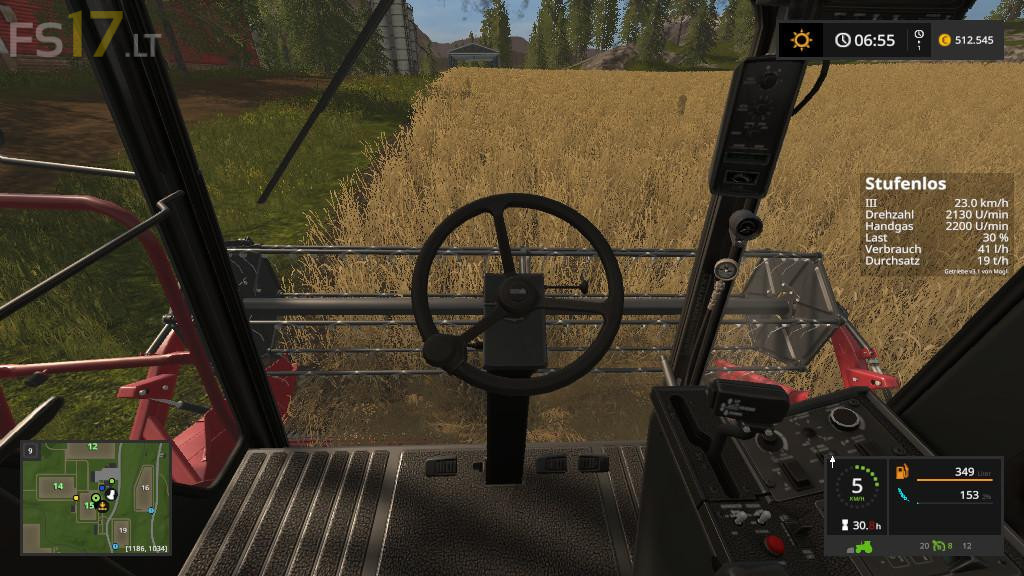
Gearbox Addon v 3.1.0.1
This script adds on the basis of the file gearboxAddonConfig.xml a gearbox to all configured tractors. Many various transmission kinds can be simulated. There are classic gearboxes with gears, one or two groups and reverse gears or groups. Shorting the response time to zero will result into a power shift transmission.
In modern tractors power shift transmissions are often combined with automatic gear shifting. Another transmission type is the continuously variable transmissions.
There are models with one or two gears like the Fendt Vario. Other models combine four automatically switched mechanical gears with a continuously variable hydrostatic drive. All of these continuously variable transmission have one thing in common. The efficiency varies quite strongly depending on the gear ratio.
Version 3.1.0.1:
* Tool tips in the settings UI
* Hand brake sound
* Compatible with FS17_handbrake
* Transmissions tag in vehicle.xml (top level only)
* Support of price and dialyUpKeep at transmission tag
* Engine humming sound
* Gear shifter sound
* Improvements automatic clutch
* Digging wheels