

Hand Plant Saplings v 1.0

Hand Plant Saplings v 1.0
Have you ever wanted to plant just one tree? Are you looking to plant random trees to replenish your forests?
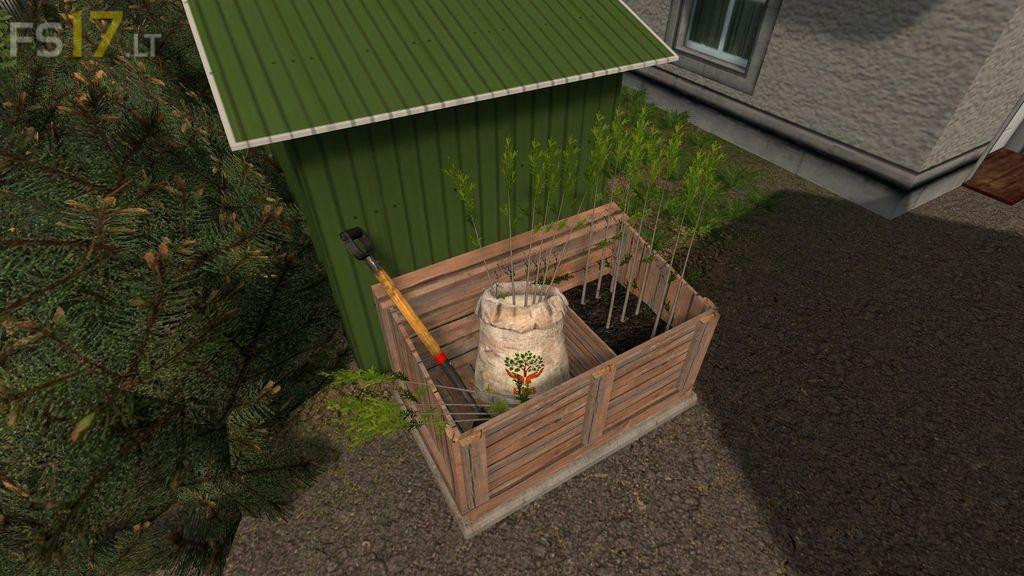
Well with this small equipment pack you can do just that. For a modest price you will get a shiny new shovel, backpack and a small storage box that will finally allow you to plant individual saplings.
1. To fill your backpack make sure it is equipped and activated. Approach any sapling pallet and press the refill button.
2. To plant your sapling approach the required area and position your marker sapling. Pressing and holding the ‘Plant Sapling’ button will start the digging.
3. To store the excess saplings from the pallet just return to the storage box and with the shovel activated press the ‘Add to Storage’ button.
4. To remove stored saplings approach the storage box and press the ‘Remove from Storage’ button.
Backpack Capacity: 10 saplings
Box Storage Capacity: 10 Saplings