

Holland Landscape Map v 2.0

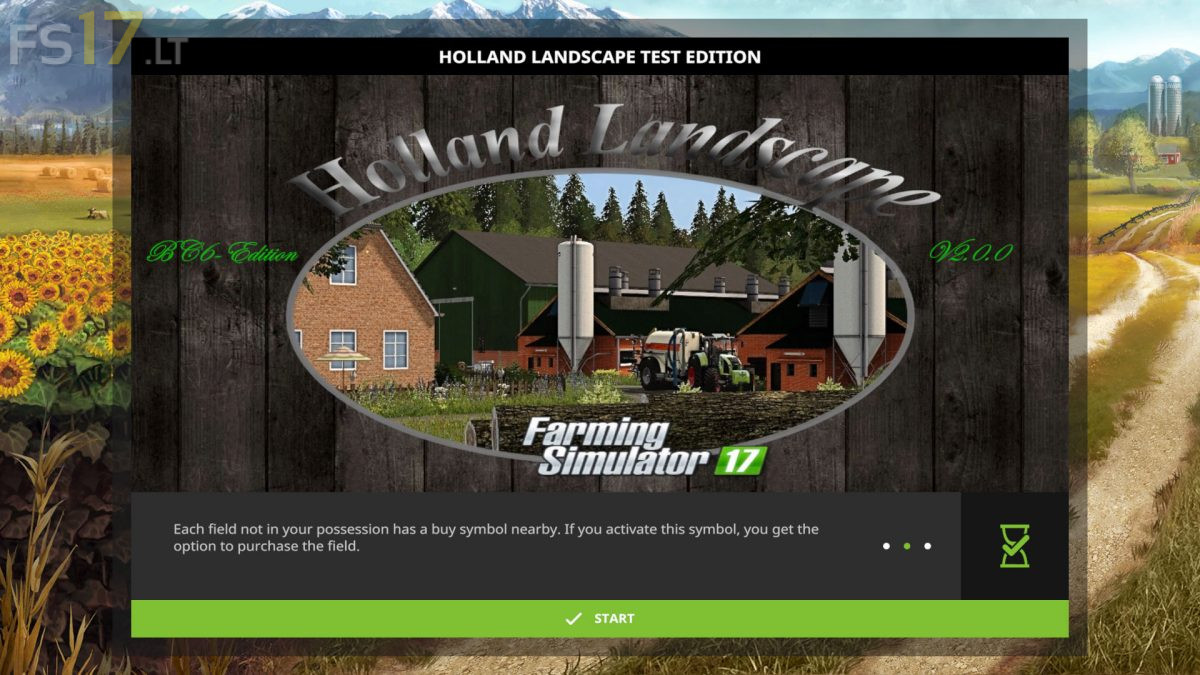
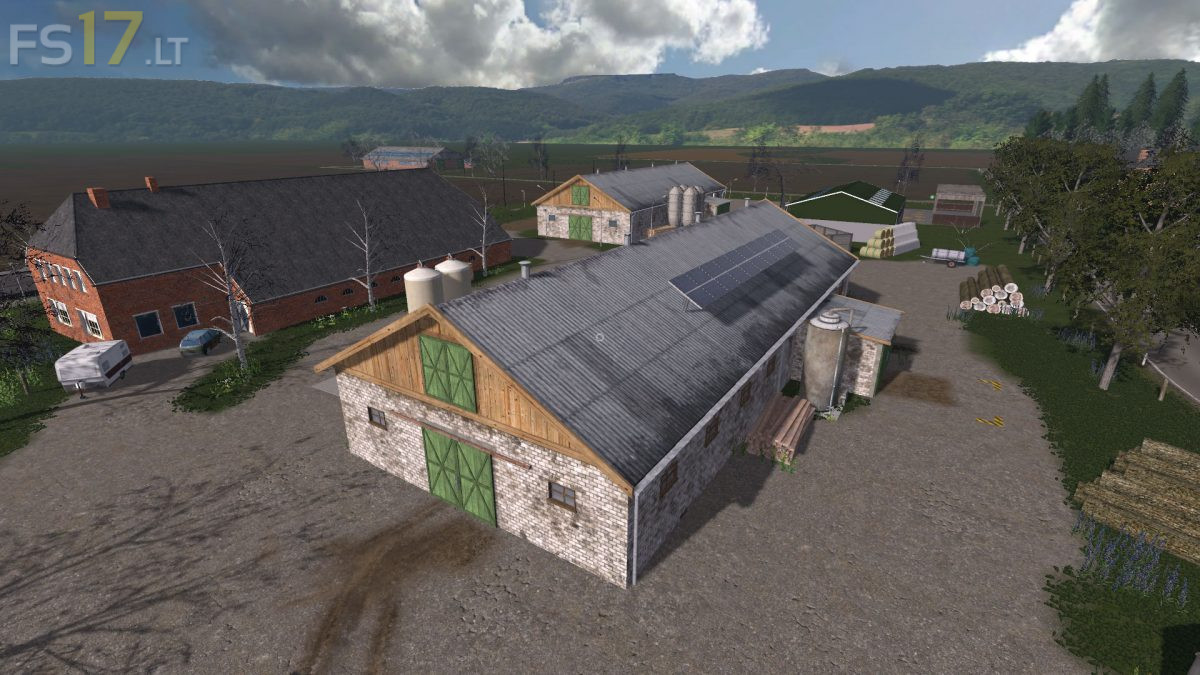
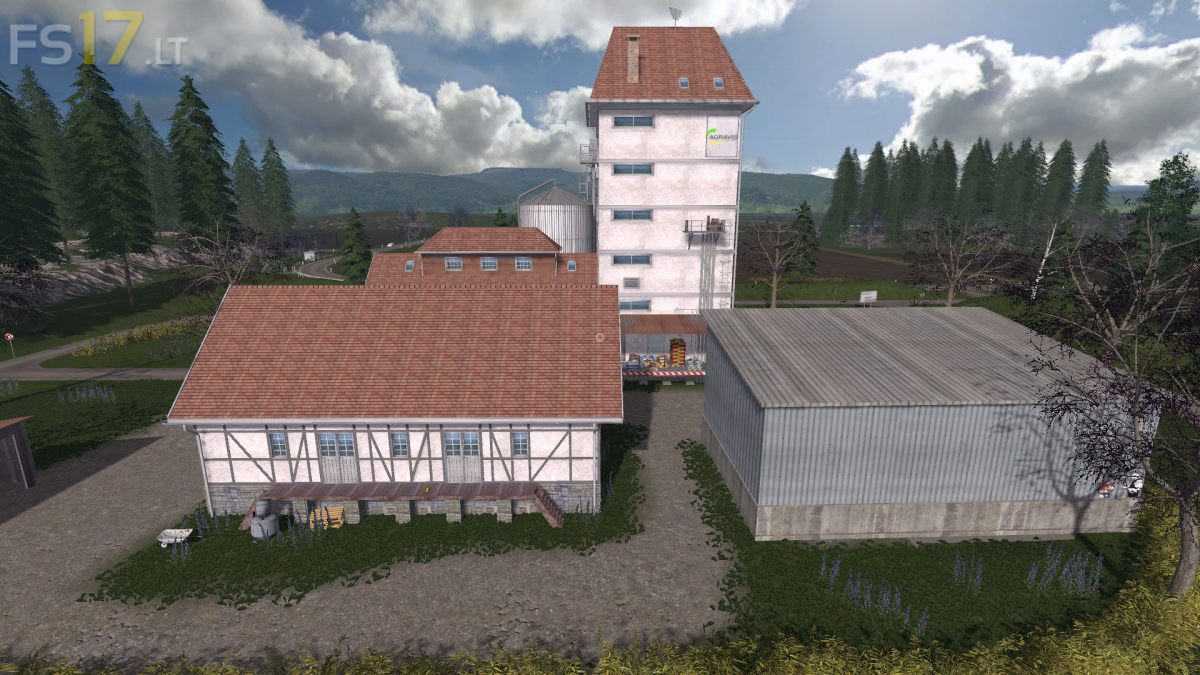
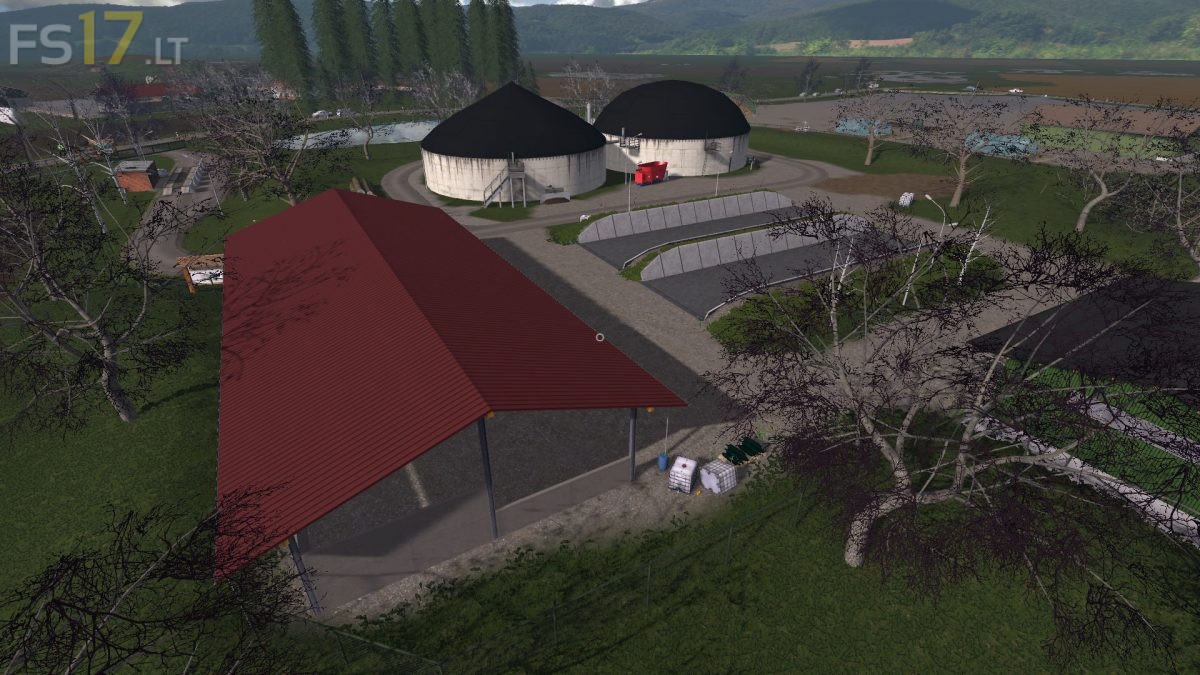
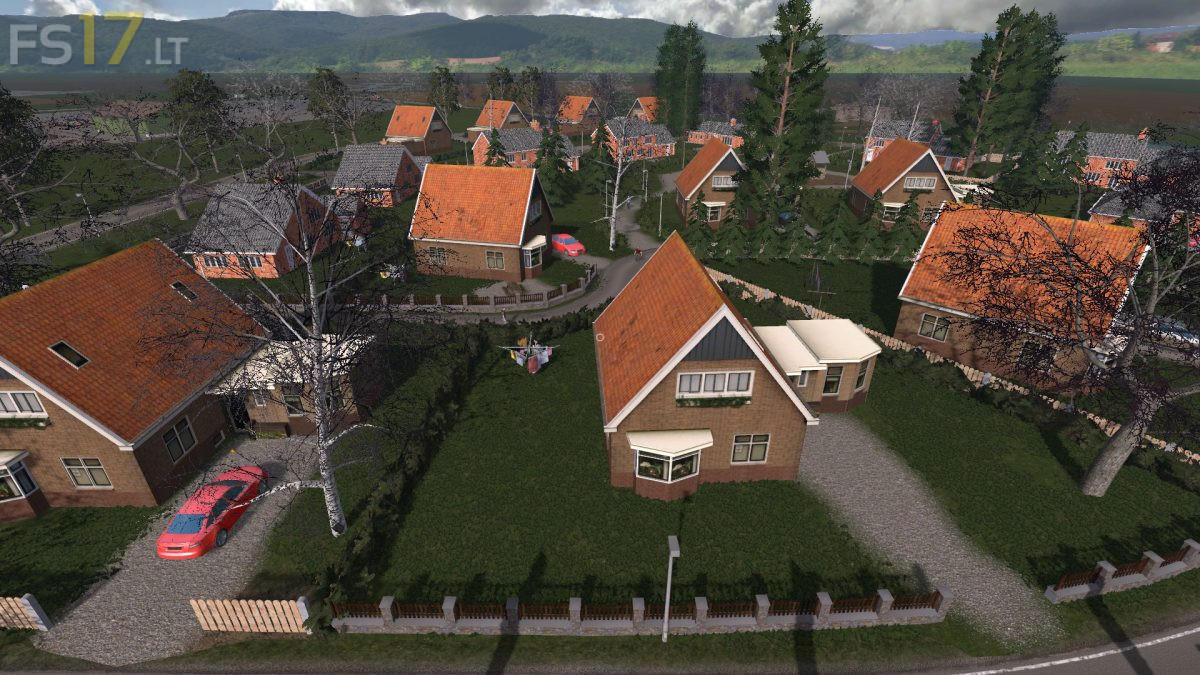
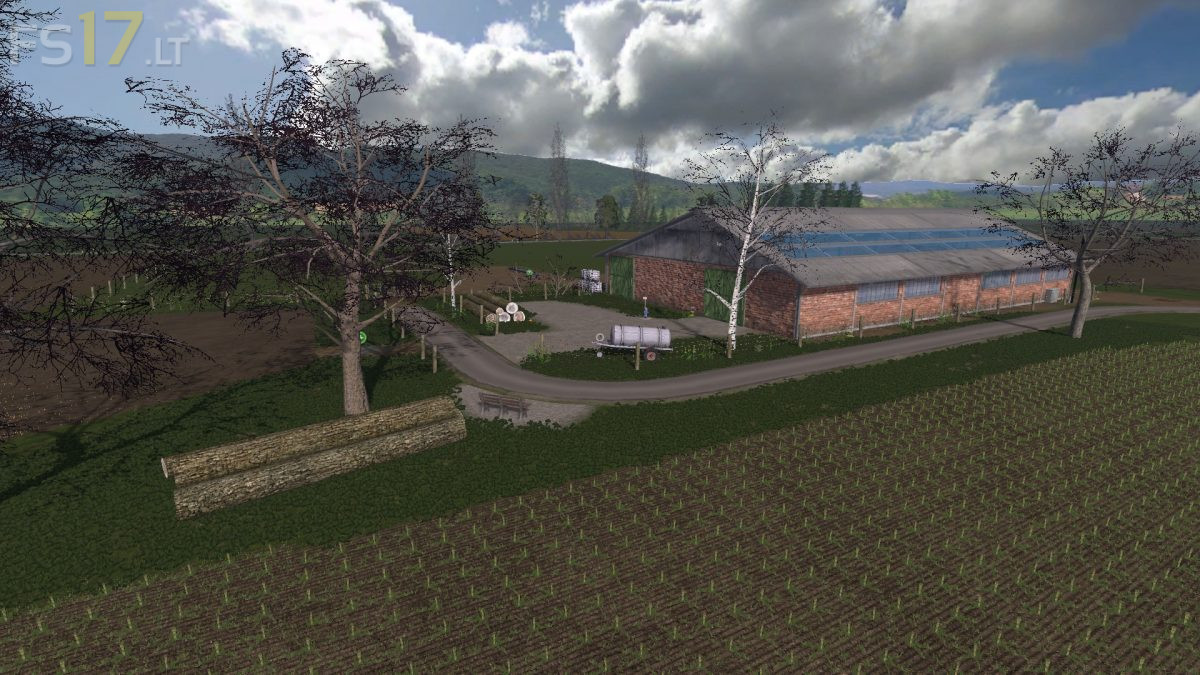
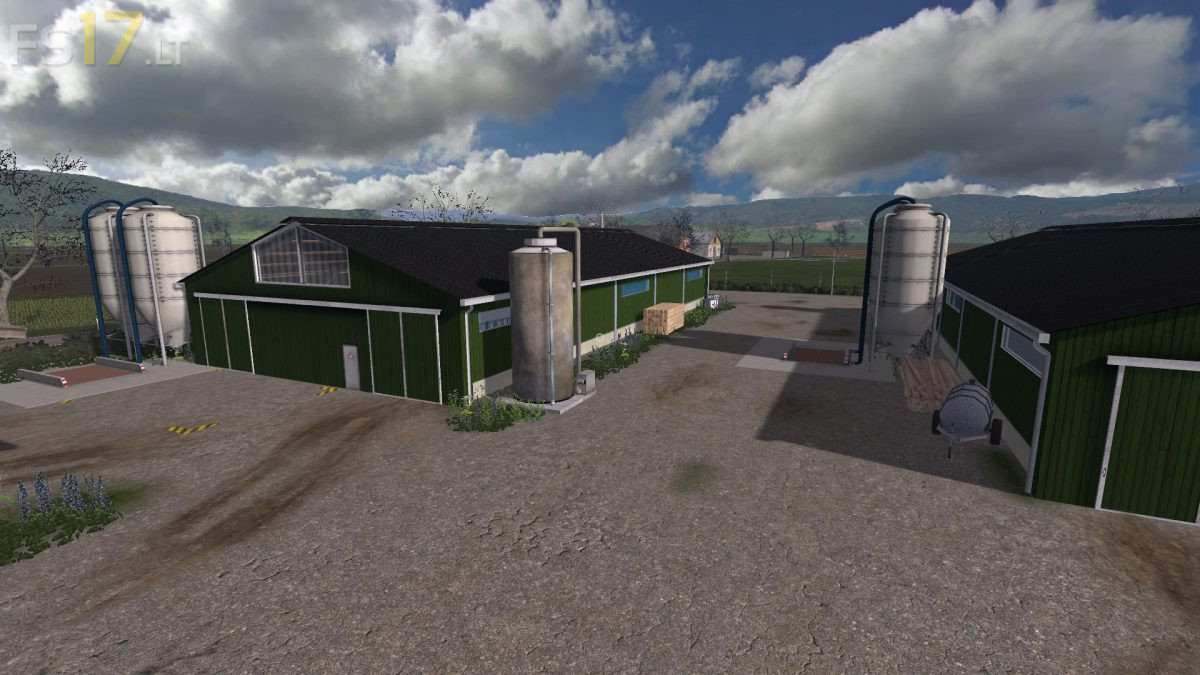


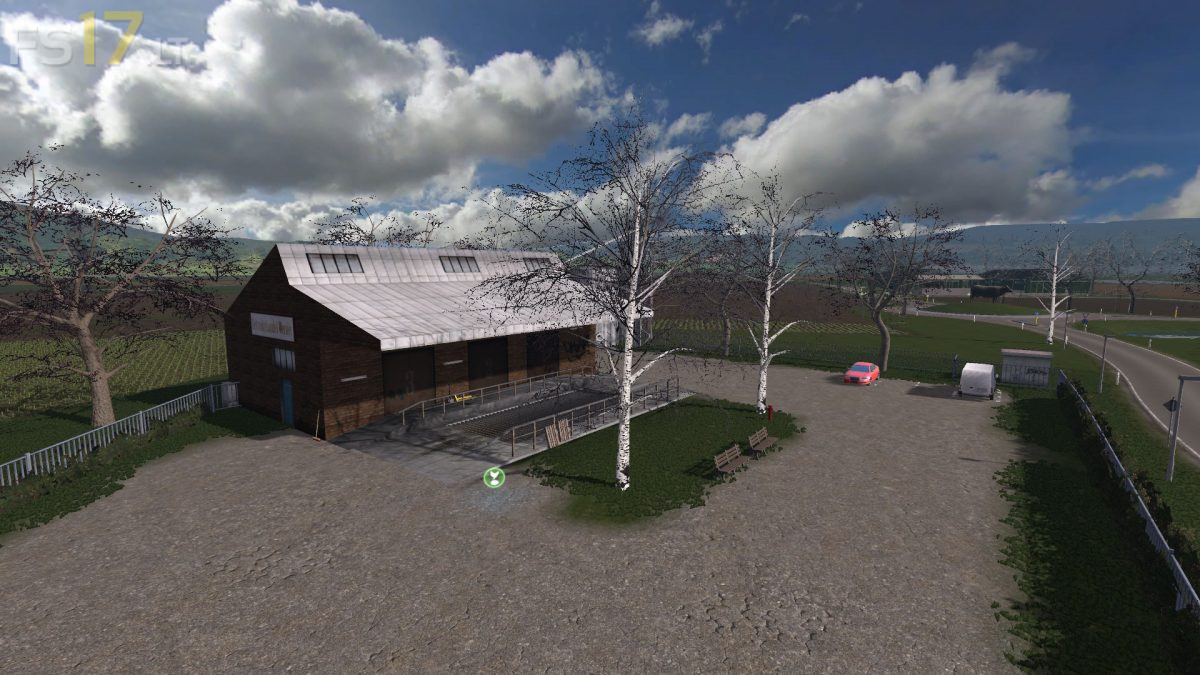

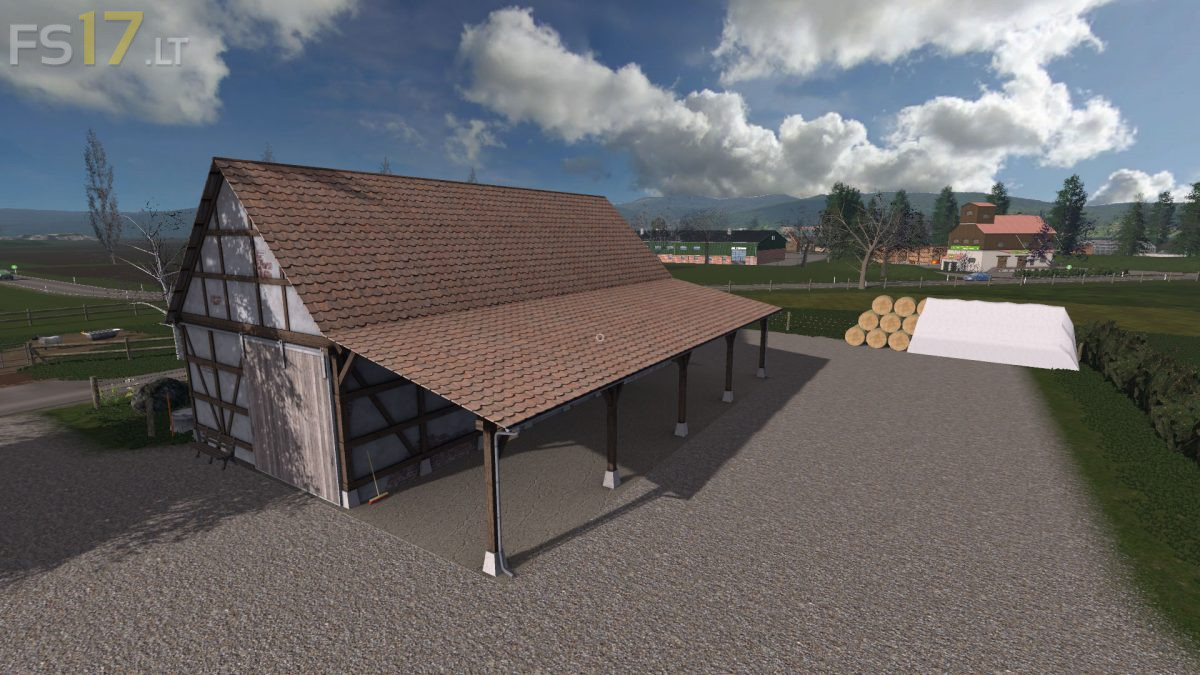
Holland Landscape Map v 2.0
About the mod:
Version 2.0:
* Dynamic Sky
* New Pallet Production
* Cardboard Factory
* Greenhouses for strawberries, raspberries and redcurrants
* Removed large DM advertising signs
* Texture changed at the small DM advertising signs
* Sand path from the direction Agravis created
* Mud holes slightly reduced
* Border / background of the map slightly revised
* New Textures for court filling station, composting plant and a warehouse
* Gold Nuggets installed
* Bale sale trigger added at straw sale
* Grazing Animals script installed
* Various minor fixes and adjustments
Credits:
Claas 950
Het zou onveilig zijn, dus mijn pc vastzetten, heeft virus, klopt dit ?