

One Russian Territory Map v 1.7.5


One Russian Territory Map v 1.7.5
Version 1.7.5:
* The quarry was moved
* Hud products were changed
* Was re-done railway traffic and relocation
* More vegetation was added
* Greenhouses were added
* Chickens were transferred
* New products were added
* The traffic to Russian was changed
* There is more traffic
* New random events
* Added Dynamic Sky
* The economy in animals was corrected
* The boundaries of the fields were corrected
* Corn textures were changed
* Was prescribed mask for fashion season
* Minor amendments to the registration in production
* The terrain texture was changed
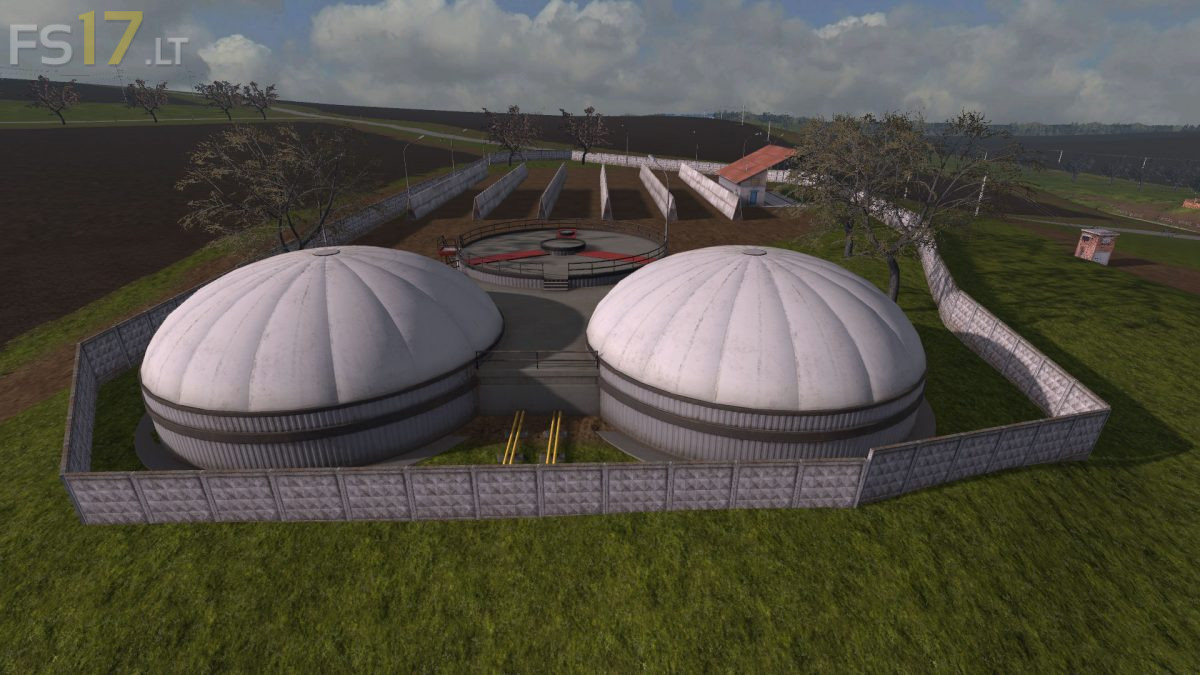
* A solid liquid manure storage facility was added
* Production of pig feed was added
* Added grass storage
* The point of sale of the transport company
* Was added point of sale market
* At the beginning of the game you are given two greenhouses, one of them is already full of resources