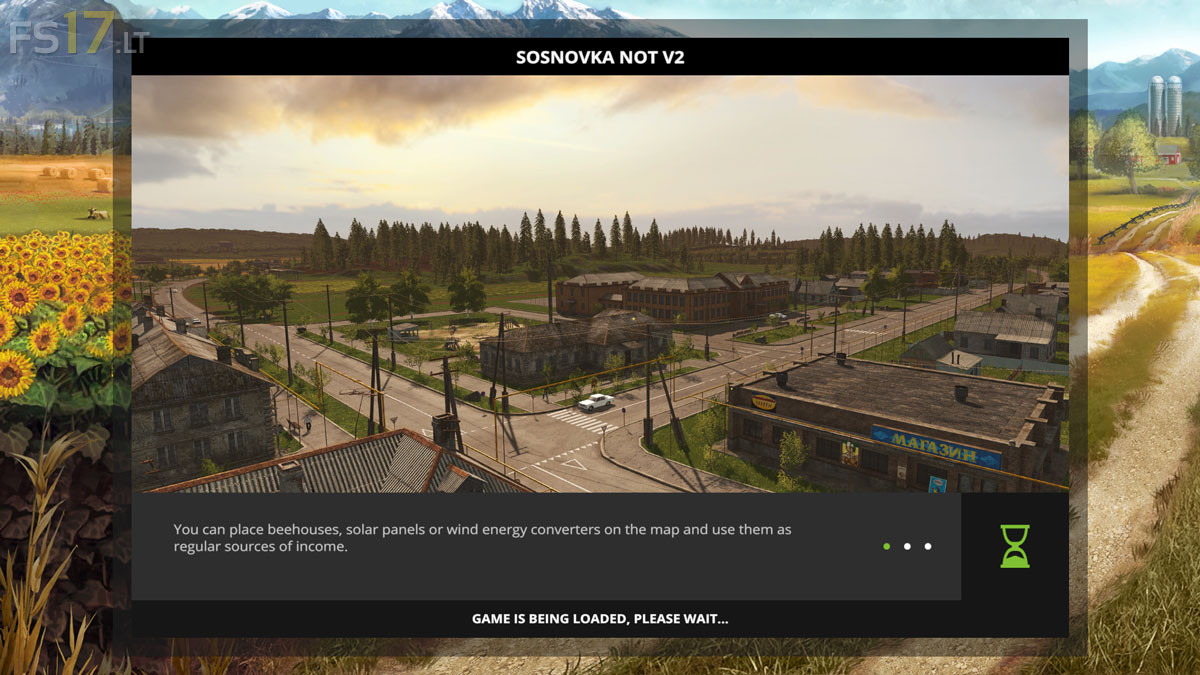
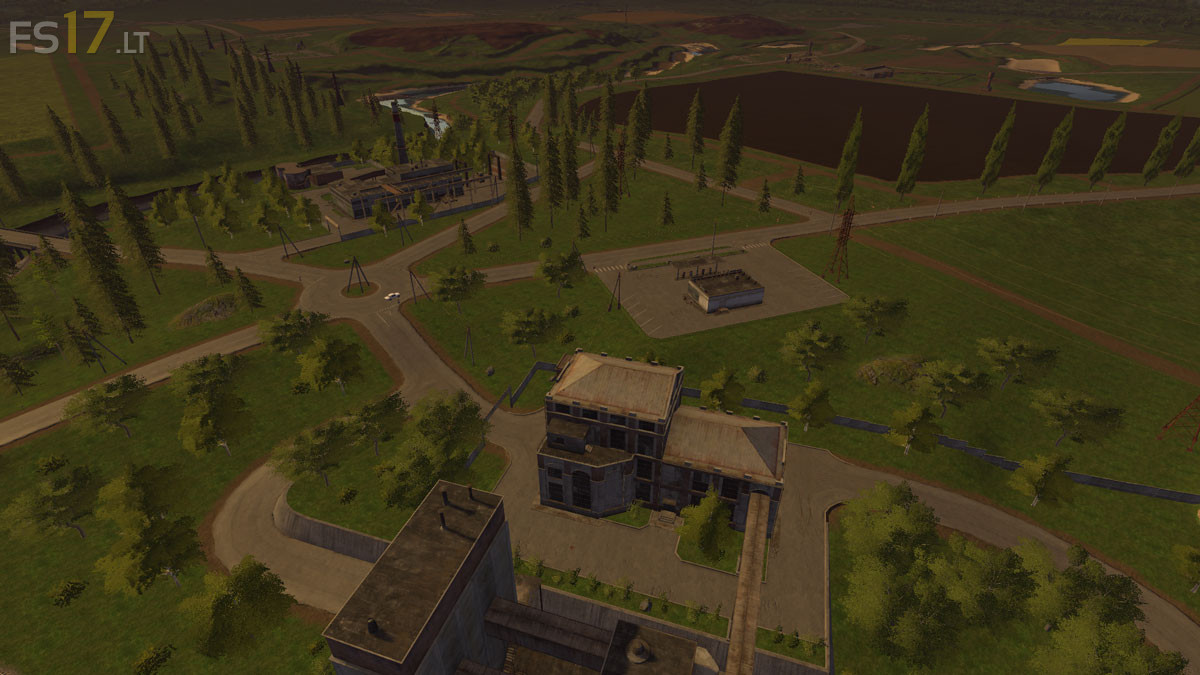
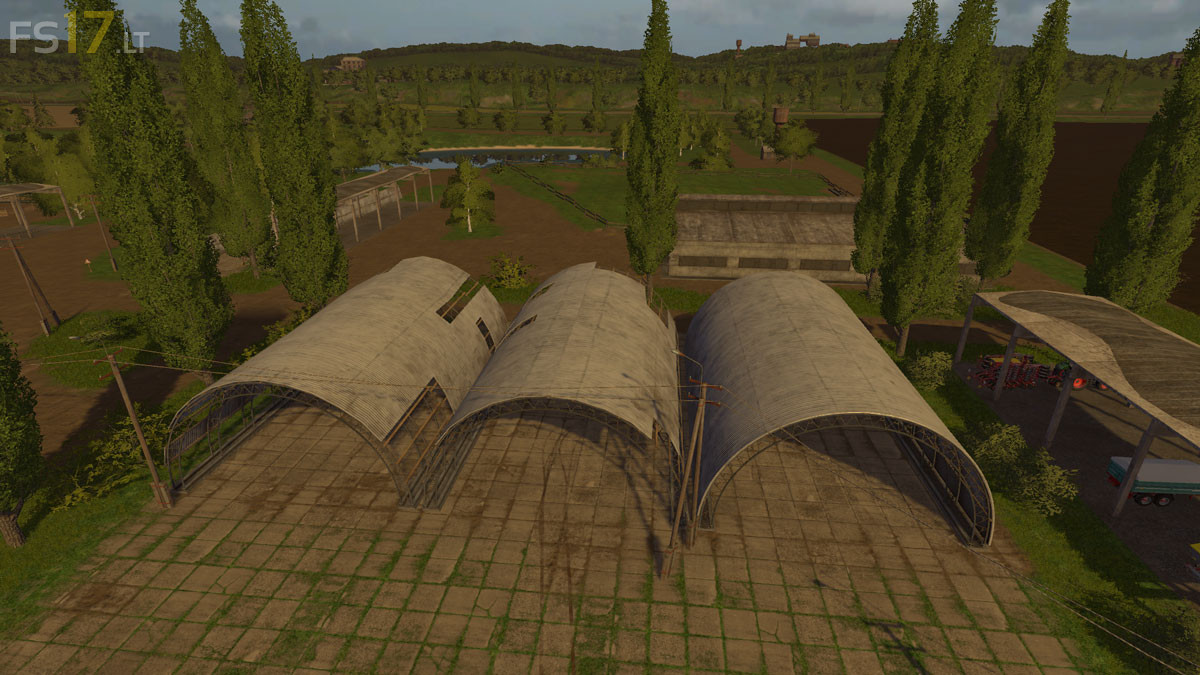
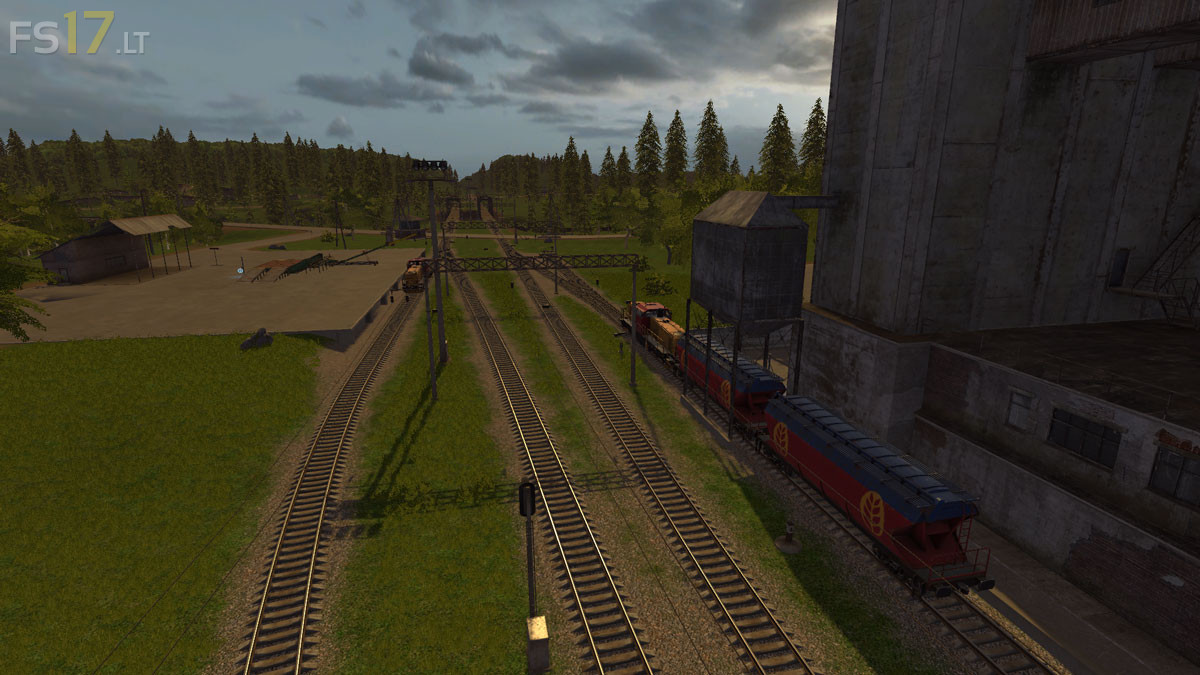
Sosnovka Not Map v 2.0
About the mod:
Version 2.0:
* Now with Chopped Straw, which can be used as a fertilization layer
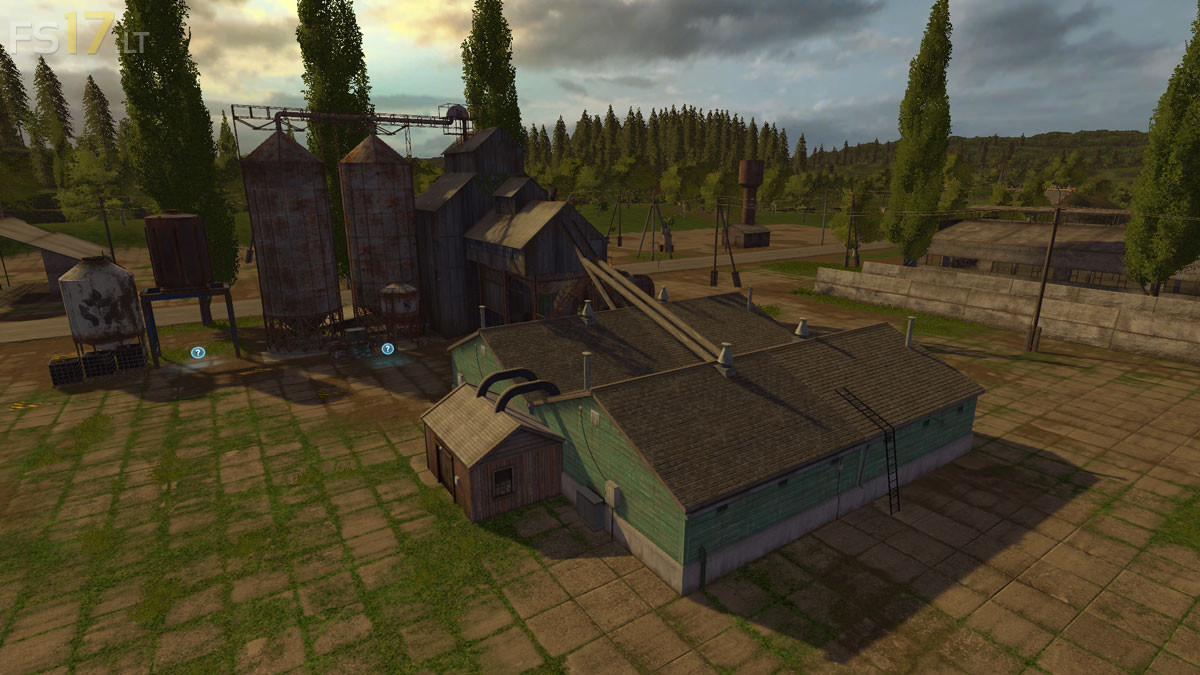
* Fully automatic Silo System which can now store not only grains but straw, grass, hay, silage, chaff and mixed rations.
* Edited more Fields
* Changed some Textures
* Faster AI Traffic
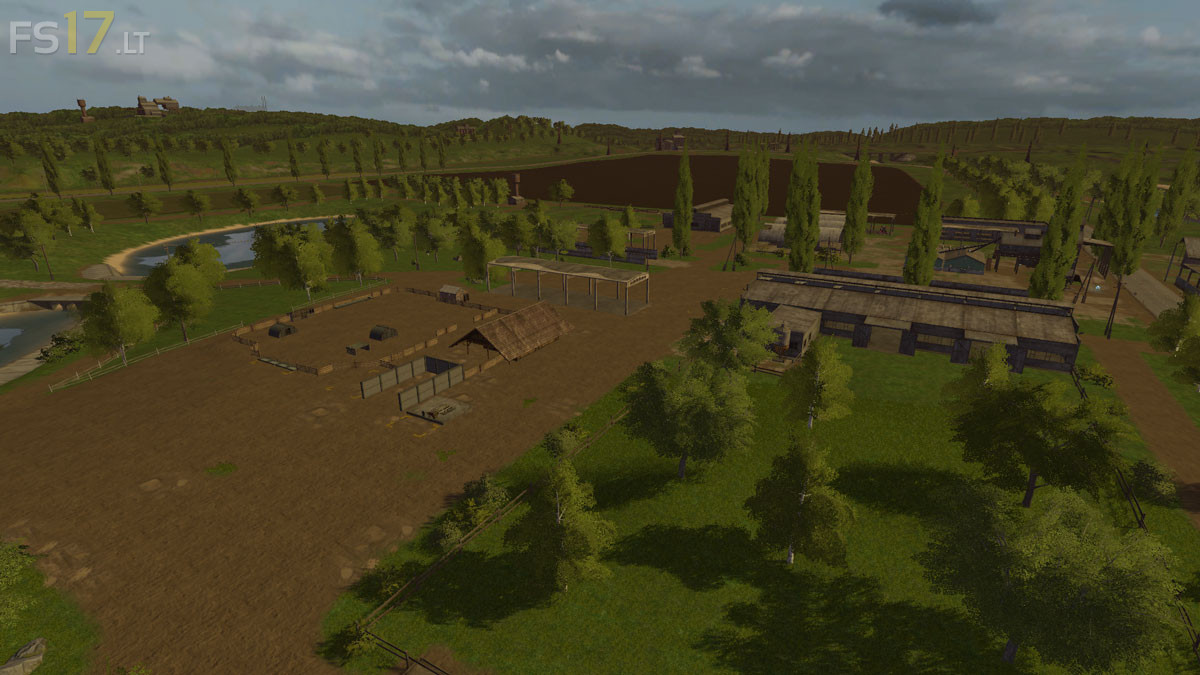
* Moved all Animals to the main Farm, gave you a house to sleep and live in, sleeping in the cow shed was getting old
* Combined several Fields and removed several to make grass meadows
* Added a few Trees
* All new Starter Equipment
Credits:
Giants, Johnny Vee
How to install FS17 mods?
Firstly find a mod which you like and want to download. Then download a mod to your PC. Mods are usually in .zip format file. But sometimes it can be in .rar. If a mod file is a .zip format no needed additional actions. If a file is in .rar, then you must unarchive mod with software like WinRar or Zip7. Windows 10 users no need to use software for archives, Win10 itself has a feature to unarchive files.
The next step is to find mods folder in your PC. Usually, it is in Documents/My Games/Farming Simulator 17/2017. Open the "mods" folder and put downloaded .zip archive or unarchived .rar file to this folder.
Last step. Enjoy of FS17 mods!