

Combine Addon v 1.0.5.0

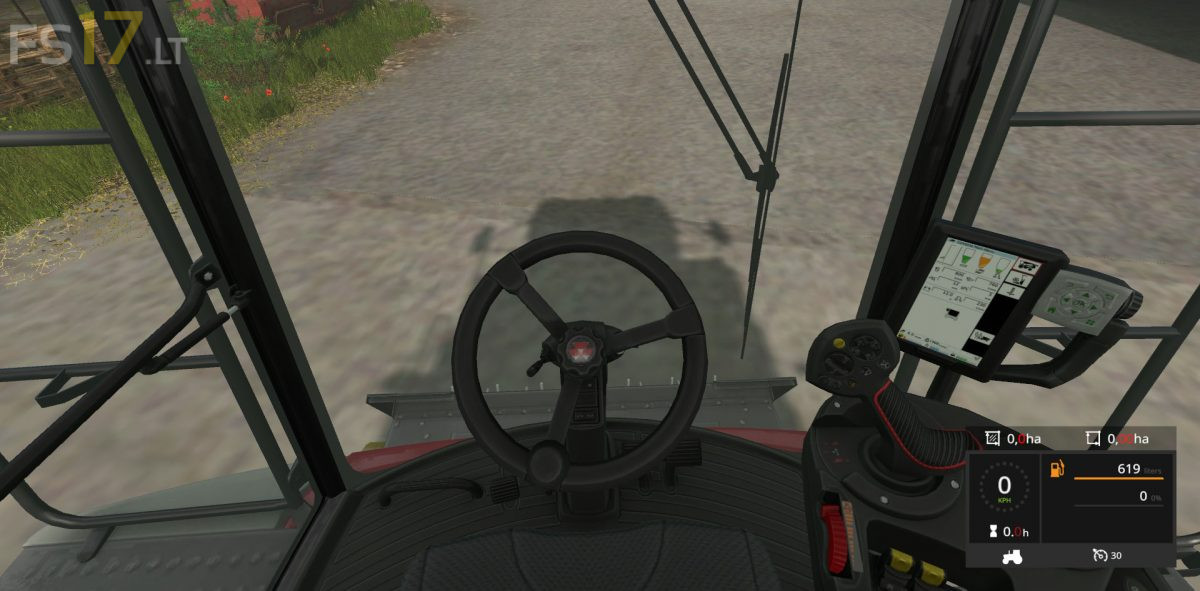
Combine Addon v 1.0.5.0
Additional features and displays for harvesters:
Hectare Counter:
– There is a total hectare counter and a session hectare counter which can be set to zero. The help window will display the threshing performance in hectares per hour (ha / h)
Manual overloading:
– To start or stop the overloading process from the thresher/rootharvester/augerwagon you have to push a button. ATTENTION: If you miss the trailer, your crop will fall on the ground.
– Switch to automatic overload mode (key Alt+End) if you want to disable manual overloading
Automatic Reel Setting:
– When lifting and lowering the cutting unit, the reel is automatically moved downwards or upwards
Fill Level Warnings:
– At a level of 80% of the grain tank or bunker volume, the beacon lights are turned on and a beep is played. The beep is replayed at a fill level of 99%
Version 1.0.5.0:
* PipeUnloading compatible with multiple registered “fillTypeCategories”