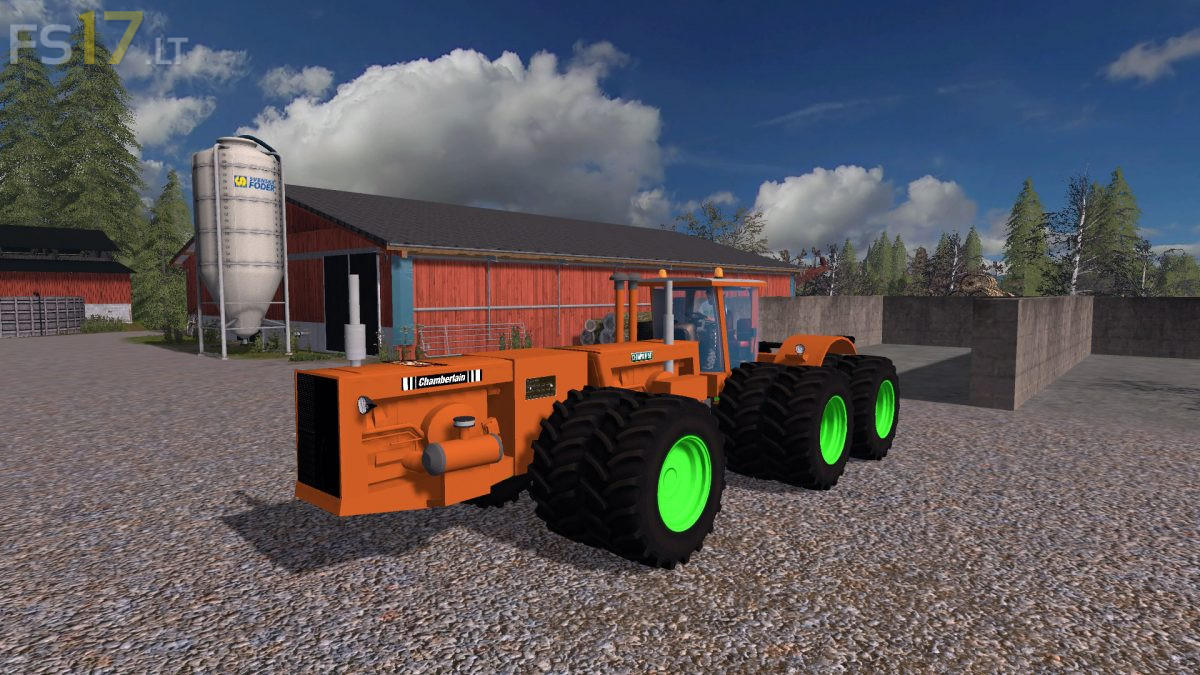
Chamberlain v 3.0



How to install FS17 mods?
Firstly find a mod which you like and want to download. Then download a mod to your PC. Mods are usually in .zip format file. But sometimes it can be in .rar. If a mod file is a .zip format no needed additional actions. If a file is in .rar, then you must unarchive mod with software like WinRar or Zip7. Windows 10 users no need to use software for archives, Win10 itself has a feature to unarchive files.
The next step is to find mods folder in your PC. Usually, it is in Documents/My Games/Farming Simulator 17/2017. Open the "mods" folder and put downloaded .zip archive or unarchived .rar file to this folder.
Last step. Enjoy of FS17 mods!
Terrible.
Poor quality textures and sounds, upside down and backwards facing 1st person camera, and those hideous green rims cannot be changed.
0* mod, do not rcommend.
terrible in real life it does not have 671 horsepower and those green rims are terrible there not real dickhead.