

Missouri River Bottoms Map v 11.0





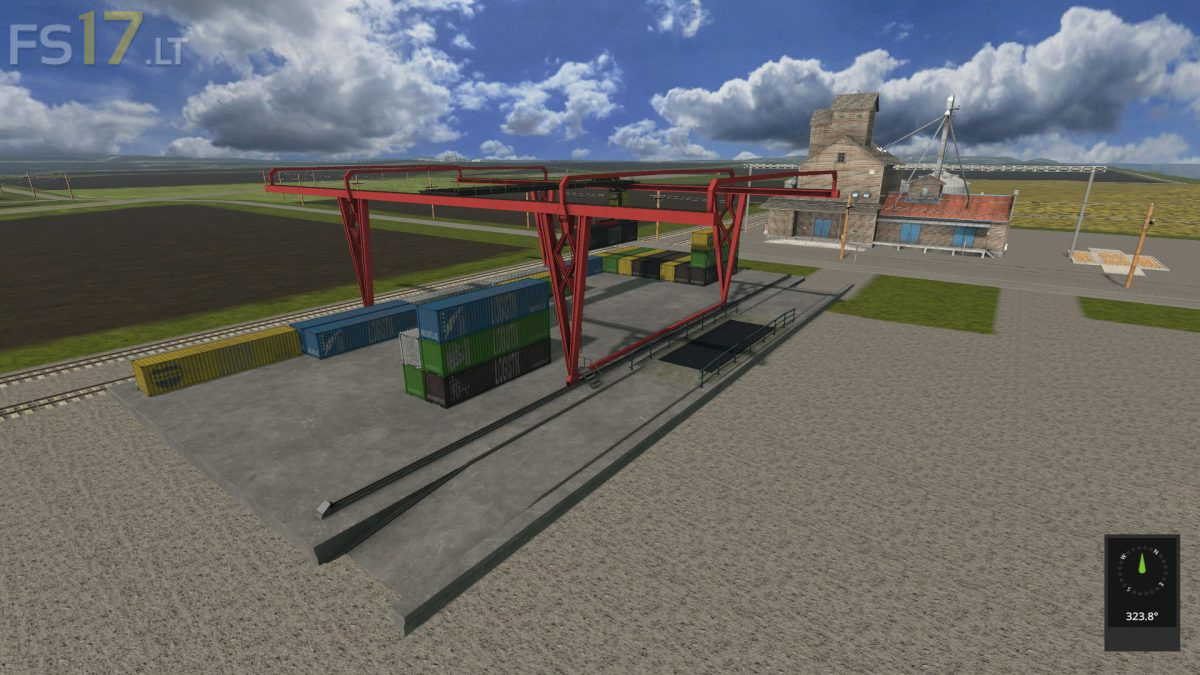
Missouri River Bottoms Map v 11.0
Version 11.0:
* Put in interstate highway so some of the fields has been change
* Has 2 container cranes, they are storages
* Added some traffic to map
* Added new roads
* Fixed the Logistic Center to show all storages now
* Remove the little field behind the TurkeyMast and moved the TurkeyMeat and liver even with mast and down size the interactive trigger so you can put placeables in front and behind the turkeys
* Replace the barges with tugboat and barges look more like what on the Missouri and Mississippi rivers.
* Change the red buildings to white
* Added tobacco and hemp, now it has hemp paper and cigarettes to map
* Added storages for liquids along train line, water, molasses, liquidFertilizer, fuel, sunflower Oil, digestate and Liquid Manure now can be haul in tankers by trains. After you fill train tankers you can stop train where needed and unload in transport tankers to haul to where needed.
* Added the spline trains so signals works better when using locoDrive mod
* Change the triggers at the river ports. River port 1 you load in barge and sendoff with train lever and riverPort 2 you now load and you have to send train off to get the crops to sell
* Added log sell trigger to RiverPort 2
* Fixed the Football and Soccer fields sell triggers so you dump easier
* Removed millet and red cabbage from crop from map, now you will need to get the red cabbage from greenhouse to take to coleslaw factory