

Scania New Gen Pack v 2.0

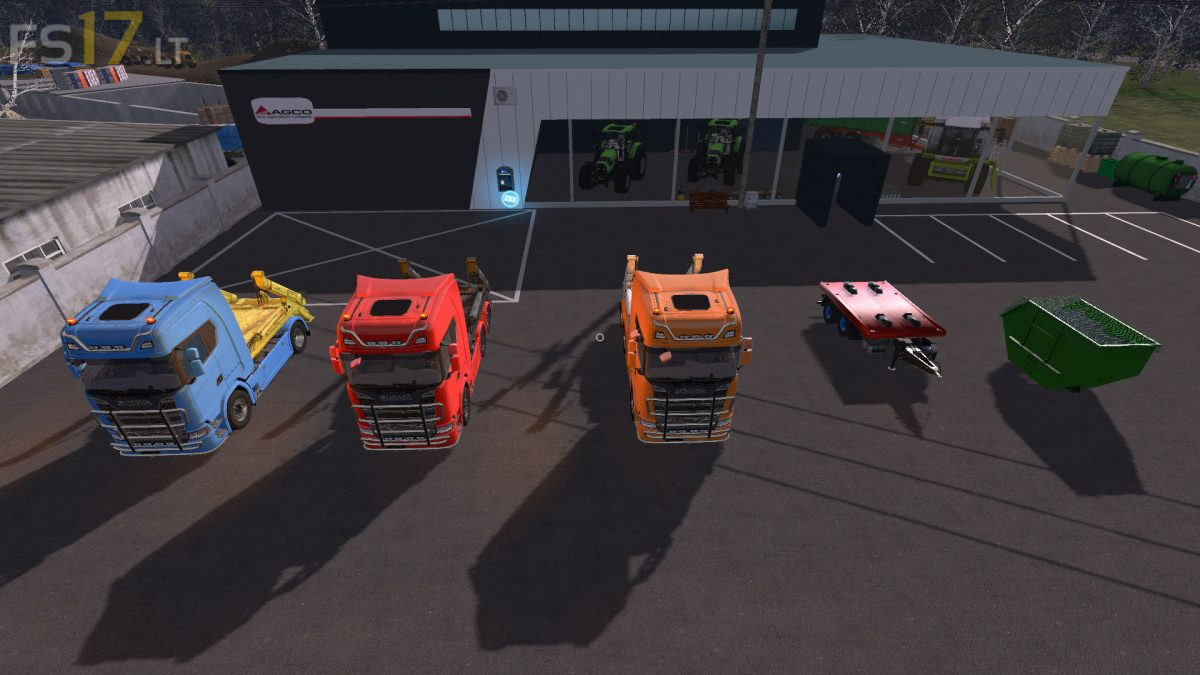
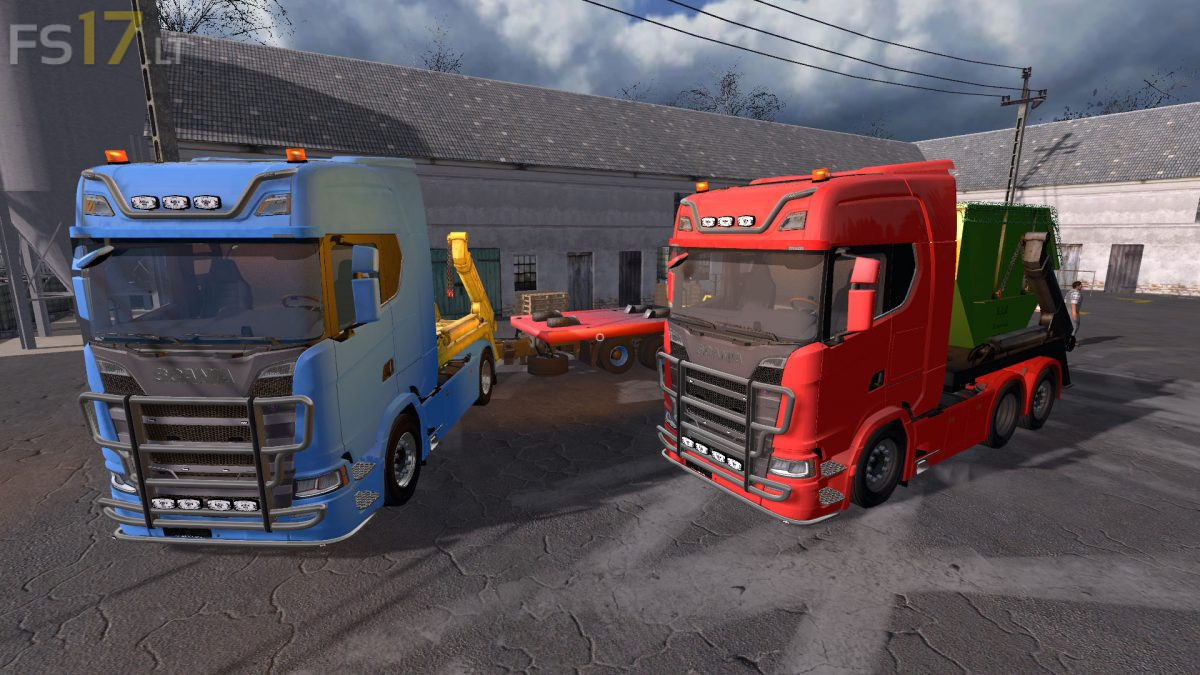
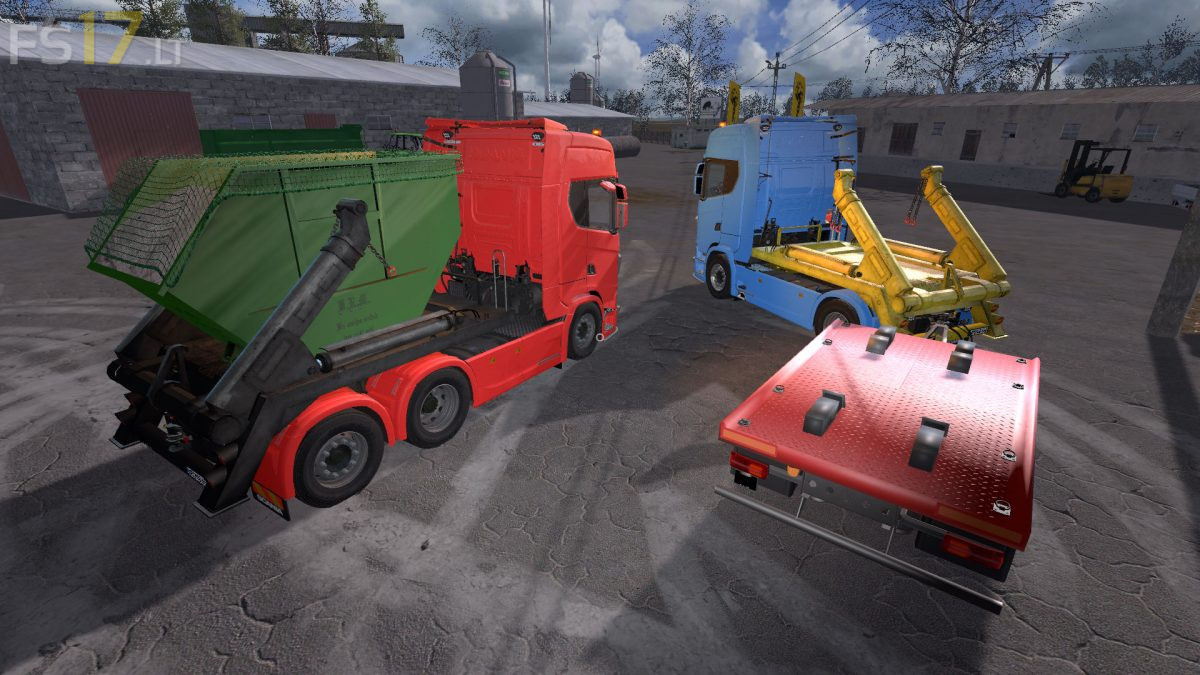
Scania New Gen Pack v 2.0
About the mod:
The Pack consist of:
– Scania New Gen Two Axle Truck
– Scania New Gen Three Axle Truck
– Scania New Gen Helpful Axle Truck
– Tandem Trailer
– Skip Container
Features Truck:
– Engine Setup: 420 hp, 480 hp, 520 hp, 580 hp, 620 hp, 680 hp, 730 hp
– Speed 82 km/h
– Selectable Attachers
– Selectable Rims
– Selectable Skip Add Color
– Choice of Color
– License Plate
– Washable
Features Tandem Trailer:
– Selectable Wheels
– Selectable Rim Color
– Selectable Plate Color
– License Plate
– Washable
Features Skip Container:
– Capacity 22300 liters
– Choice of Color
– Washable
Credits:
BR Mod Performance
ne se trouve pas dans les mode ? le lien et pas bon.