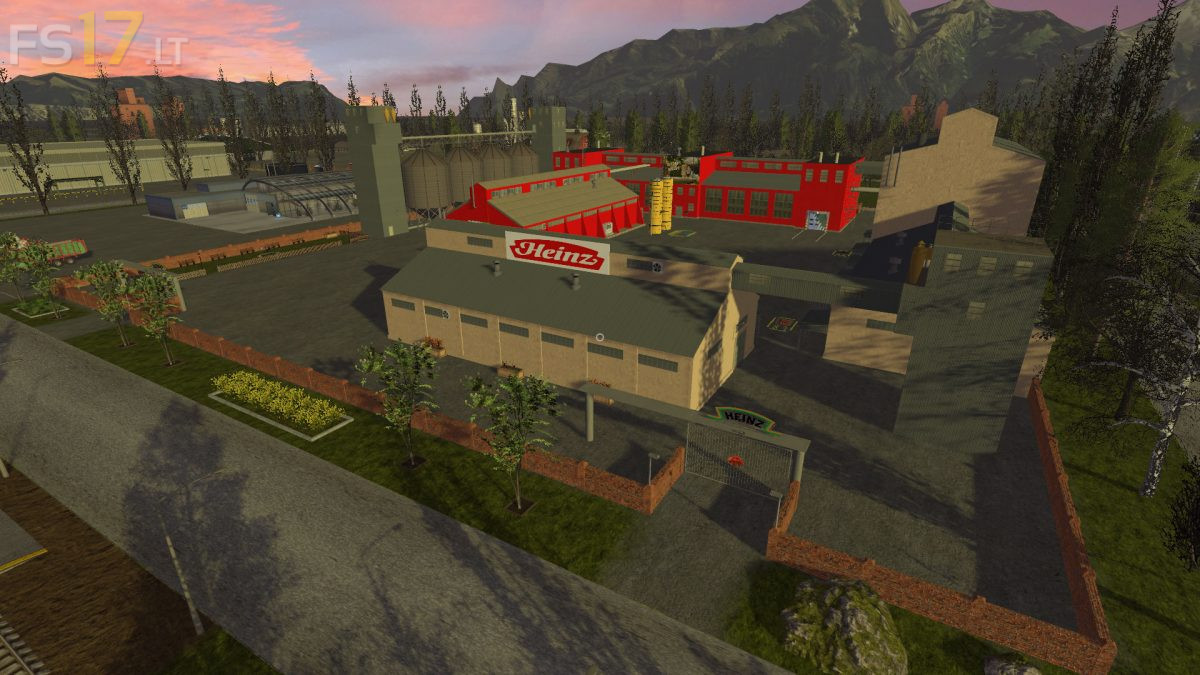
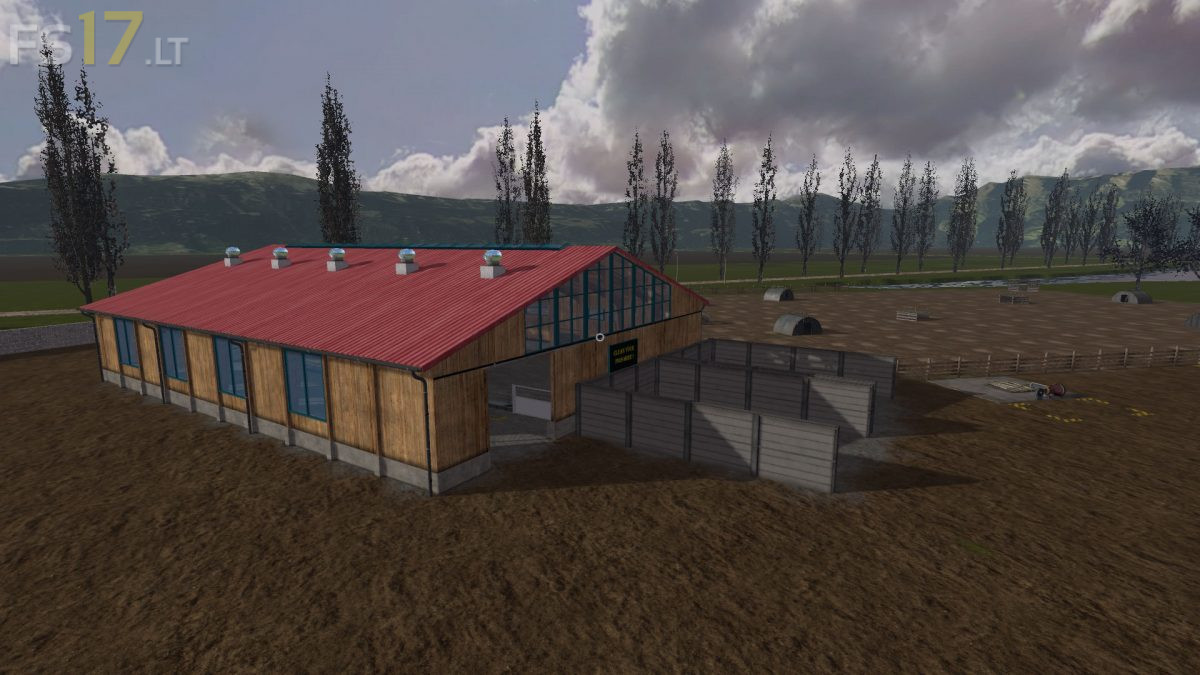
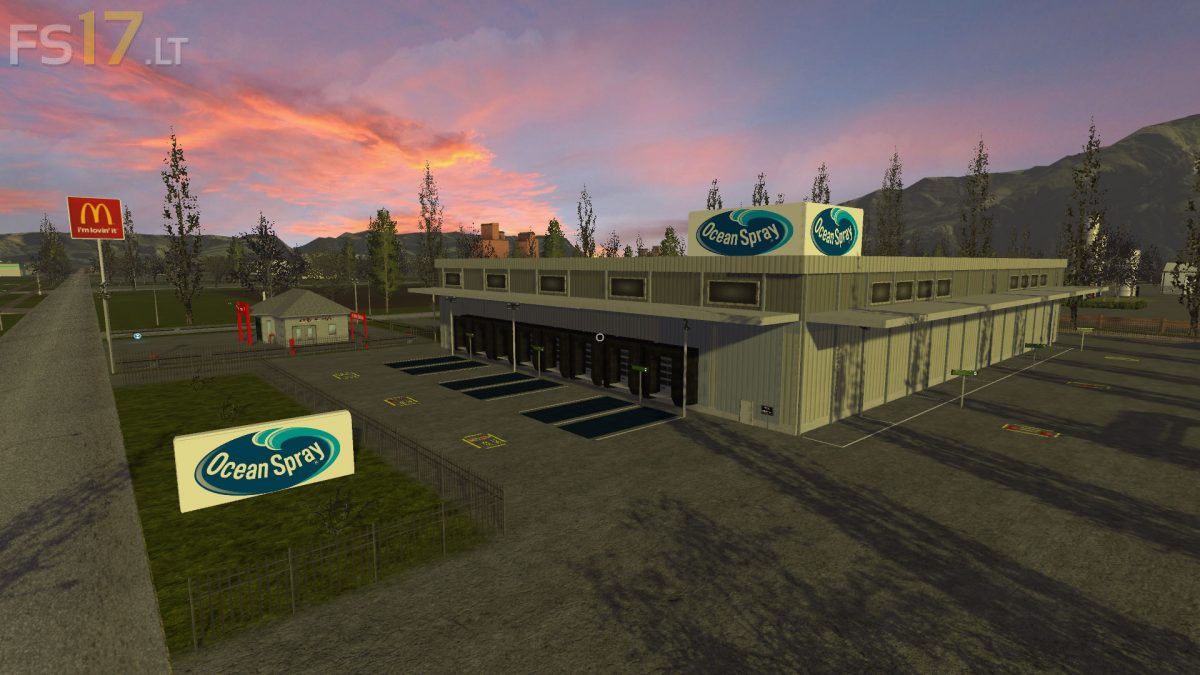
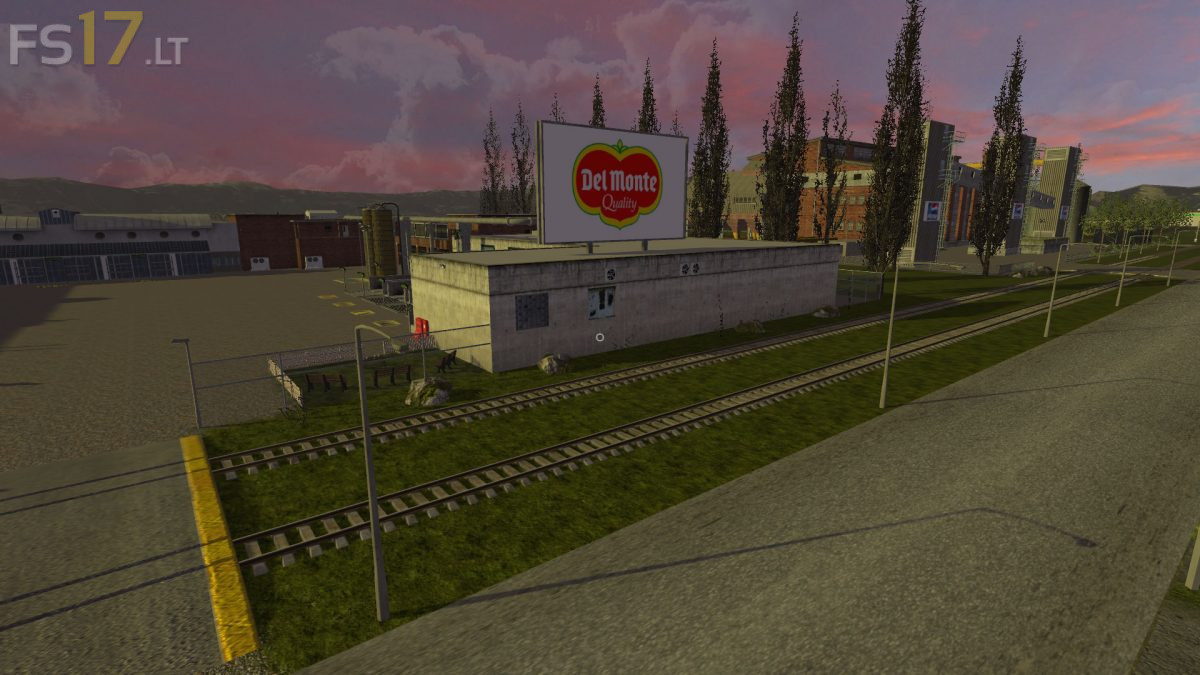
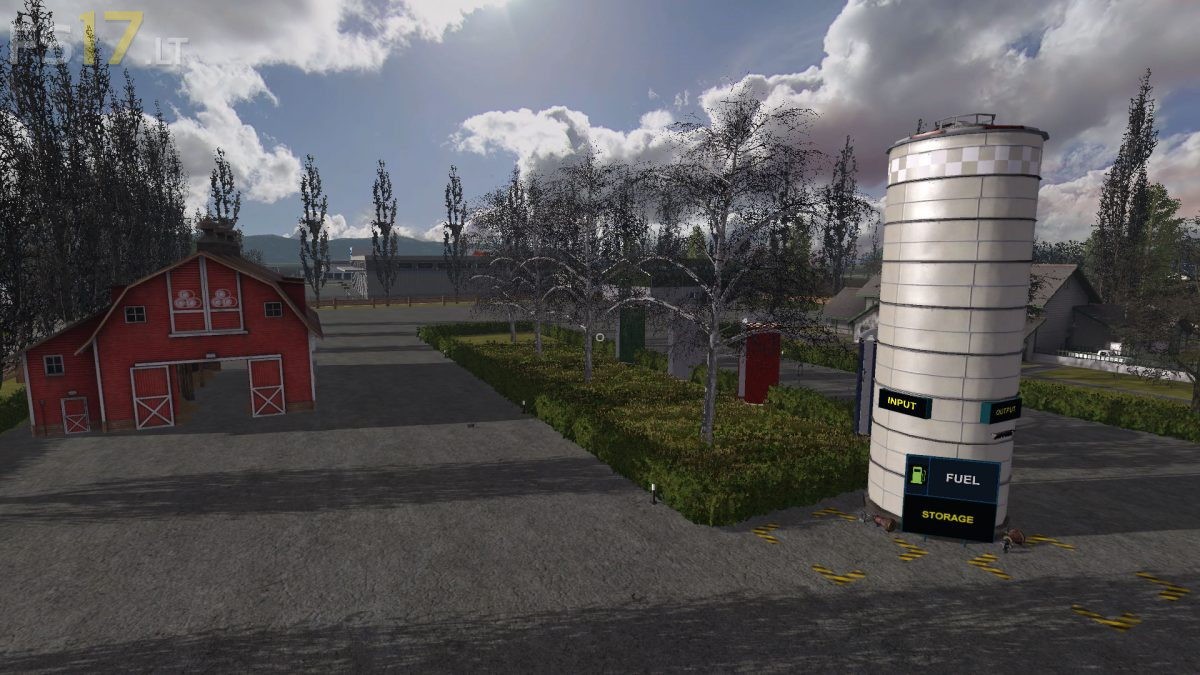
Factory Farm Map v 1.4.2

FS19 mods

About the mod:

Version 1.4.2:
* Added Additional Field Fruits: Oat, Rye, Spelt, Tobacco, Triticale, Millet, Onion, Hops, Lettuce, Red Cabbage, Carrot, Hemp, Cotton, Cabbage, Orchards, Plum, Pear, Orange, Apple, Cherry, Coffee Beans

Credits:
Nightcop34

How to install FS17 mods?

Firstly find a mod which you like and want to download. Then download a mod to your PC. Mods are usually in .zip format file. But sometimes it can be in .rar. If a mod file is a .zip format no needed additional actions. If a file is in .rar, then you must unarchive mod with software like WinRar or Zip7. Windows 10 users no need to use software for archives, Win10 itself has a feature to unarchive files.

The next step is to find mods folder in your PC. Usually, it is in Documents/My Games/Farming Simulator 17/2017. Open the "mods" folder and put downloaded .zip archive or unarchived .rar file to this folder.

Last step. Enjoy of FS17 mods!

One thought on “Factory Farm Map v 1.4.2”

  • Neo says:
    2018-10-05 at 15:38

    707+Issues+OMG+what+a+joke,+dude+you+need+to+keep+updating++the+maps,+there+should+be+zero+errors.++if+you+don’t+know+what+your+doing.+you+need+to+find+a+better+hobby+.++LMFAO+707+Iusses.

Leave a Reply

Your email address will not be published. Required fields are marked *